Redstone starts as a way to open a door with a button. A few hundred hours later, players are building calculators, music players and machines that tunnel through mountains on their own. This guide answers how far Minecraft redstone can really go, with 15 machines that actually work, what each one teaches you, and the hard limits every redstone engineer runs into. Details follow Java Edition 1.21 and the Minecraft Wiki unless noted; Bedrock Edition designs can differ.
What makes redstone so powerful?
Redstone is a small set of parts that combine into almost anything. Dust carries a signal, torches invert it, repeaters delay and refresh it, comparators compare and subtract signal strengths and read containers, and pistons, observers, droppers and hoppers turn signals into movement. From those parts you can build every basic logic gate: NOT, OR, AND, XOR and memory latches.
Because you can build logic gates and memory, redstone is Turing complete. That means any calculation a real computer can do, redstone can do too, given enough blocks and enough time. Time is the catch: redstone moves at walking pace compared with a real processor.
The 15 insane redstone machines that actually work
1. A full redstone computer that runs Minecraft
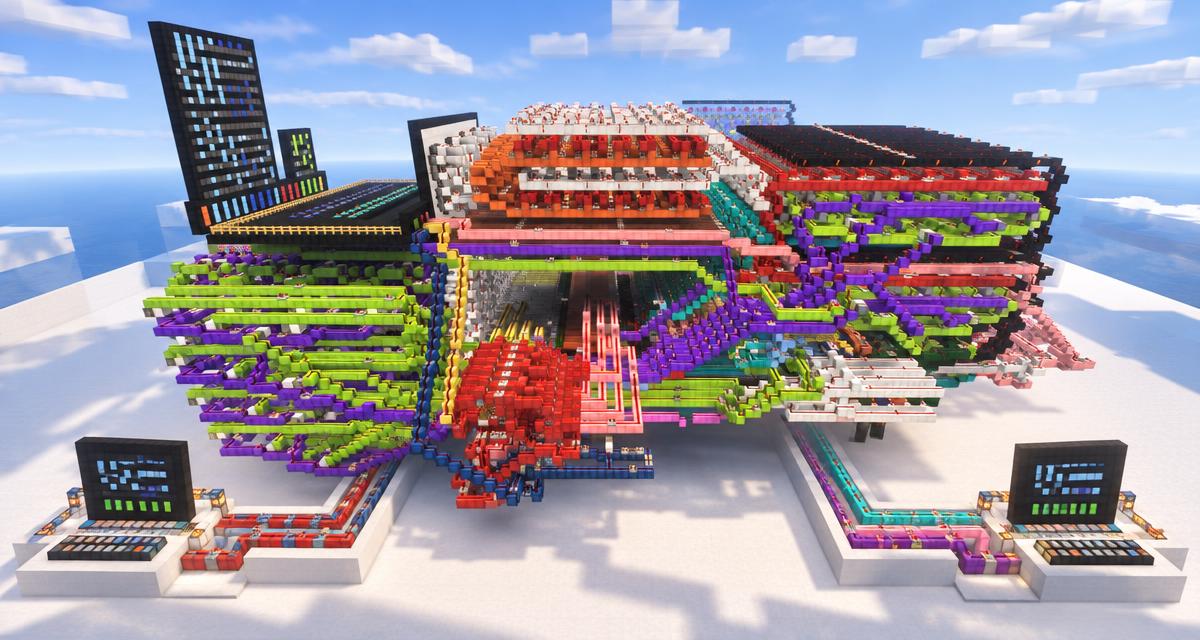
The headline answer to how far redstone can go is a computer built from it. Redstone engineer sammyuri built CHUNGUS 2, an 8-bit redstone CPU with a 1 Hz clock and 256 bytes of RAM that played Tetris, Snake and Connect Four on a 32 by 32 screen. Working with builders Uwerta and StackDoubleFlow, the team later used it to run a small 3D version of Minecraft, with mining, crafting and smelting, inside Minecraft. It used no mods, command blocks or data packs, though it was run on a high-performance redstone server called MCHPRS so it could play at a usable speed. Minecraft.net covered the project in its Minecraftception article.
What it proves: redstone is limited by speed and scale, not by what it can calculate.
2. Redstone calculators and ALUs
Long before full computers, players built adders, multipliers and arithmetic logic units (ALUs) from XOR and AND gates. A basic binary adder is a great first project: it turns lever inputs into lamp outputs and teaches carry logic. Larger builds add division, memory and number displays made from redstone lamps.
3. Playable games: Tetris, Snake and Pong
Redstone lamp screens and piston-driven block displays let players build real games. Simple examples like a reaction timer, tic-tac-toe or a memory game fit in a survival world; Snake and Tetris need much more space for screen memory and control logic. Use the Pixel Art Generator to plan the screen layout before you wire it.
4. Flying machines
A flying machine uses slime or honey blocks, observers and sticky pistons to push itself forward in a loop. Once started, it travels in a straight line until it hits a block, carrying anything attached to it. Players use them to clear land, build bridges, move farms and even make simple rideable vehicles. Slime and honey blocks do not stick to each other, which lets you build two-way machines that return home.
5. World eaters and tunnel bores
Tunnel bores and world eaters are giant flying machines that destroy blocks as they move. In Java Edition many designs use TNT duplication, a long-standing behavior Mojang has not removed, to blast through stone automatically. They can strip entire areas down to bedrock for perimeters and mega-projects. Check your server rules first, since many servers ban them because of lag. Premium members can use the Perimeter and World-Eater Planner for chunk-aligned corners and block totals.
6. Massive hidden piston doors
A 2 by 2 piston door is a beginner project. A flush 5 by 5 or larger door that slides into walls, floor and ceiling and leaves no trace is an advanced engineering challenge, because pistons must fire in a precise order and retract blocks in reverse. Record-chasing builders compete on size, speed and how small the redstone footprint is. Our guide to 25 Minecraft secret rooms shows simpler hidden entrances that pair well with a big door.
7. Combination locks and vaults
Comparators can read item frame rotations, lectern pages and container fill levels, which makes them perfect hidden keys. A vault can require the right item frame angle, the right lectern page and a pressure plate at the same time before the door opens. Add a latch so the code resets after each use.
8. Fully automatic item sorters and storage
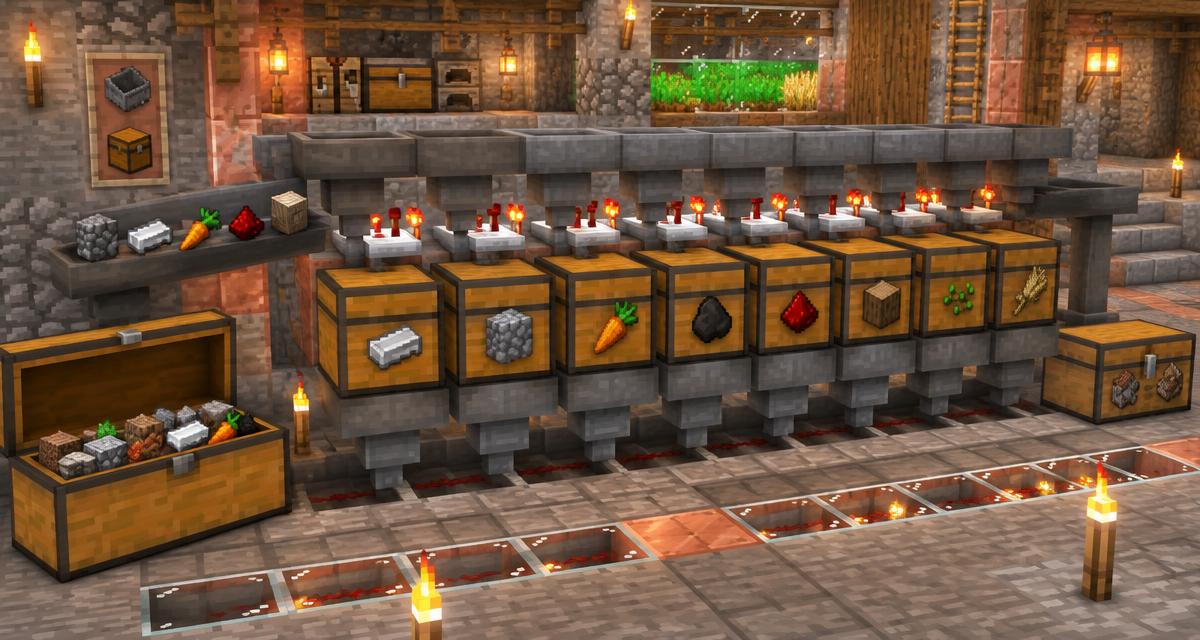
A hopper and comparator sorter reads how many items sit in a filter hopper and only lets matching items through. Chain dozens of these slices and every item you dump into one chest ends up in the right place, with overflow protection. Large storage halls add bulk sorting with shulker box loaders and unloaders. Plan one with the Item Sorter Designer and the Storage System Planner, and follow our item sorter build guide.
9. Auto-crafting factories with the Crafter
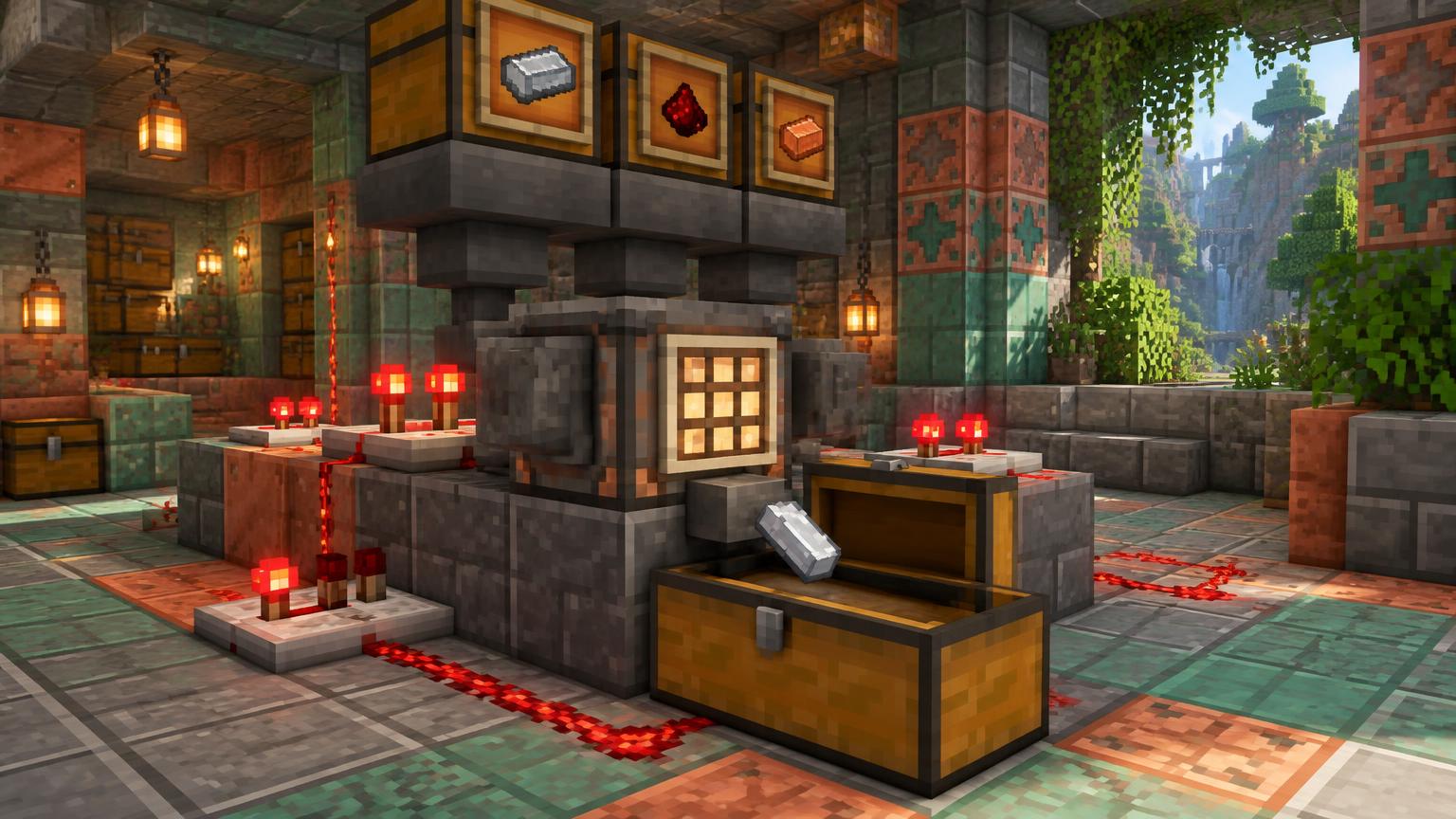
The Crafter block, added in 1.21, crafts a recipe each time it receives a redstone pulse. Feed it with hoppers, lock slots to set the recipe and you get automatic production lines, such as iron blocks from an iron farm or compact storage of farm output. Chained Crafters can turn raw materials into finished items with no player input. See the Crafter auto-crafting guide for recipes and layouts.
10. Super smelters
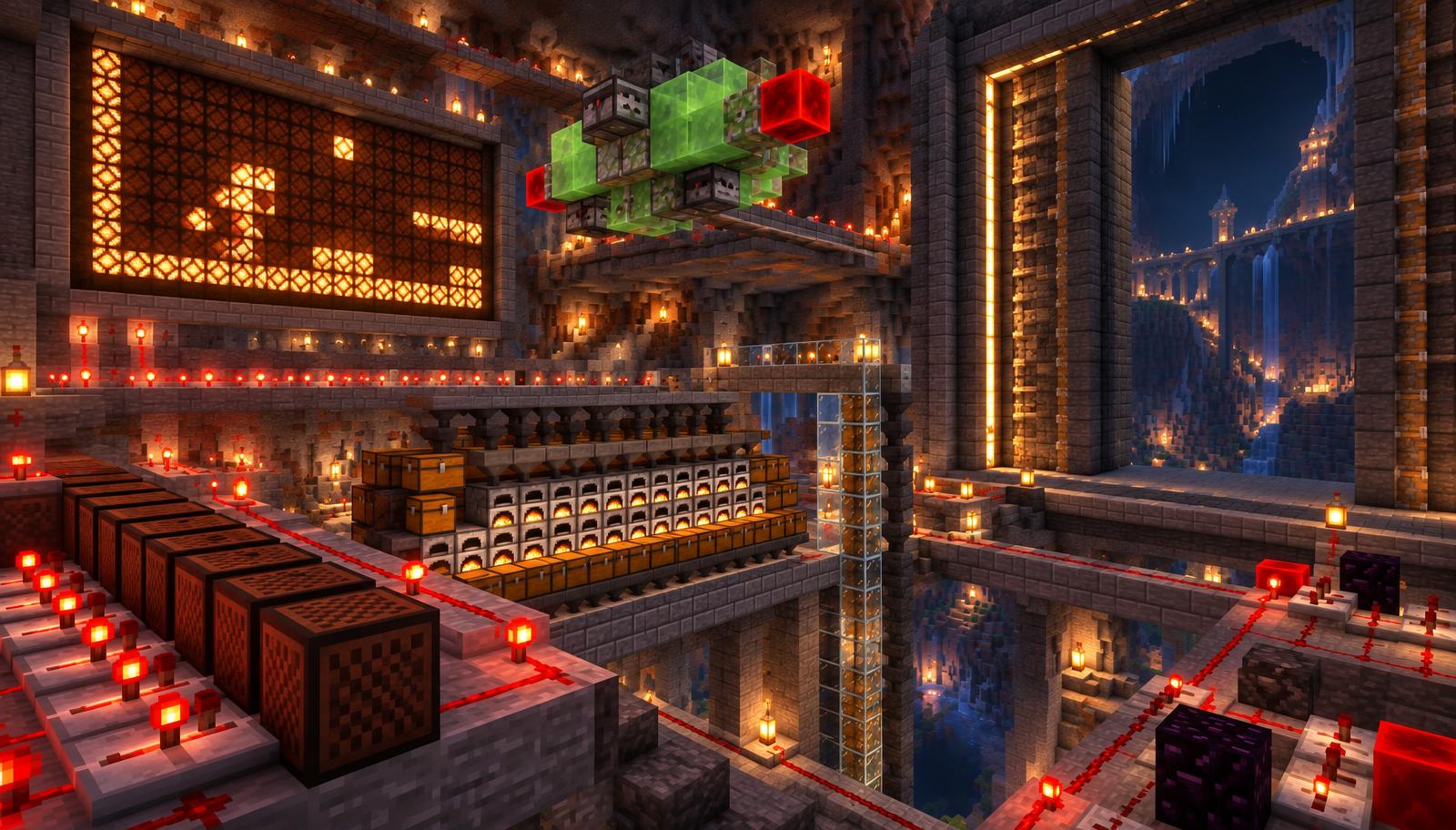
A super smelter spreads a chest of ore or food across many furnaces at once, using hopper minecarts or hopper lines, then collects the output into one chest. A 16 or 32 furnace array cuts smelting time for a stack from minutes to seconds. Premium members can size fuel and throughput with the Super Smelter Optimizer.
11. Wireless redstone with sculk sensors
Sculk sensors detect vibrations up to 8 blocks away and output a redstone signal, and calibrated sculk sensors (1.20) only react to a chosen vibration frequency. That lets you send signals through walls with no wire, build secret triggers and chain sensor relays across distance. It is the closest vanilla redstone gets to a wireless network, which our article on building an internet inside Minecraft explores in depth.
12. Note block music players
Note blocks play 25 pitches each, and the block underneath changes the instrument. Wire them to repeater chains and you get a player piano that plays full songs, with several tracks running in parallel for harmony and drums. Repeater delays set the tempo, so timing is everything. Work out the delays with the Redstone Clock Calculator.
13. Random number generators and casinos
A dropper fires a random item from its filled slots. Fill one slot with a special item and the rest with others, then read the output with a comparator, and you get a random result. Players build dice, roulette wheels, loot boxes and minigames this way, often as server attractions.
14. Elevators and automatic transit
Piston and slime elevators can carry players vertically, and minecart networks with detector rails, powered rails and switch logic can route players to the right station automatically. Combine them with Nether Portal Calculator planning and you can link far-off bases through a fast Nether hub.
15. Automatic farms that run themselves
Observers watching sugar cane, kelp or bamboo trigger pistons the moment crops grow, and hopper lines collect the drops. Mob farms use redstone to kill and collect, and some farms auto-sort the loot. These are the redstone machines most players actually depend on every day. Plan output with the Mob Farm Planner and the Iron Farm Planner, and troubleshoot stalls with our guide to farms that stop working.
The hard limits of Minecraft redstone
Redstone can compute anything, but these practical limits decide what you can actually build and use.
- Speed: the game runs 20 game ticks per second and a redstone tick is 2 game ticks, so a redstone clock tops out around 10 updates per second. Big computers run at 1 Hz or slower.
- Signal range: dust carries a signal 15 blocks before it fades, so long lines need repeaters every 15 blocks.
- Push limit: a piston moves at most 12 blocks, which caps flying machine and door size.
- Chunk loading: redstone only runs in loaded chunks. Since Java 1.20.5 spawn chunks are controlled by the spawnChunkRadius game rule, which defaults to 2.
- Lag: thousands of hoppers, entities and fast clocks lower the server tick rate and can make timing break.
- Edition differences: Java has quasi-connectivity and specific piston timing; Bedrock behaves differently, so the same design may fail when copied.
Redstone machines compared at a glance
- Redstone computer: extreme difficulty, proof of concept, months of work.
- Calculator or ALU: hard, great for learning binary logic.
- Flying machine: medium, useful for clearing land and building.
- World eater: very hard, Java designs often rely on TNT duplication.
- Large piston door: hard, timing and sequencing challenge.
- Item sorter: medium, one of the most useful survival builds.
- Crafter factory: medium, needs 1.21 or later.
- Super smelter: easy to medium, huge time saver.
- Sculk wireless link: easy to medium, needs 1.19 or later, calibrated sensors need 1.20.
- Note block music player: medium, needs precise timing.
How to build your first insane redstone machine
- Pick one machine you will actually use, such as an item sorter or a super smelter, not a full computer.
- Check that the design matches your edition and version, especially for pistons and observers.
- Sketch the circuit in the Redstone Circuit Designer and work out delays with the Redstone Clock Calculator.
- Build a test copy in a creative world, run it for several minutes and watch for timing drift.
- Build it in survival near where you spend time, so its chunks stay loaded, and label inputs and outputs with signs.
- Share or back up the build as a schematic and inspect it with the Schematic Viewer.
Sources and further reading
- Minecraft.net, Minecraftception (CHUNGUS 2 and Minecraft in Minecraft): https://www.minecraft.net/en-us/article/-minecraftception
- Minecraft Wiki, Redstone circuits: https://minecraft.wiki/w/Redstone_circuits
- Minecraft Wiki, Redstone computer: https://minecraft.wiki/w/Redstone_computer
- Minecraft Wiki, Flying machine: https://minecraft.wiki/w/Flying_machine
- Minecraft Wiki, Piston: https://minecraft.wiki/w/Piston
- Minecraft Wiki, Sculk Sensor: https://minecraft.wiki/w/Sculk_Sensor
- Minecraft Wiki, Calibrated Sculk Sensor: https://minecraft.wiki/w/Calibrated_Sculk_Sensor
- Minecraft Wiki, Crafter: https://minecraft.wiki/w/Crafter
- Minecraft Wiki, Tick: https://minecraft.wiki/w/Tick
- Minecraft Wiki, Note Block: https://minecraft.wiki/w/Note_Block
- MCHPRS high-performance redstone server: https://github.com/MCHPR/MCHPRS
Build bigger redstone with MineBuildr Premium
If this list made you want to build something huge, MineBuildr Premium gives you the planning tools serious redstone engineers use. Design and time clocks with the Redstone Clock Designer, map container fill levels to exact signal strengths with the Comparator Signal Studio, size furnace arrays with the Super Smelter Optimizer and find what is lagging your server with the Server Lag Diagnoser. Compare plans on the pricing page.
Give your next ambitious build a better workflow
A dependable network starts with a clear plan. Keep the surrounding build organized with Premium, from the first terminal room to your next server project.
- Saved Workshop projects to return to as your design evolves
- Priority AI generation for build concepts and material planning
- Supported schematic and HD / 4K exports
- Advanced server tools for configuration and permissions
Compare current prices and billing options before checkout. Features depend on the tool and export format. Premium does not provide internet connectivity or certify redstone circuits. Core tools remain free. Review the Terms and Refund Policy.