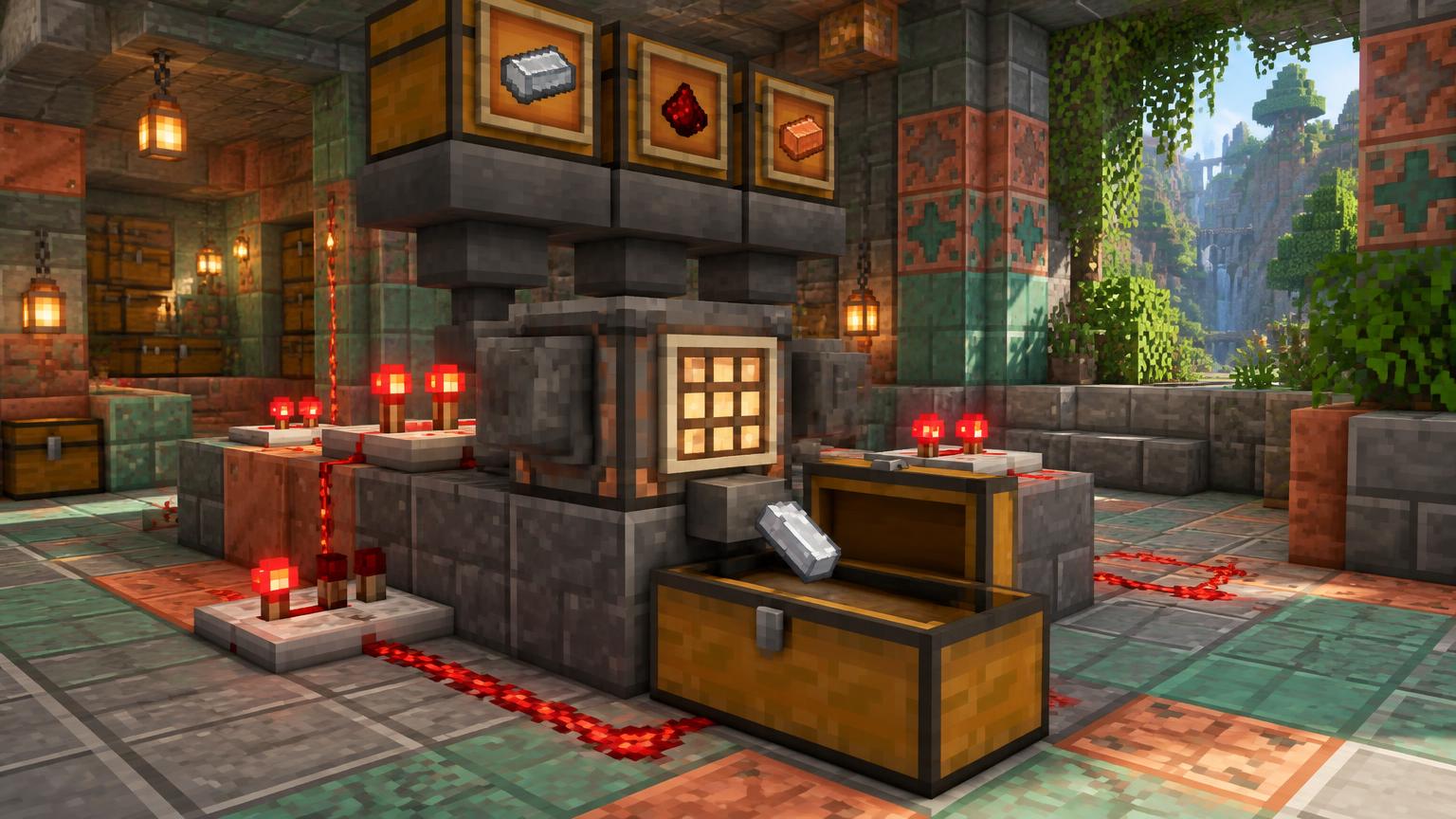
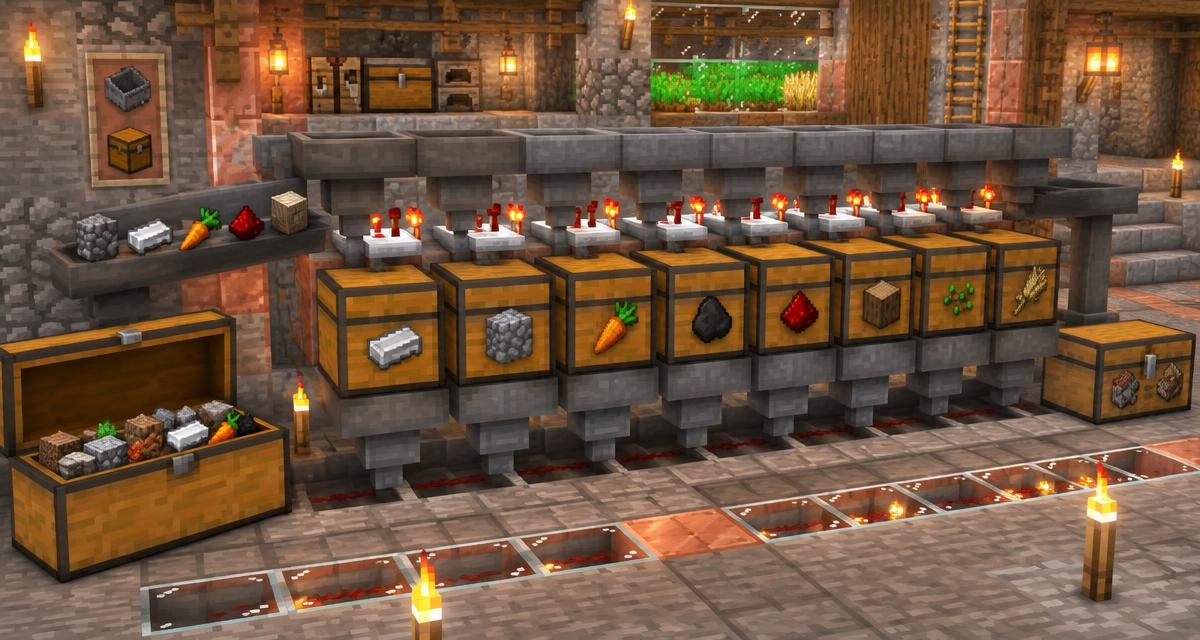
A mixed chest after mining or a farm run is easy to fill and tedious to empty. A Minecraft item sorter lets the same input line send iron to one chest, stone to another and unexpected drops to an overflow chest. This guide explains the standard hopper filter, what the often-quoted 41-item number actually means, and how to test a small system before expanding it. If you want to budget the whole room first, open the Item Sorter Designer alongside this guide.
What an item sorter does — and what it cannot do
A standard sorter is not a magic chest that recognizes every item. Each filter hopper reserves four slots for filler items and one slot for a particular target. Its input line passes items over a row of identical modules; only matching items fit into each module's filter. The remaining items continue to an overflow chest. The Minecraft Wiki hopper tutorial documents the classic two-hopper filter and distinguishes overflow-protected designs from simpler filters that can spill into neighbors.
Use this design for bulk stackable materials such as cobblestone, iron ingots, carrots and bones. Swords, armor, tools and other non-stackables need a different sorting approach. Items with a maximum stack size of 16 also need a different filter count and circuit calibration; 41 is not a universal recipe.
Materials and layout for one sorting lane
Plan on an input chest or water-stream feed, a horizontal hopper line, one filter hopper and one extraction hopper per item type, a comparator behind each filter, redstone to lock and unlock the extraction hopper, and an output chest below. Add an overflow chest at the line's end. The exact count of solid blocks, dust, torches and repeaters varies with the tileable circuit you choose, so sketch your rows and use the Item Sorter Designer for a material estimate before crafting in bulk.
A hopper is crafted from five iron ingots and a chest. Minecraft's official hopper guide explains that a hopper can pull from above, deposit into the container its spout points toward, and stop transferring when powered. A comparator reads how full a container is; Mojang's comparator guide explains its direction and signal behavior.
Build a test module before the full storage room
- Place an output chest and point an extraction hopper into it. Keep this hopper normally locked by your redstone circuit so it does not drain the filter's reserved items.
- Place a filter hopper above the extraction hopper, but point the filter hopper sideways into a solid block or into open space, not into the chest or another inventory. Its job is to retain the filter while the hopper below pulls the matching surplus.
- Run an input hopper above the filter hopper toward the next module or the overflow chest. Check every spout: an input line pointing straight into storage bypasses the filter.
- Place a comparator so its rear reads the filter hopper and its front sends the signal into your filter circuit. Wire the circuit to unlock the lower hopper only when the comparator detects an extra matching item. Use an overflow-protected, tileable circuit if modules will sit side by side.
- Load the filter hopper with 41 target items in slot one and one renamed filler in each of slots two through five. Use a filler name and item type you will never send down the input line.
- Drop a few target items and then a different stackable item into the input line. Target items should arrive in the output chest; unrelated items should reach overflow. Inspect the filter again: its 41 target items and four fillers should still be there.
Why 41 items? The comparator threshold explained
A comparator measures fullness across all five hopper slots, not the name of the item. The four filler items occupy their slots so other ordinary items cannot enter them. In a correctly configured overflow-protected filter for 64-stack items, the 41 target items and four fillers establish the resting signal; one additional target item raises the signal enough for the circuit to release the extraction hopper. The lower hopper then removes the surplus until the signal returns to its resting level. This is why a wrong item does not sort just because the comparator is on. See the Minecraft Wiki's item sorter diagram and explanation for the wiring, not just the inventory numbers.
The wiring matters as much as the inventory. A comparator alone cannot choose an item type, and copying 41/1/1/1/1 into a filter connected to the wrong output will still fail. Neighboring modules also need overflow protection so one full destination chest does not accidentally unlock the next filter.
Expand to a multi-item storage system
- Start with two lanes: choose two common 64-stack items and give each its own filter and output chest.
- Continue the input hopper line across both filter hoppers. Add a final chest for items that match neither filter; never leave the line ending over the floor.
- Feed small mixed batches and check every destination, including overflow. Then test a full destination chest to make sure neighboring filters retain their reserved items.
- Only after the test works, repeat the proven module for more item types. Label the chests and leave access behind the comparators for maintenance.
An automatic sorter is most valuable when paired with a reliable input. Feed a mob farm into a few high-volume lanes, or place storage after a Crafter setup so outputs stay separated. Use the Storage System Planner to work out chest banks and overflow space before building a long wall.
Why is my Minecraft item sorter not working?
- Everything goes to overflow: verify that the target slot contains the correct item and that the input hopper passes over the filter hopper rather than pointing around it.
- Filter items disappear: the lower hopper may be permanently unlocked, or the filter hopper points into an inventory. Recheck the locking circuit and hopper spouts.
- Items land in the wrong chest: the input line, filter or extraction hopper may face the wrong way; inspect the narrow spout of each hopper from the side.
- A neighbor's filter breaks when a chest fills: the circuit may not be overflow-protected. Stop feeding the line, clear any contaminated filters and switch to a protected tileable layout.
- Only a few items pass through: a hopper may be locked by an unintended nearby redstone signal or its destination may be full.
- A sword or tool stays in overflow: standard stackable-item filters cannot distinguish individual non-stackables. Route those items separately.
Java versus Bedrock and version notes
Hoppers and comparators exist in both Java and Bedrock, but redstone timing and compact wiring can differ. Do not copy a Java-only torch layout into Bedrock without testing it. The Bedrock Wiki's stackable sorting reference explains filter slots, the locked extraction hopper and Bedrock-specific designs. In either edition, test one lane with a mixed batch and a full output chest before cloning it. This guide describes the conventional stack-of-64 filter rather than promising a universal circuit for every edition and item.
Sources and next step
For the underlying mechanics, consult Minecraft's official hopper article, Mojang's comparator explanation, the Minecraft Wiki sorter tutorial and the Bedrock Wiki sorting guide. They explain why a working build needs both the right filter inventory and the right circuit. Map the number of lanes, chests and overflow destinations in the Item Sorter Designer, then test one module in your world before scaling it up.