Yes, you can create a working network inside Minecraft: redstone circuits can encode, transmit and receive information between in-world devices. But vanilla redstone cannot independently browse the real internet. To fetch websites, display live online data or communicate with a real-world service, you need a mod, server plugin or external software bridge. A Minecraft network and an internet-connected Minecraft world are related ideas, not the same achievement.
That distinction makes this question more interesting, not less. A lamp that receives a message from another room is already a communication endpoint. Add addressing, memory and agreed message rules, and you have the ingredients for a small network. Add an external gateway, and the world can become an interface to online services. The engineering challenge is deciding which part happens in blocks and which part runs outside the game.
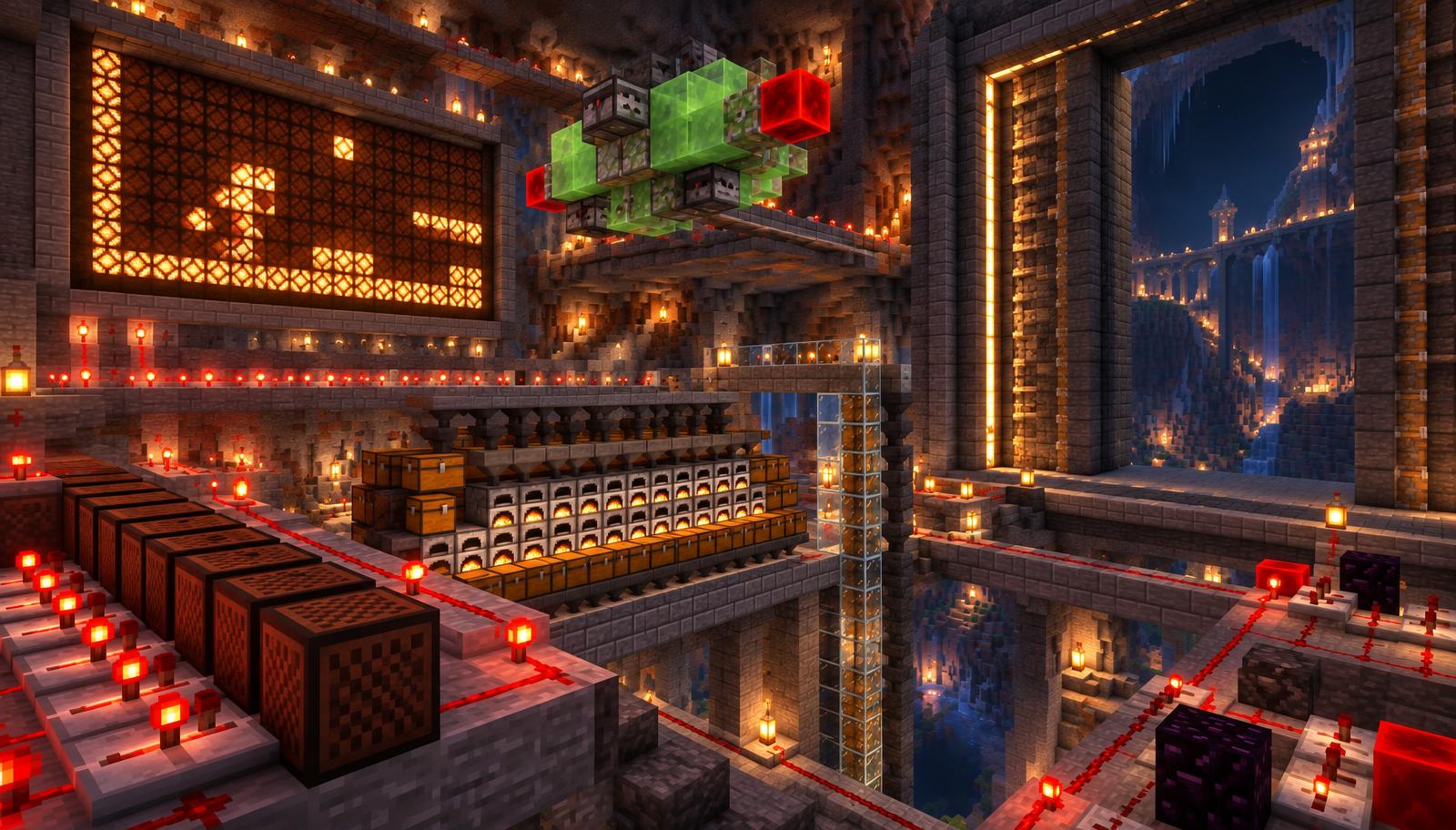
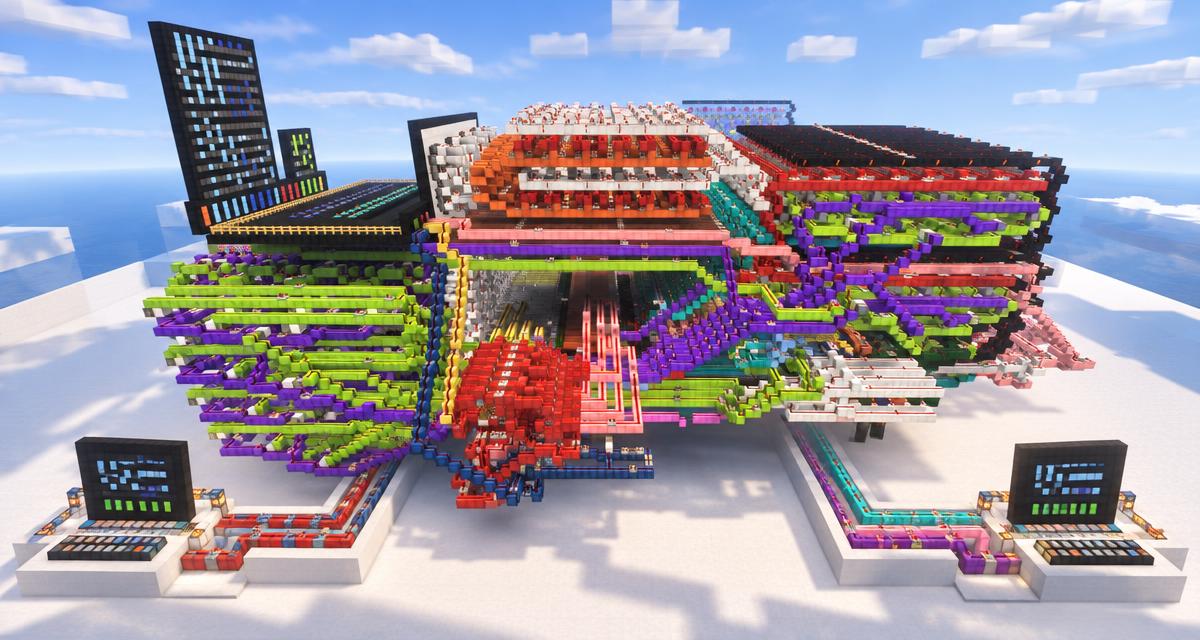
This guide separates vanilla redstone, modded computer networks and external internet bridges. It explains a beginner-friendly prototype, the famous Verizon phone demonstration, practical limitations and server security. Sources were reviewed on November 3, 2026. The featured image is an AI-edited conceptual illustration based on the supplied redstone-computer screenshot, not a tested network schematic or a claim about that original machine.
What does “internet inside Minecraft” actually mean?
The word internet is often used for three different projects. Before downloading a world or installing a mod, ask what the system actually sends, where it sends it and which software performs the communication. A giant block screen may look like a browser while showing prerecorded content; a tiny modded computer may genuinely request a webpage without looking impressive at all.
1. A vanilla redstone network inside one world
This is a network made from ordinary game mechanics. Redstone represents information, circuits interpret it, and lamps or other mechanisms display the result. You can invent a protocol for two terminals, add a shared communication line or route messages through intermediate devices. Such a system can teach the principles of networking without contacting any website. It is an in-world network, not automatically a standards-compliant implementation of the public internet.
2. A modded network of programmable computers
Mods can provide computers, programming languages, storage and networking peripherals. CC:Tweaked is a documented example: its computers can communicate through mod-provided facilities, and its HTTP API can request remote web resources when the server permits it. The logic runs through the mod, not through millions of redstone components that secretly become an ordinary web browser.
3. A Minecraft interface connected to real online services
Here an external program or server integration fetches information and maps the result into the world. A display might show a website as block pixels, report public service status or render incoming text. Minecraft is the presentation layer. The gateway handles the real networking, credentials and conversion. If the gateway disappears, the in-game display does not acquire an independent internet connection.
- Vanilla goal: send an encoded message between in-world terminals using game mechanics.
- Modded goal: run a program on a supported in-game computer and use the mod’s communication APIs.
- External-bridge goal: connect a deliberately limited online service to a Minecraft display through approved software.
- Research goal: implement more networking layers yourself and document precisely which layers remain external.
Can vanilla Minecraft access the real internet?
Not through redstone alone. Vanilla multiplayer connects the Minecraft client to a Minecraft server, but that existing game connection is not a general-purpose HTTP interface for a redstone machine. Command blocks and datapacks also do not provide an unrestricted built-in web browser or arbitrary website-fetching API. A server plugin that makes HTTP requests is an extension, even if players join with unmodified clients.
This matters when someone describes a creation as “100% vanilla.” They may mean that players need no client mod, that the visible display uses vanilla blocks, or that the logic really uses only vanilla mechanics. Those are different claims. Look for an architecture explanation rather than accepting the label. Ask whether a plugin, custom server, external script, resource pack or mod is involved, and what each component contributes.
An external program reading or writing world files does not become vanilla just because the resulting blocks are ordinary blocks. Likewise, a resource pack can change presentation but does not, by itself, turn redstone into an online service client. Give creators credit for the real accomplishment while describing the boundary honestly.
How redstone can transmit data
At the simplest level, powered and unpowered states can stand for 1 and 0. A sender produces a pattern, a transmission path carries it, and a receiver turns it into a visible result. Minecraft Wiki’s redstone mechanics reference documents signal behavior; its transmission reference explains common ways to move signals.
Signals, range and repeaters
Redstone dust has signal strength from 0 to 15. A normal dust line weakens along its path; repeaters can restore a signal and introduce delay. Do not confuse a dust signal-strength value with a complete message address or an internet packet. You can choose to encode information using those values, but both ends need a design that interprets the same values consistently.
A repeater is useful for controlled direction and timing, but it is not a router. It does not automatically understand who a message is for, store a packet or choose a different route. Those capabilities require additional circuitry or software. The network becomes meaningful when you define the behavior beyond “a wire goes from this lever to that lamp.”
Parallel data versus serial data
Parallel transmission sends several bits on separate lines. Four independent lines can represent a four-bit value with 16 possible combinations. It is easy to observe but expensive in space and wiring. Serial transmission sends bits in sequence over fewer lines. It reduces wiring but requires timing, a clear beginning and a way to tell where one message ends.
For a first build, parallel data is often easier to debug because every bit is visible. Serial designs become interesting once you have reliable clocks and receivers. Neither is automatically faster in every Minecraft implementation: path length, repeaters, component choices, receiver logic and simulation conditions all matter.
Clocking and memory
A receiver needs to know when to read the signal. One straightforward teaching design uses a separate strobe line: the sender sets the data bits, waits for them to stabilize, then signals “read now.” Memory circuitry can retain the received value after the input changes. Without stable sampling and storage, a screen can show transient states instead of the intended message.
Use the Redstone Clock Calculator to plan timing arithmetic and the Redstone Designer to explore a layout. These tools are planning aids, not proof that an arbitrary network will work. Test the physical circuit in the exact edition and server environment you intend to use.
What a miniature Minecraft internet would need
A cable between two devices is a link. A useful multi-device network needs rules governing that link. The following layers are a practical design checklist, not a claim that your first build must reproduce every detail of Ethernet, IP, TCP, DNS and HTTP.
- Encoding: define how bits, signal strengths or timed pulses represent a message.
- Framing: define the start and end of a message so the receiver can separate consecutive transmissions.
- Addressing: assign identifiers to terminals so a device knows whether a message is intended for it.
- Routing or switching: choose how an intermediate device forwards information toward the destination.
- Access control on a shared line: prevent simultaneous senders from producing an undecodable mixture.
- Reliability: decide how to detect errors, acknowledge delivery and retry missing messages.
- Applications: decide what players can actually do, such as send a small text code, request stored information or update a display.
Addresses are not automatically IP addresses
You can label terminals 1, 2 and 3 and include those identifiers in each message. That is addressing, but it does not make your scheme IPv4 or IPv6. A custom destination field is enough for an educational prototype. Calling it an IP network would require explaining how the implemented packet format and behavior correspond to the actual standard.
Local pages are not the World Wide Web
A terminal that selects a stored “page” from an in-world memory bank can demonstrate client/server ideas. For example, it might request a resource list or display a help message. That is a useful application even if the page is a tiny bitmap or numerical code. It is not evidence that the terminal supports HTML, JavaScript, HTTPS or arbitrary websites.
A fictional address book can model a name service: the player chooses “library,” and the system translates that name into a terminal identifier. That resembles one idea behind DNS, but a hardcoded lookup circuit is not a full implementation of public DNS. Precise language helps readers understand what the build genuinely accomplishes.
A beginner project: send a four-bit message between two terminals
Start with a controlled point-to-point prototype rather than a complete browser. The goal is to set a value at Terminal A and read the same value at Terminal B. The following is an original design brief, not a downloadable or bench-tested schematic. It deliberately separates the learning milestones so you can identify which part fails.
- Create a backup or a separate Creative test world. Record Java or Bedrock and the exact version before building.
- At Terminal A, place four independently controlled inputs. Label them with the binary place values 8, 4, 2 and 1. Keep their paths electrically separated.
- Run four data paths toward Terminal B. Add repeaters where required for signal restoration, and design the paths with matching delays before sampling.
- At Terminal B, attach one visible indicator to each data line. Send 0000, 0001, 0010, 0100 and 1000 first, checking that only the intended indicator changes.
- Test combined patterns such as 0101 and 1010. Record the expected output and inspect whether neighboring lines interfere.
- Only after static patterns work, add a separate strobe line and an appropriate latch circuit to capture stable inputs. Match the design to your edition.
- Define a small message vocabulary. For example, 0001 could mean “ready,” 0010 “supplies needed,” and 0011 “return to base.” These are invented application codes, not Minecraft commands.
- Add an acknowledgement line back to Terminal A. Confirm receipt before attempting the next message, then test reset and repeated-message behavior.
This prototype is not an internet, but it makes several real networking ideas visible: encoding, a physical link, transmission timing, reception and acknowledgement. When it fails, you have a small enough system to diagnose. A massive computer built before its first reliable link is far harder to debug.
How to expand beyond two devices
Next, add a destination field and a third terminal. First try separate links rather than a shared bus. Once routing works predictably, you can experiment with a central switch that chooses the output path. If you later share a line, define who may transmit and what happens when two terminals want to send at once. A simple scheduled turn-taking system is easier to reason about than a complex collision-recovery design.
Keep a written protocol alongside the build: field order, bit width, timing, reset behavior and error handling. A network with undocumented timing may work only when its creator operates it carefully. The real milestone is another player using it successfully from your instructions.
The Verizon Minecraft phone: what really happened?
In 2015, Verizon demonstrated an in-game phone that could display web content and support real-world communication. Guinness World Records documents the working Minecraft phone, while GameSpot’s contemporary report describes the Boxel web app and special code used to translate real-world images into Minecraft blocks.
The achievement was the bridge between online services and an in-game interface. It was not ordinary redstone independently opening websites. Boxel and custom integration supplied the connection and conversion. The Minecraft phone was a striking way to visualize the output, with the external system doing work that vanilla game mechanics do not expose.
Treat this as a historical demonstration, not an installation recommendation. The evidence here establishes what was demonstrated; it does not establish that the original service still runs, that its old code works on a current server or that every player can recreate it from a world download. If you want something comparable today, design a modest supported bridge rather than assuming a decade-old showcase remains a ready-to-use product.
A practical modded route: CC:Tweaked computers and HTTP
For programmable in-world computers, CC:Tweaked is a more practical starting point than constructing a complete general-purpose computer from redstone. Its official documentation describes the mod’s computers and APIs. Its HTTP API documentation explains requests to remote web servers. Check the documentation version against the actual modpack: API support and server settings can change.
In-world networking and HTTP are different capabilities
A mod can offer communication between computers inside the world as well as requests to outside servers. These are separate boundaries. Sending a message between modded terminals does not necessarily require public internet access. Fetching a public endpoint does. Identify the feature you need before granting broader network permissions.
A safe first online application
A small display of your own public project status is a better first task than an unrestricted browser. Have an approved endpoint return a short structured response; let the computer validate expected fields and display a limited amount of text. Define refresh intervals, maximum response sizes and a clear “unavailable” state. Avoid putting a secret credential directly in a publicly accessible in-game program.
An illustrative architecture is: player terminal → mod-provided HTTP request → allowlisted public endpoint → validated response → in-world display. The web request originates through the mod and server environment, not from a redstone dust line. That distinction should appear in your project description so other players know what must be installed and enabled.
What about a real web browser?
An HTTP client is not automatically a modern browser. Receiving HTML as text is different from rendering pages, executing JavaScript, managing cookies and enforcing browser security. A block display also has limited resolution. Start with a narrow information display and call it that; do not promise full browser compatibility simply because one web request succeeds.
Performance limits: ticks, latency, chunks and screen size
Minecraft systems operate within a simulation, not at electronic hardware speeds. Under normal tick-rate conditions, 20 game ticks correspond to one second. The usual redstone-tick convention is two game ticks, or 0.1 seconds at that rate. Minecraft Wiki’s tick reference documents this distinction. Server load can make the real time per tick longer.
A timing example, not a bandwidth promise
Suppose a single signal path contains ten repeaters, each set to one redstone tick. Their configured delays alone total ten redstone ticks: 20 game ticks, or one second at the normal 20-tick-per-second rate. This excludes any additional circuit delay. It does not prove a one-bit-per-second bandwidth: propagation latency and the rate at which a pipelined design can accept messages are different quantities.
For a network, measure end-to-end behavior: time from send to display, time between accepted messages, missed messages and recovery after resets. Reporting only a clock setting hides receiver and routing costs. Publish your edition, version, conditions and measurement method before claiming a speed record.
Loaded does not always mean fully simulated
Distant circuitry may stop behaving as expected when the relevant area is not actively processed. Exact chunk activity depends on edition, loading mechanisms and server settings. Mojang’s simulation-distance announcement explains the distinction between visible distance and simulation activity. Do not assume every visible chunk is continuously executing your network.
Keep an early prototype near the players who use it. Test by walking away, returning, restarting the world and sending again. Later, document any supported chunk-loading requirements and the server cost. A network that works only while its builder stands beside one receiver is still a prototype, not an always-on service.
Displays can dominate the build
A large screen needs many output positions even before you add memory and decoding. Increasing resolution can dramatically increase the number of controlled blocks, update operations and wiring paths. A tiny status display often communicates the same useful information more reliably. Use the Pixel Art Generator for visual planning, but remember that a static image plan does not provide a live network renderer.
Java vs Bedrock: choose an edition before copying circuits
Java and Bedrock do not share every redstone behavior. Designs that rely on Java-specific update behavior or quasi-connectivity should not be assumed to work in Bedrock. Select an edition, use designs documented for it and test your timing there. “Uses vanilla blocks” does not mean “works identically in both editions.”
CC:Tweaked is a Java mod, not a drop-in Bedrock add-on. Bedrock has its own supported extension paths and platform restrictions, but the availability of Java mod documentation is not evidence of a corresponding Bedrock HTTP capability. Check the specific extension’s current official documentation rather than transferring APIs by name.
For imported builds, also check file compatibility. The Schematic Viewer helps inspect supported Sponge .schem v2 files; it does not turn a Java redstone circuit into a compatible Bedrock design. Back up worlds before imports and get server-owner permission before bulk editing.
Security: do not turn a Minecraft server into an open internet proxy
Giving an in-game program HTTP access creates a real security boundary. Requests may originate from a server that can reach resources unavailable to ordinary players. An unrestricted “fetch any URL” feature can expose private services, cloud metadata or credentials. This is why internet connectivity deserves an explicit permission decision rather than a convenience toggle.
CC:Tweaked’s local-IP access guide documents default local-network blocking and configurable host rules. A maintainer security discussion describes an SSRF vulnerability and the conditions involved. These references support a cautious configuration; they are not a reason to disable protections or assume all older modpacks are safe.
- Use maintained versions and read current security notices before enabling external HTTP.
- Allow only the specific public hosts your application needs; do not casually enable all destinations or private IP access.
- Keep credentials out of visible computer programs, public world downloads, books and chat.
- Limit request frequency, response size, redirects and execution time in any bridge you control.
- Validate external data before displaying it or converting it into commands. Never execute fetched text as trusted code.
- Separate a read-only status display from actions that modify a world, account or external service.
- Document permissions and provide a way to disable the integration without breaking the rest of the server.
For server administration, use the existing Server Config Validator and Server Permissions Builder to organize supported configuration work. They do not certify a mod’s network security or replace an audit of your bridge. Their value is a clearer administration workflow, not an automatic guarantee that every plugin is safe.
Useful Minecraft network projects, from simple to ambitious
- Two-room signal terminal: send a small set of agreed messages with four data lines and visible indicators. Best for learning encoding and wiring.
- Base request board: route a short request code to a central panel, with acknowledgement. Best for experimenting with addresses and delivery.
- Local information terminal: select stored instructions or resource notes from an in-world memory system. Best for learning request/response behavior.
- Modded public-status screen: fetch a deliberately small allowlisted response and show it on a computer display. Best for learning the difference between local networking and HTTP.
- Research network: implement a documented message format, routing and failure handling across multiple nodes. Best for creators prepared to publish limitations as carefully as successes.
Choose a project by the experience you want a player to have, not just by machine size. “A player can request supplies and see an acknowledgement” is a testable outcome. “A whole internet in Minecraft” is not a useful specification until you define supported services, connectivity, reliability and who operates the gateway.
Troubleshooting a Minecraft data network
- Wrong bits appear: isolate data lines, test one input at a time and inspect unintended powering.
- Only some combined values fail: look for cross-talk, unequal path delay or a receiver reading while inputs are changing.
- Messages disappear when players leave: investigate simulation and chunk activity before redesigning the protocol.
- Two senders scramble the output: add scheduled access or separate links; a shared wire does not arbitrate itself.
- The modded computer cannot reach a website: check HTTP permissions, approved hosts, endpoint availability and the installed API version. Do not solve the problem by disabling all network protections.
- A webpage response is unreadable: distinguish raw response text from browser rendering; prefer a small structured endpoint designed for your display.
- An imported circuit breaks: check edition-specific mechanics, orientation, missing blocks and format support before blaming the schematic viewer.
Keep changes small during diagnosis. Verify the input, transmission path and receiver separately, then test them together. If you replace the clock, receiver and router at the same time, you lose the ability to tell which change fixed the problem.
Sources, scope and what this guide does not claim
Primary project documentation: CC:Tweaked overview, HTTP API, local-network access controls and maintainer SSRF discussion. Official Minecraft context: Mojang’s simulation-distance announcement. Community mechanics references: redstone mechanics, signal transmission and ticks. Historical demonstration: Guinness World Records and GameSpot’s 2015 coverage.
The Minecraft Wiki is community-maintained technical documentation, not an official Mojang specification. The Verizon account relies on corroborated historical reporting, not a claim that the original demo is available today. The beginner circuit and project ideas are editorial design briefs, not tested downloadable implementations. MineBuildr is independent and is not endorsed by Mojang or Microsoft. For more reference material, visit Minecraft Resources.
Turn your network idea into a buildable project
Before designing an entire city of terminals, make one dependable link. Plan its rooms with the House Planner, sketch timing with the Redstone Clock Calculator, and inspect supported imports with the Schematic Viewer. For a broader workflow, read our Minecraft tools guide. Core planning tools remain free; an upgrade is optional.
When the project grows, MineBuildr Premium is the relevant existing upgrade for keeping build plans and server work organized. It does not sell internet connectivity or guarantee a working redstone computer. Its value is the surrounding workflow: saved Workshop projects, priority AI generation, supported exports and advanced server tools. Choose it for the features you will actually use.
Give your next ambitious build a better workflow
A dependable network starts with a clear plan. Keep the surrounding build organized with Premium, from the first terminal room to your next server project.
- Saved Workshop projects to return to as your design evolves
- Priority AI generation for build concepts and material planning
- Supported schematic and HD / 4K exports
- Advanced server tools for configuration and permissions
Compare current prices and billing options before checkout. Features depend on the tool and export format. Premium does not provide internet connectivity or certify redstone circuits. Core tools remain free. Review the Terms and Refund Policy.