Minecraft worlds are enormous — a single world is roughly 60 million blocks across — and biomes are scattered through them following hidden climate rules. Looking for a cherry grove, a mangrove swamp, or an ice spikes biome by walking in a random direction can take hours. A biome finder removes the guesswork entirely. This guide covers every reliable way to locate any biome: using our free Biome Finder with your seed, the /locate biome command, in-game clues, and biome-by-biome search strategies for the ones players ask about most.
Method 1: Find your seed, then use the Biome Finder
Every Minecraft world is generated from a number called a seed. Two worlds with the same seed have identical terrain, so once you know your seed, a biome finder can compute exactly where every biome sits in your world — before you have explored a single chunk.
- Find your seed: in Java Edition, run /seed in chat. In Bedrock Edition, open Settings, then Game, and the seed is listed under World Options. On a server you do not own, ask an operator.
- Open the Biome Finder and paste your seed.
- Pick the biome you want from the list — cherry grove, mangrove swamp, desert, jungle, deep dark, anything.
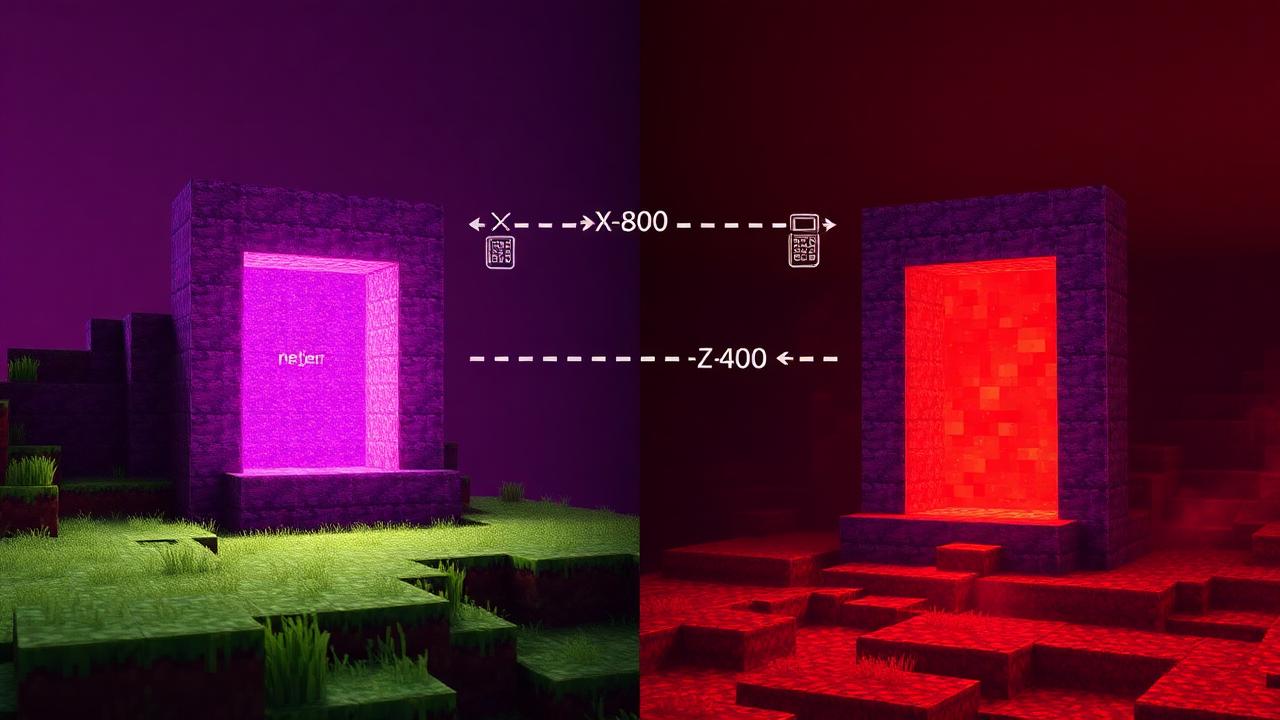
- Get the nearest coordinates and travel there, or combine with our Nether Portal Calculator to build a fast portal route.
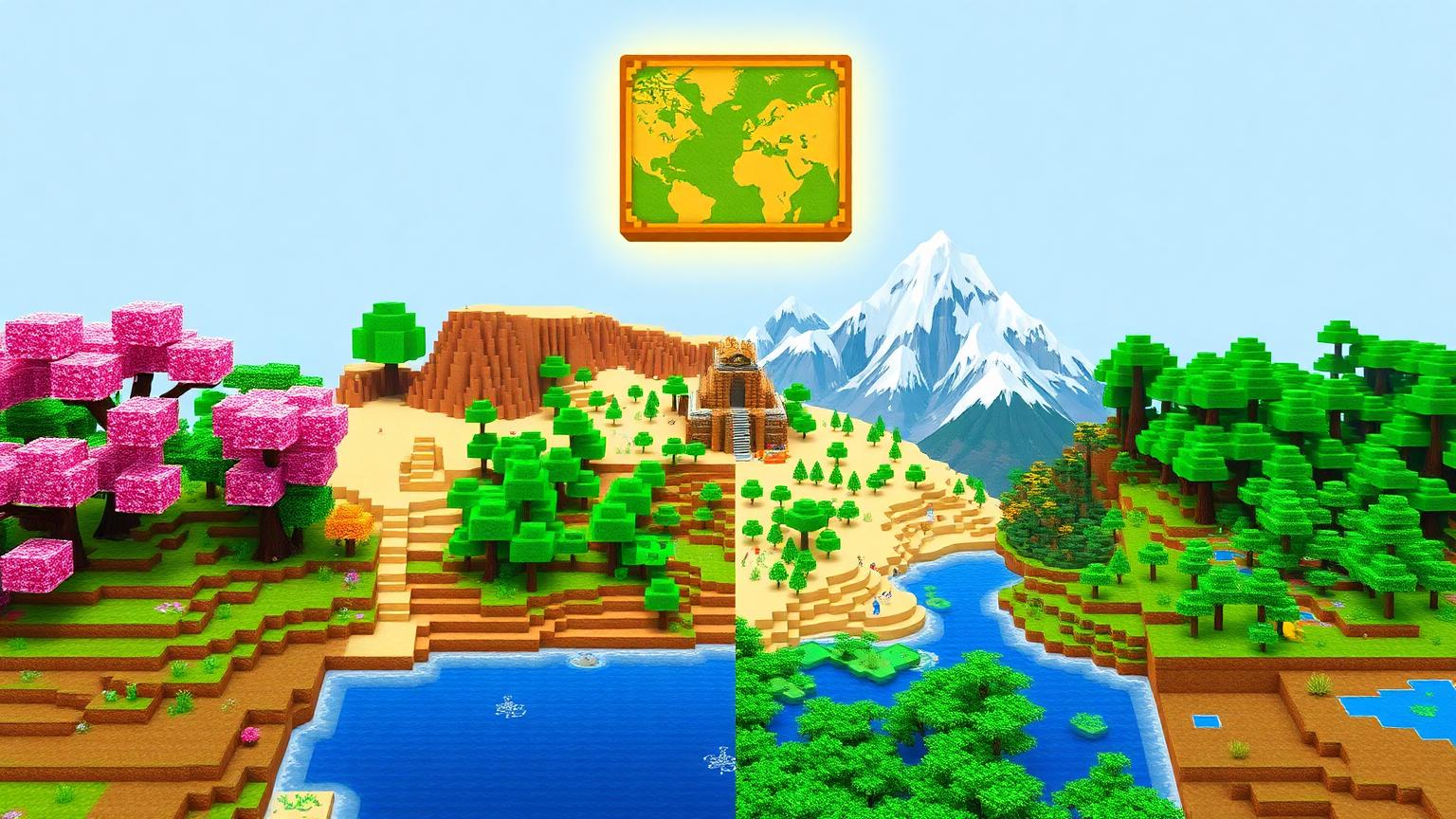
This method works for both Java and Bedrock, but biome placement differs between editions for the same seed, so always select the correct edition when the tool asks. For a bird's-eye view, the Biome Heatmap Generator renders a color-coded biome map of the region around your spawn, which is ideal for planning where to build.
Method 2: The /locate biome command
If cheats are enabled (or you have operator permissions on a server), Minecraft has a built-in biome locator. Open chat and type:
- Java Edition: /locate biome minecraft:cherry_grove
- Bedrock Edition: /locate biome cherry_grove
- The game replies with the coordinates of the nearest matching biome. Click the coordinates in chat (Java) to auto-fill a teleport command.
- Combine with /tp: /tp @s 1250 80 -3400 to jump straight there.
The command searches outward from your position and always returns the closest match, which may still be thousands of blocks away for rare biomes. The search can take a few seconds on large worlds — that is normal. If you are not sure of a biome's exact internal name, press Tab while typing to autocomplete.
Method 3: Reading the world — climate zones and in-game clues
Minecraft does not scatter biomes at random. The world is divided into invisible climate bands based on temperature and humidity, and biomes cluster with their climate neighbors. Learning a few rules turns blind wandering into a directed search.
- Hot cluster: deserts, badlands, and savannas generate near each other. Found a savanna? A desert is usually close.
- Lush cluster: jungles, mangrove swamps, and bamboo jungles sit in warm, wet zones. Mangroves almost always border jungles, deserts, or warm oceans.
- Cold cluster: snowy plains, ice spikes, frozen oceans, and taigas. If you find snow, keep going in the same direction to find rarer cold biomes.
- Mountain rule: cherry groves generate on the lower slopes of mountain ranges — find tall mountains and check their feet.
- Ocean rule: warm oceans host coral reefs; lukewarm oceans sit near jungles and deserts; frozen oceans border icebergs.
Height helps enormously. Climb a mountain or build a pillar to survey the horizon — biome edges are visible from a few hundred blocks up, especially the color shifts of cherry leaves, mangrove canopies, and red sand. On Bedrock Edition, the F3 debug screen is not available, but coordinates are shown in Settings or on the paper map item.
Fastest routes to the most searched-for biomes
Cherry grove (cherry blossom)
Cherry groves generate on mountain slopes in temperate zones, often beside meadows and plains. Do not search flat open land — head for the tallest terrain you can see and circle its base. A biome finder saves the most time here because groves are small and easy to walk past.
Mangrove swamp
Mangroves need warmth and water: look where deserts, jungles, or savannas meet coastlines and rivers. In-game, bee nests and muddy mangrove roots visible from a boat are your tell. Boating along warm coastlines is the fastest cheat-free search method.
Desert
Deserts are common and usually thousands of blocks wide once found. Follow warm climate neighbors — savannas and badlands. Deserts matter most for their structures: temples, villages, and wells. Once you have sand and cactus, our Stronghold Finder and Structure Finder can locate what is inside the desert for you.
Deep dark and ancient cities
The deep dark generates deep underground (below Y 0), most commonly under mountains with high erosion. Dig down beneath a mountain range rather than flat land. Use the Ancient Debris Finder and careful crouch-walking — the warden does not forgive sprinting.
Ice spikes
One of the rarest overworld biomes. It only generates inside snowy plains, so find a large snow region first, then search its interior — never its borders. This is where a seed-based finder pays for itself most: ice spikes can be a 10,000-block walk away.
Villager maps and other in-game aids
Cartographer villagers sell explorer maps to ocean monuments and woodland mansions, and journeyman-level cartographers on Bedrock can offer trial chamber maps. These locate structures, not biomes — but structures are often the reason you want the biome (a swamp for a witch hut, warm ocean for coral). Pair explorer maps with the biome strategies above. For trading setups, see our villager jobs and trades guide and the Villager Trade Optimizer.
Horses, boats, and elytra change the math of exploration. An elytra with fireworks covers thousands of blocks per minute, making climate-zone searching practical without cheats. A boat along coastlines is the early-game equivalent. Before long trips, make a map of your home region and mark your base with a banner marker so you can always find your way back.
Plan your world before you explore it
The best biome strategy starts before the world exists. If you are choosing a seed for a new survival world, run candidates through the Seed Finder first and check which biomes sit within a few thousand blocks of spawn — a world with plains, forest, desert, and mountains near spawn gives you every early resource without expeditions. Our best seeds for 1.21 list has tested picks with strong biome spreads.
Once you are settled, a Nether portal network collapses biome distances by 8x: a biome 8,000 overworld blocks away is only 1,000 blocks in the Nether. Experienced players build their portal hubs specifically toward the biomes they visit most. See the full set of planners on our free Minecraft tools roundup.