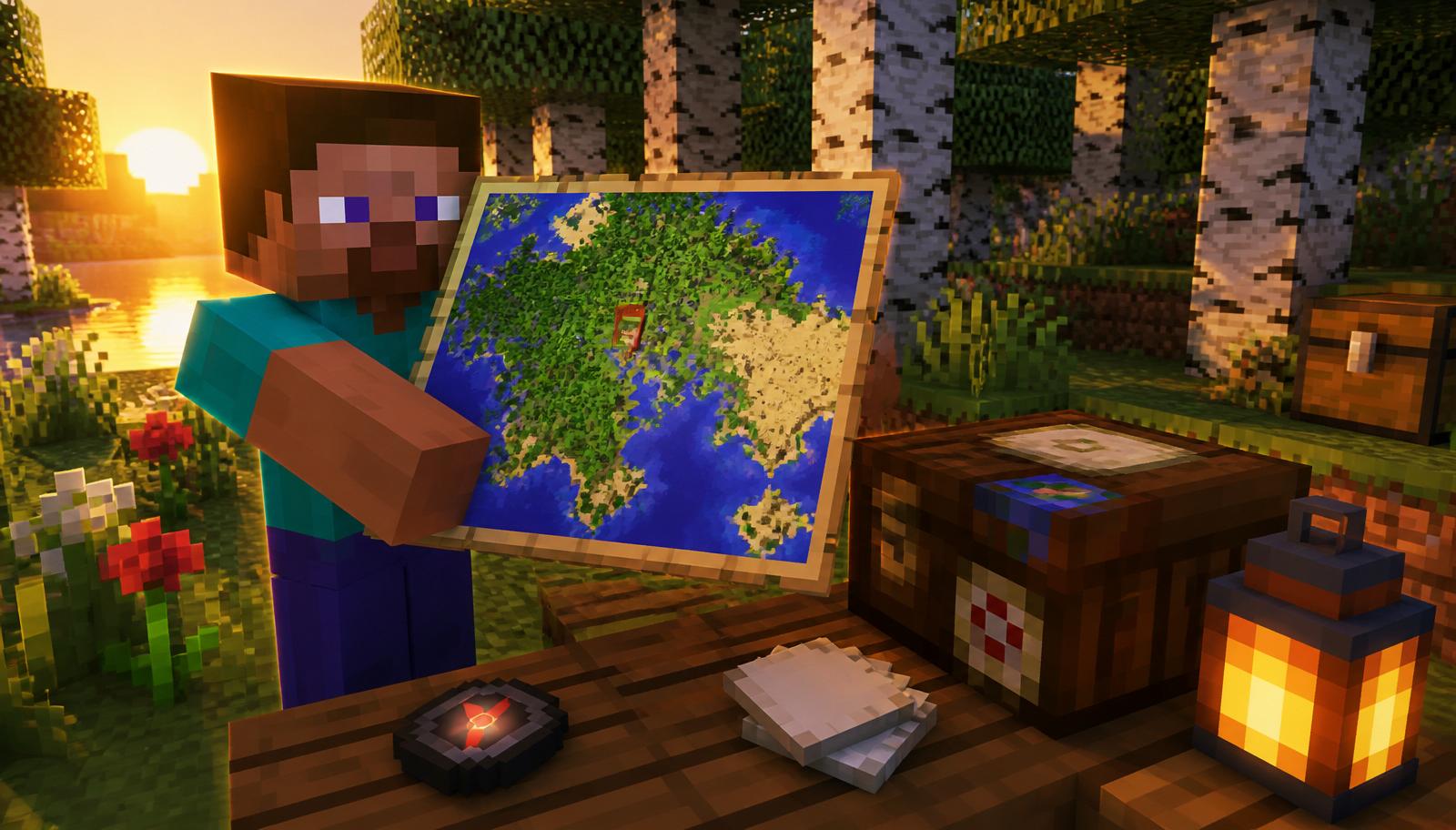
Maps are the single best navigation tool in Minecraft — they show biomes, coastlines, structures, other players, and named locations at a glance. This guide covers every map recipe (Java and Bedrock), the cartography table, zoom levels, locator vs plain maps, explorer maps, banner markers, cloning, and how to build a full wall map of your world. If you're planning a base or a long expedition, pair this with our seed finder and biome finder to know what you'll be mapping before you set out.
Empty map recipe (Java vs Bedrock)
The recipe differs slightly between editions because of how each edition handles player position on the map.
Java Edition
- Empty locator map: 8 paper in a ring around 1 compass in a crafting table. Output: 1 empty map with a player arrow.
- There is no 9-paper 'plain map' recipe on Java — every crafted map is a locator map.
- Compass = 4 iron ingots + 1 redstone dust. If you can't find redstone yet, wait until you've dug down to y=−32 or so.
Bedrock Edition (and Pocket/Console)
- Empty map: 9 paper in a full 3×3 grid — no compass. This is a plain map with no player arrow.
- Empty locator map: 8 paper + 1 compass, same as Java. Shows your position.
- Bedrock also lets you upgrade a plain map to a locator map later at a cartography table (1 map + 1 compass).
How to fill in a map
An empty map is blank. To activate it, hold it in your main hand and right-click (or use the 'use item' button on console/mobile). The map centers on a fixed 128×128 grid cell — whichever cell you're standing in when you first use it becomes the map's fixed area. It does *not* recenter as you move.
- Craft an empty map.
- Stand in the area you want to map (usually your base).
- Right-click the map to activate it. It becomes a 'Map #0' and starts filling in.
- Walk around — every chunk you visit inside that 128×128 grid gets drawn.
- The player arrow (on locator maps) shows your position and facing direction.
If you walk off the edge of the map's grid, you'll see a white dot on the border showing which direction you went — but the map itself won't extend. To cover more ground, zoom it out.
Map zoom levels explained
Maps have 5 zoom levels (0–4). Each level doubles the side length of the mapped area, quadrupling the total area covered. The pixel count stays the same (128×128), so more zoom = less detail per block.
- Level 0 — 128×128 blocks (1 block per pixel). Perfect for a single base.
- Level 1 — 256×256 blocks (2×2 blocks per pixel).
- Level 2 — 512×512 blocks (4×4 blocks per pixel).
- Level 3 — 1024×1024 blocks (8×8 blocks per pixel).
- Level 4 — 2048×2048 blocks (16×16 blocks per pixel). This is the max — one full chunk per pixel.
To zoom out one level in a crafting table: place the filled map in the center and surround it with 8 paper. This costs 8 paper per zoom step. A cartography table is much cheaper (see below).
The cartography table (the smart way)
The cartography table is a dedicated crafting block introduced in 1.14. It's cheaper, faster, and does things the crafting table can't.
Cartography table recipe
- Top row: 2 paper (middle-left and middle-center of top row — any 2 adjacent paper).
- Bottom two rows: 4 planks (any type, in a 2×2).
- Total: 2 paper + 4 planks.
What it does
- Zoom out: map + 1 paper = one zoom step. Eight times cheaper than a crafting table.
- Clone: map + 1 empty map = two identical maps that share progress. Great for co-op bases.
- Lock: map + 1 glass pane = locked map that no longer updates. Useful for wall art that shouldn't change if a chunk is edited.
- Upgrade to locator (Bedrock): map + 1 compass = locator map.
- Rename: change the map's item name without an anvil.
Locator, explorer, and treasure maps
Not every map is crafted — some come from villagers, structures, and loot chests. Here's the full 2026 lineup.
Locator maps
Standard maps with a player arrow. Craft as above.
Ocean explorer maps
Trade with a journeyman-level cartographer villager for 13 emeralds + 1 compass. Points to the nearest ocean monument. The map is pre-filled from your position all the way to the structure — a huge shortcut for elder guardian farms and prismarine collection.
Woodland explorer maps
Trade with a journeyman cartographer for 14 emeralds + 1 compass. Points to the nearest woodland mansion — essential for totems of undying.
Buried treasure maps
Found in shipwreck 'map' chests and some ocean ruin chests. Marked with a red X. Follow to find a buried treasure chest that always contains a heart of the sea plus gold, TNT, and cooked cod.
Trial explorer maps (1.21+)
New in 1.21. Craft from a trial spawner or find in tower loot; leads to trial chambers with vault keys and mace ingredients.
Banner markers: labeling your map
Plain maps only show terrain. To add named location markers, use banners.
- Craft a banner and rename it in an anvil (e.g., 'Iron Farm').
- Place the banner in the world at the location you want to mark.
- Hold a filled map that covers that location and right-click the banner.
- The banner appears as a colored icon on the map with the name floating above it.
Marker color matches the banner's base color, and you can place unlimited markers on a single map. This is the best way to label spawners, farms, portals, and villages without cluttering the world with signs.
Cloning maps for co-op
Two players sharing a base each want the same map — and you want both copies to update as either player explores. That's what cloning does.
- Fill in a map to the state you want to share.
- Craft an additional empty map (or take one from the crafting table).
- Put both maps in a cartography table (or the crafting grid: filled map + empty map, shapeless).
- Both output maps are identical clones. Any progress either player makes on either copy shows on both.
Building a full-wall map of your world
One of the best decorations in Minecraft is a map wall — a grid of level-4 maps that turns a wall of your base into a satellite view of your entire world.
- Craft a stack of empty locator maps (64 maps = 512 paper + 64 compasses, so plan a sugar cane farm and a big iron farm first).
- Zoom each map to level 4 at a cartography table (4 paper per map to go 0 → 4).
- Fill each map by flying with an elytra over its 2048×2048 grid cell — one map covers a huge area, so this is fast.
- Place item frames on your wall in a grid (glass, glowstone, or planks all work as a backing).
- Put one map per frame, aligning them so borders line up. A 4×3 grid covers 8192×6144 blocks.
Java vs Bedrock: the differences that trip people up
- Empty map recipe: Java requires a compass; Bedrock allows 9 paper alone (plain map, no arrow).
- Default map type: On Java, every crafted map is a locator map. On Bedrock, the default is plain — you upgrade with a compass.
- Zoom in crafting table: Both editions support crafting-table zoom (map + 8 paper). Cartography table is faster on both.
- Explorer map trades: Same recipes and emerald costs on both editions.
- Off-hand map: Java shows the map as a mini-map in the corner when held in the off-hand. Bedrock renders it in-hand only.
Common map mistakes
- Activating the map in the wrong chunk: Maps snap to a fixed 128×128 grid tied to world coordinates, not to your player position. Walk to the exact center of your intended area before right-clicking.
- Expecting the map to follow you: It doesn't. If you want a map that updates as you move, you need multiple maps or one zoomed-out map that covers a larger area.
- Losing progress to chunk edits: If you break/replace terrain that's already drawn, the map doesn't auto-update until you revisit the chunk with the map in hand.
- Trying to zoom locked maps: A map locked at a cartography table can never be zoomed or updated again — clone first, then lock the clone if you want a permanent copy.
- Forgetting the compass on Bedrock: A plain map still fills in the terrain, but with no player arrow it's easy to get lost inside your own map.
Maps in a full base workflow
Once you have paper and maps running, chain them into your progression: use sugar cane farms for infinite paper, trade extras to a cartographer for emeralds and explorer maps, use those explorer maps to find an ocean monument (for prismarine and a conduit) and a woodland mansion (for totems of undying), then map your entire base region with level-4 clones. Add banner markers for every important build — spawners, farms, beacon pyramids, and portals — and you have a live atlas of your world that scales with the game.