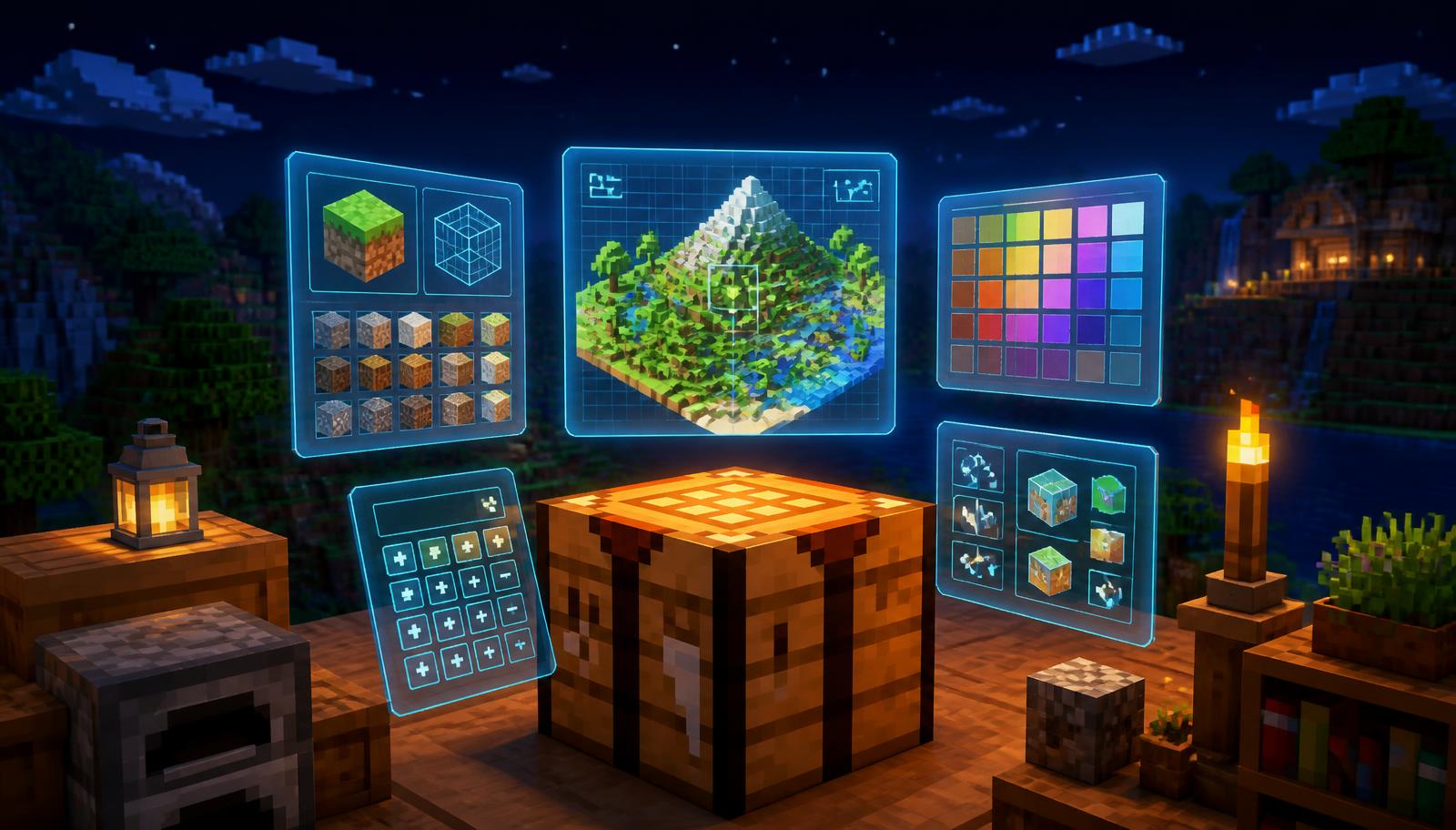
Minecraft rewards planning. Ten minutes with a calculator saves an hour of mining, and a seed preview saves a whole afternoon of walking in the wrong direction. This guide covers the free online tools worth bookmarking, grouped by the job they do, with a note on when each one actually helps. Every tool linked here is free to use on MineBuildr with no sign-up.
What counts as a free Minecraft tool
A browser-based Minecraft tool is a web page that does maths, generation or lookup for you and gives back something you can use in game: coordinates, a command string, a material list, a colour code, or a design. It is not a mod, a client, or a launcher.
- Runs in a normal browser tab on desktop, tablet or phone.
- Needs no download, installer, Java runtime or account login.
- Never reads or writes your save files, so it cannot corrupt a world.
- Cannot be detected as a cheat, because the game never knows you used it.
- Works the same on Java Edition and Bedrock Edition unless the tool says otherwise.
Seed, biome and structure finders
These are the highest-value tools in the list, because they change decisions you make once and live with for hundreds of hours: where to build your base and which world to keep.
- Seed finder: roll and preview world seeds with their biome and structure highlights before you commit to a new world.
- Biome finder: enter your existing seed and see a biome map grid, so you know which direction the mushroom fields, cherry grove or mesa is in.
- Structure finder: locate villages, temples, ocean monuments, woodland mansions and fortresses from your seed.
- Stronghold finder: triangulate the End portal from two Eye of Ender throws instead of guessing.
- Slime chunk finder: find slime chunks, which is the first step of any slime farm.
- Ancient debris finder: get the best Y level and mining pattern for netherite.
Use these before you build, not after. Moving a base is far more expensive than spending two minutes checking a map.
Generators: banners, pixel art, commands and skins
Generators produce something you copy into the game: a loom recipe, a block-by-block layout, or a command string.
- Banner generator: design a banner layer by layer and get the exact loom steps and dye list.
- Shield generator: apply a banner pattern to a shield and preview the result before you spend the banner.
- Pixel art generator: convert any image into a block-by-block build plan with a mapped block palette.
- Command generator: build /give and /summon commands with enchantments, custom names and NBT-style options, then copy in one click.
- Command assistant: describe what you want in plain English and get the command back, useful when you cannot remember selector syntax.
- Firework generator and name generator: quick decoration and naming helpers.
- AI skin generator and texture pack creator: concept and recolour work for cosmetics.
If you only ever use one generator, make it the command generator. Command syntax changes between versions and a builder that keeps the format correct saves a lot of red error text in chat.
Calculators that save real resources
Calculators answer the question "how much of this do I need" before you dig for it.
- Nether portal calculator: converts Overworld and Nether coordinates using the 8:1 ratio so linked portals connect the first time. The most common source of broken portal networks is doing this in your head.
- Enchanting calculator: exact XP levels, lapis and bookshelf count for the enchantment you want.
- Beacon calculator: pyramid cost in iron, gold, emerald, diamond or netherite blocks for each of the four tiers.
- XP calculator and XP farm calculator: points to next level, and expected XP per hour from a farm design.
- Brewing calculator: the full ingredient order for any potion, including splash and lingering variants.
- Villager trade optimizer: best emerald-per-item trades by profession and tier.
Two of these pay for themselves immediately. The beacon calculator stops you mining a tier more iron than you need, and the enchanting calculator stops you burning level 30 on a book you did not want.
Planners for farms, bases and storage
- Mob farm planner: platform size, height and spawn rate estimates so you know the output before you build it.
- Iron farm planner and raid farm planner: village mechanics done right the first time.
- Item sorter designer and storage system planner: hopper sorter rows, overflow handling and the full material list.
- House planner and modern house generator: grid floor plans and instant blueprints with palettes.
- Redstone circuit designer: lay out clocks, latches and comparator circuits before you place a single dust.
- Interior designer and roof designer: the two parts of a build most people leave unfinished.
Reference libraries and cheat sheets
- Color codes: every formatting and colour code for signs, server names, books and MOTDs, with copy buttons.
- Banner pattern library: every pattern with its loom recipe and preview.
- Server MOTD generator: formatted, coloured server descriptions that render correctly in the multiplayer list.
- Book and quill generator: write formatted in-game books and export the command.
How to choose the right tool for the job
- Decide whether your question is where, how much, or what does it look like.
- Where questions go to a finder: seed, biome, structure, stronghold, slime chunk.
- How much questions go to a calculator: portals, enchanting, beacons, brewing, XP.
- What does it look like questions go to a generator or planner: banners, pixel art, houses, farms.
- Check the tool states your edition. Coordinate maths is identical on Java and Bedrock, but structure generation from a seed is not.
- Copy the output into the game immediately, or write the coordinates on a sign, because browser tabs get closed.
Are free Minecraft tools safe and allowed?
Yes, for browser tools. Nothing in this list modifies the game client, so there is no anti-cheat surface and no server can detect them. Servers ban modified clients, X-ray resource packs and automation macros, not web pages.
- Safe: calculators, planners, generators, seed previews and reference pages that run in your browser.
- Check server rules first: seed-based ore or structure locating on a multiplayer server can count as unfair advantage even though it is undetectable.
- Risky: any site asking for account credentials, any downloadable .exe or .jar promising free capes, ranks or accounts.
- Harmless but pointless: sites that wrap a calculator in five ad interstitials. If a tool needs a login to show you a number, close it.
Free vs premium tools on MineBuildr
Every tool linked above is free and stays free. A MineBuildr Premium membership adds power features on top rather than locking basics away: AI-assisted generation, saved projects across devices, advanced planners and HD exports. If you build occasionally, the free set is genuinely everything you need. See the plans page for the full comparison.
Bookmark list: the ten to start with
- Seed finder — pick a world worth keeping.
- Biome finder — know what is around you.
- Nether portal calculator — linked portals, every time.
- Enchanting calculator — spend XP once.
- Command generator — correct syntax without memorising it.
- Banner generator — decoration with a copyable loom recipe.
- Pixel art generator — turn any image into a build.
- Beacon calculator — know the block cost before mining.
- Mob farm planner — build a farm that actually produces.
- Color codes — the cheat sheet you will reopen weekly.
New to a fresh world? Pair these with the nether portal guide and the best enchantments guide for the two decisions that matter most in the first week.