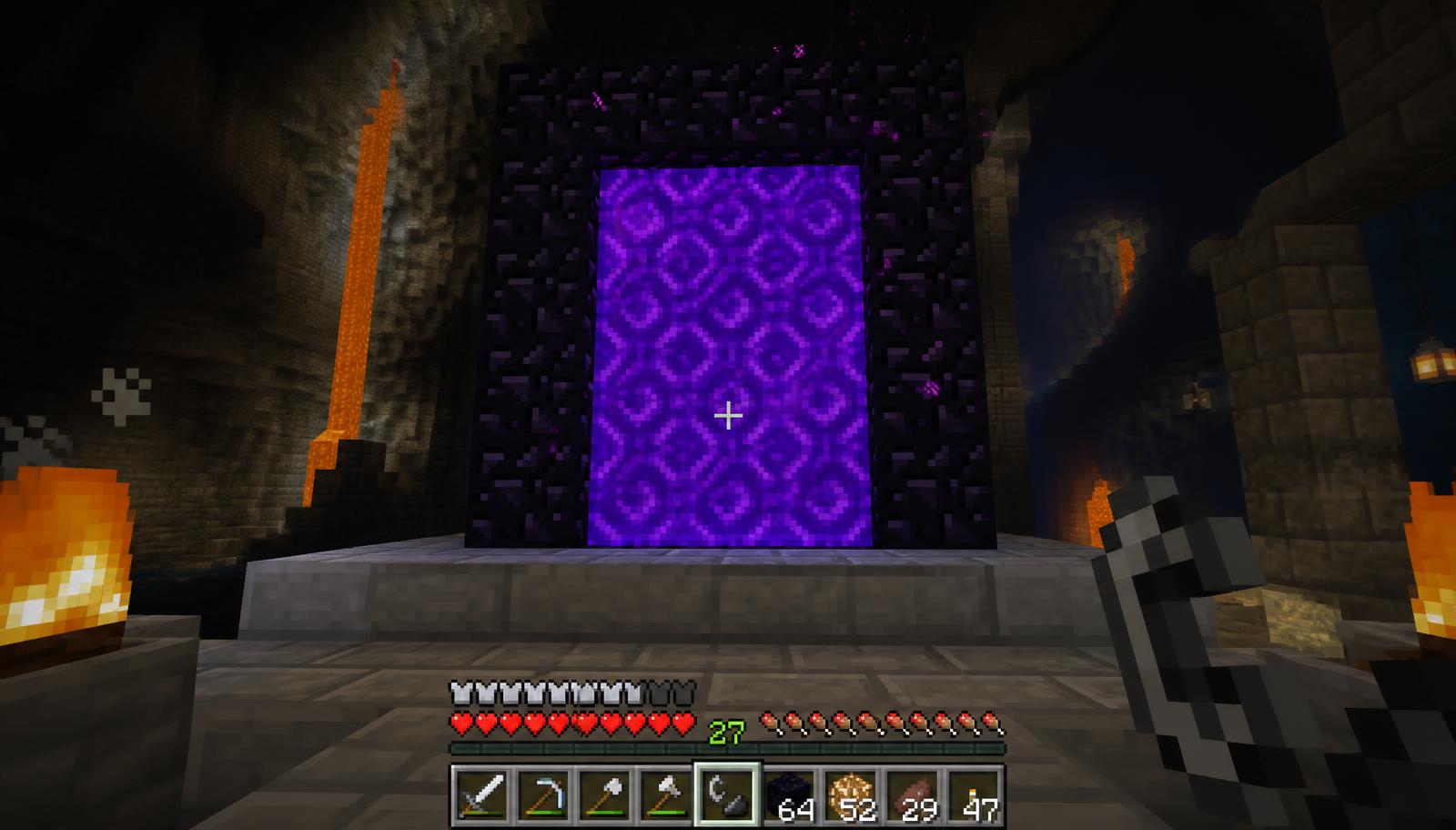
Finding the correct Overworld coordinates for a Nether portal is simple: multiply X and Z by eight. Making that portal connect to the place you actually want requires one more step—understanding how Minecraft chooses an existing destination. This guide combines a working Minecraft Nether portal calculator, clear coordinate examples and a practical linking checklist so you can build a route to your base instead of repeatedly emerging at the wrong portal.
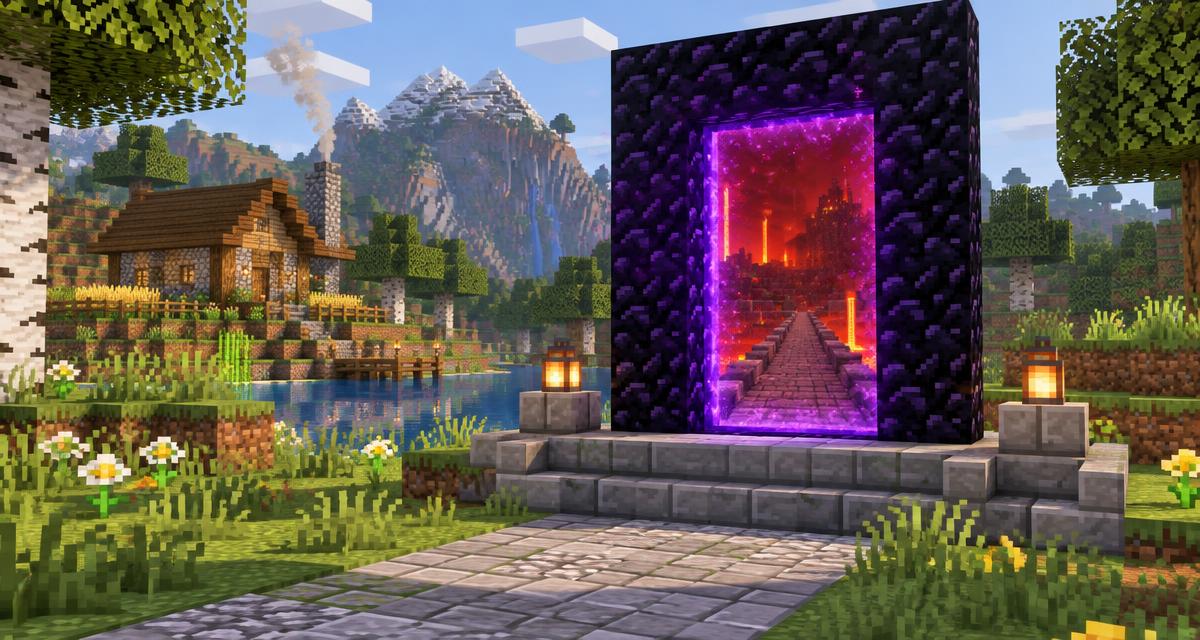
Already know your coordinates? Use the calculator below or open the full Nether Portal Calculator. If you need to construct your first frame, start with our Nether portal building guide. This article focuses on vanilla Overworld–Nether travel in Java and Bedrock, not custom dimensions, modded scale factors or server teleport commands. The cover is an illustrative image, not a screenshot of a tested portal network.
Use the free Minecraft Nether portal calculator
Calculate your portal coordinates
Overworld target
X 800 · Y 70 · Z -400
X and Z convert at 8:1; Y stays unchanged. Fractional Nether targets round down. Existing portals and terrain can change where you arrive.
Open the full Nether Portal Calculator- Choose Nether → Overworld when you are standing at a Nether portal and want its matching Overworld location.
- Enter the X, Y and Z coordinates in the same order Minecraft displays them. Keep any minus signs.
- Read the target coordinates. X and Z multiply by eight; the displayed Y stays unchanged.
- Choose Overworld → Nether for the return calculation. Fractional X and Z results round down in this embedded calculator to show a block target.
- Record the actual coordinates of both active portals, then test travel in both directions. A correct calculation does not check whether another portal is closer.
The standalone calculator is another way to convert coordinates. Its current Overworld-to-Nether display rounds to the nearest block, while this article's embedded calculator floors fractional results to match the block-target convention described by the Minecraft Wiki. Exact multiples of eight agree in both tools. If you are building a crowded network, use the floored target here and check the actual portal blocks rather than relying on a one-number shortcut.
The Nether-to-Overworld formula explained
Minecraft uses a horizontal scale of 1:8 between the Nether and the Overworld. Traveling one block along X or Z in the Nether corresponds to eight blocks along that axis in the Overworld. Coordinates are measured relative to the origin, not relative to your spawn point, bed or current base.
- Overworld X = Nether X × 8.
- Overworld Z = Nether Z × 8.
- Initial target Y = source Y; do not multiply the height.
- For the reverse trip, Nether X = Overworld X ÷ 8 and Nether Z = Overworld Z ÷ 8.
Suppose your Nether portal is at X 150, Y 64, Z 90. The matching Overworld target is X 1200, Y 64, Z 720. If you accidentally divide instead, you get 18.75 and 11.25, which describe the opposite conversion and take you toward the origin rather than your intended destination.
Why Y stays unchanged but still matters
Y is the vertical coordinate. The 8:1 rule applies only to horizontal coordinates, so a Nether portal at Y 70 does not convert to Y 560 in the Overworld. However, the game considers vertical distance when selecting the nearest portal among candidates. A portal far above or below your target can lose to a competing portal that is slightly farther away horizontally but much closer in height.
You can choose a different destination height when terrain demands it, but that is a building decision, not coordinate scaling. Carry the original Y into your calculation first, then evaluate the actual terrain and other portals. There is no universally safe height that guarantees correct links in every world.
Worked coordinate examples in both directions
Example 1: return from a Nether hub to an Overworld base
Source Nether portal: X 100, Y 70, Z -50. Multiply 100 by 8 to get 800. Multiply -50 by 8 to get -400. Keep Y at 70. Your Overworld target is X 800, Y 70, Z -400. If your home portal is at that horizontal position but much higher or lower, record its real Y and check for competing portals.
Example 2: connect a distant Overworld outpost
Source Overworld outpost: X -2400, Y 72, Z 3600. Divide X and Z by 8. The Nether target is X -300, Y 72, Z 450. Negative X remains negative; positive Z remains positive. Connecting this target to an existing Nether hub can dramatically shorten your horizontal journey.
Example 3: coordinates that are not divisible by eight
Source Overworld portal: X 101, Y 68, Z -101. Exact horizontal conversion gives X 12.625 and Z -12.625. For a whole-block target using floor, choose X 12 and Z -13. Multiplying that block target back by 8 gives X 96 and Z -104, not the original X 101 and Z -101. That small difference comes from reducing fractional positions to blocks; it does not mean the 8:1 formula is broken.
Quick-reference coordinate pairs
- Nether X 0, Z 0 → Overworld X 0, Z 0.
- Nether X 25, Z 40 → Overworld X 200, Z 320.
- Nether X -125, Z 250 → Overworld X -1000, Z 2000.
- Nether X 320, Z -640 → Overworld X 2560, Z -5120.
- Overworld X 1600, Z -800 → Nether X 200, Z -100.
- Overworld X -10, Z 10 → exact Nether X -1.25, Z 1.25; floored block target X -2, Z 1.
Negative coordinates and rounding: avoid the common mistake
A minus sign tells you which side of the world's origin you are on. Never remove it when copying a coordinate. Turning Z -400 into Z 400 changes the destination by 800 Overworld blocks. That is a direction error, not a minor rounding issue.
Floor means rounding toward negative infinity. For a positive number, floor(12.625) is 12. For a negative number, floor(-12.625) is -13. Simply dropping the decimal from a negative value gives -12, which is truncation, not floor. The Minecraft Wiki documents floor(X ÷ 8) and floor(Z ÷ 8) as the Overworld-to-Nether block-coordinate conversion.
How to read your coordinates in Java and Bedrock
In Java Edition, open the debug screen with F3; some keyboards require Fn + F3. Read the XYZ position and the integer Block position carefully. Server settings can reduce debug information. In Bedrock Edition, enable Show Coordinates in the world settings where available. The displayed order is X, Y, Z.
- Stand consistently inside or immediately beside the portal opening, not several blocks down the path.
- Write down the dimension and all three coordinates: for example, Nether: 100, 70, -50.
- For a normal small portal, record a representative interior portal block. Wider portals span multiple entry positions, which can matter in tightly packed networks.
- Record the destination portal's actual position after building it. Do not assume an automatically created portal is exactly at the calculated target.
The game converts the entity's position when travel starts, not a named permanent portal address. That distinction explains why entering opposite ends of a large portal can behave differently in a network with several close candidates. Small, consistently aligned portals make troubleshooting easier.
Java vs Bedrock: how Minecraft chooses a destination portal
After converting your position, Minecraft searches the destination dimension for an active portal. If candidates exist, it selects the closest by distance in the destination coordinate system, including Y. If no suitable existing portal is found, it attempts to create one near the target. Coordinate conversion and portal selection are separate operations.
- Java, destination Nether: portal points of interest can be within a 32×32 horizontal block area, described as a 16-block search radius around the converted target.
- Java, destination Overworld: portal points of interest can be within a 256×256 horizontal block area, described as a 128-block search radius.
- Bedrock, either destination: the search is a 256×256 horizontal block area, described as a 128-block radius.
- The candidate search spans the destination's height. Selection among candidates uses straight-line distance including the height difference, not simply the highest portal or the shortest tunnel route.
These edition differences matter most when Overworld portals are close together. Bedrock's wider Nether-side search can reuse an existing portal even when it is far from your intended converted location. The solution is not a universal spacing number: build each destination near its correct target, account for heights and test both directions.
Do not treat a portal pair as permanently bound. Removing, moving or lighting another nearby portal can change the closest destination. A server plugin or mod can also replace vanilla behavior. The current Minecraft Wiki Nether portal mechanics document the underlying conversion, candidate search and creation rules.
Link an Overworld portal and Nether portal step by step
- Record the Overworld portal's X, Y and Z. If you are starting from the Nether, reverse the calculation and use your Nether coordinates instead.
- Calculate the destination using the embedded tool. For an Overworld source, divide X and Z by eight; for a Nether source, multiply them by eight.
- Prepare supplies: obsidian, flint and steel, food, building blocks and a pickaxe. A minimal rectangular portal uses 10 obsidian without corners, or 14 with corners.
- Travel to the destination dimension through an existing safe portal. Mark the route back before moving toward the calculated target.
- Inspect the target location. Build a protected platform and clear a safe opening rather than standing over lava or excavating blindly.
- Build and activate the intended destination portal near the target X and Z. Consider Y and any nearby active portals before choosing the final height.
- Travel through the new portal and confirm the actual arrival. Return through the intended source portal and confirm that direction too.
- If an unwanted automatically generated portal interferes, document it and deactivate it only when safe and permitted. Keep a working return route and coordinate with other players before changing a shared network.
Relighting a portal does not assign an exclusive partner. It is useful if a frame was inactive, but it does not override the closest-candidate search. Precise placement and checking competing portals matter more than repeatedly breaking and relighting the same frame.
Troubleshooting wrong destinations and one-way links
My Nether portal sends me to the wrong Overworld coordinates
First confirm that you multiplied rather than divided X and Z. Then compare the calculated target with the coordinates of the portal you actually reach. If another active portal is closer to that converted point, Minecraft can choose it. Check heights as well as X and Z; a high mountain portal and a low cave portal are not interchangeable just because their map positions look close.
Two Overworld portals keep sharing one Nether exit
Convert each Overworld location separately. If both find the same nearby Nether portal, build distinct active portals close to their respective targets and test them. There is no simple minimum-spacing guarantee that covers all layouts, especially with different Y levels or Bedrock's wider search. Never remove someone else's portal just to test your own.
The trip works outward but returns to a different portal
Calculate both directions using the actual built coordinates. A portal created off-target can still be selected on the outward trip but produce a different target when you return. Compare every candidate near the return target, including portals in caves or above your hub. Move the misplaced portal closer to its intended location, if safe, and retest.
Minecraft created a portal away from my planned position
Automatic creation searches for a suitable place to put the frame; the target may be obstructed or unsafe. That means the generated portal is a starting point, not proof that your coordinate math was wrong. Record its position, prepare the intended destination safely and build there manually. Do not dismantle the only usable route home while still gathering supplies.
My portal will not activate
Coordinate calculations cannot fix an invalid frame. Check that it is an upright rectangular obsidian frame with an interior at least two blocks wide and three blocks high, that the opening is clear, and that you ignite the inside. Crying obsidian does not substitute for ordinary obsidian in a working frame. Our obsidian guide covers gathering the required blocks.
Plan a Nether hub without losing track of your routes
Start a hub with a small coordinate ledger rather than a huge decorative chamber. For each destination, record its name, Overworld X/Y/Z, target Nether X/Z, actual Nether portal position and whether both directions passed a travel test. Label tunnels with destination names and arrows. This is more useful than relying on memory when the network grows.
If two Overworld bases differ by 2400 blocks along X and 800 along Z, their Nether targets differ by 300 and 100 respectively. A simple right-angle tunnel route between those targets covers 400 horizontal blocks, before vertical travel and entrance paths. The straight-line distance is shorter, but real terrain and the path you build determine your actual journey.
- Choose a hub height after inspecting terrain, nearby portals and edition limits. No single Y level is universally safe.
- Enclose exposed routes and use nonflammable blocks where practical. Lighting alone does not solve every Nether spawning hazard.
- Carry spare ignition supplies and enough blocks to repair a damaged route. Keep your portal coordinates written down.
- Avoid planning around the Nether roof unless you understand the edition and server rules. Ordinary Bedrock building is restricted to below the Nether's build-height limit.
- Keep tunnel coordinates separate from portal coordinates if the hub floor and destination portal are at different heights.
- Use the free tools directory for other planning utilities, and the House Planner to sketch an Overworld portal building.
Final checklist before you trust a portal route
- The selected calculation direction matches the dimension you started in.
- X and Z retain their original signs; Y has not been multiplied or divided by eight.
- You distinguished exact fractional positions from floored block targets.
- Both intended frames are active, and their actual coordinates are recorded.
- Nearby competing portals and height differences have been considered.
- Both travel directions have been tested in your own world.
- There is a safe path, a readable destination label and a backup way to relight the portal.
Sources and further reading
The coordinate formulas and edition-specific search rules in this guide were checked against the Minecraft Wiki on October 7, 2026. It is an independent, community-maintained reference, not a Mojang publication. Mechanics can change, and modified servers can behave differently; check the reference and your server's documentation when a route behaves unexpectedly.
- Minecraft Wiki: Nether portal — coordinate conversion, portal searches, nearest-candidate selection and frame creation.
- Minecraft Wiki: Nether portal tutorial — practical portal placement and network planning.
- Minecraft Wiki: The Nether — dimension terrain, hazards and edition-specific constraints.
- Minecraft Wiki: Coordinates — understanding X, Y and Z positions.
Build your next route with MineBuildr
Use the free Nether Portal Calculator whenever you add a base, outpost or shared hub exit. It is available without an account. When you want a place for supported saved building projects, create your free MineBuildr account. Free accounts can save up to three supported projects in My Minecraft Workshop; this portal calculator does not currently save routes to your account.
For larger building workflows, compare MineBuildr plans for Premium planners, unlimited supported project saves and advanced exports. You can also join the newsletter below for new tools and guides. A paid plan is not required to calculate portal coordinates.