AI
AI Minecraft Skin Generator
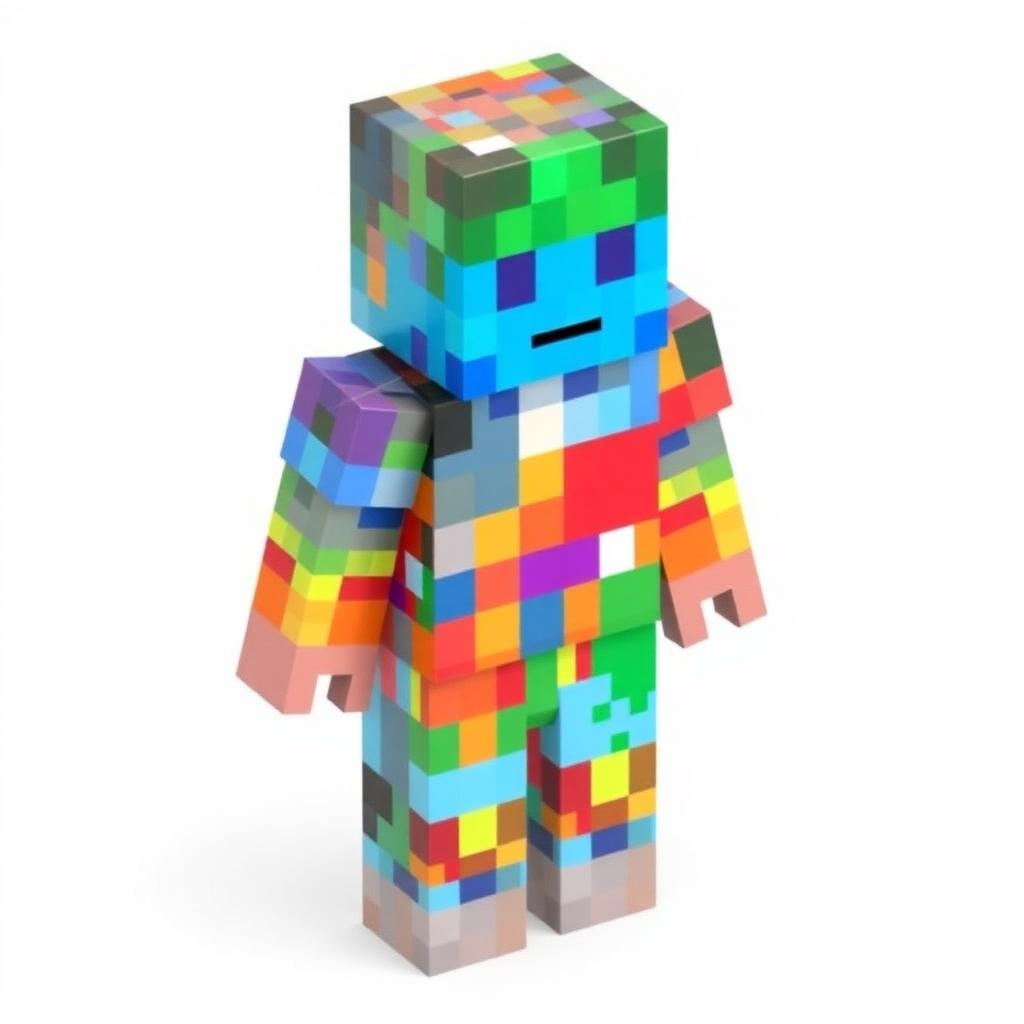
Describe a character idea, pick a theme, and get a unique Minecraft skin concept with palette, body-part colors, and design notes you can paint into any skin editor.
Describe your skin
Theme
Tip: paint the suggested colors into a skin editor like the official Minecraft Character Creator, MCSkin3D, or any 64×64 PNG editor.
Your concept
#3a4252
#9aa3b1
#c5cbd6
#1f2433
#7c3a3a
Hair / Helmet
#9aa3b1
Face
#c5cbd6
Shirt / Armor
#1f2433
Pants
#7c3a3a
Boots
#3a4252
Accent
#9aa3b1
Design notes
A ornate knight build with a layout and cape. Use the darkest palette color for shading on edges, the lightest for highlights, and keep facial details inside the head's 8×8 front face.
Related tools
- AI Build Generator— Describe a build, get a blueprint
- Texture Pack Creator— Recolor textures in-browser
- Command Assistant (AI)— Describe it — get the command
- Banner Generator— Design Minecraft banners with unlimited layers
- Shield Generator— Apply banner designs to shields
- Color Code Generator— All color & formatting codes with live preview