AI Screenshot-to-Build
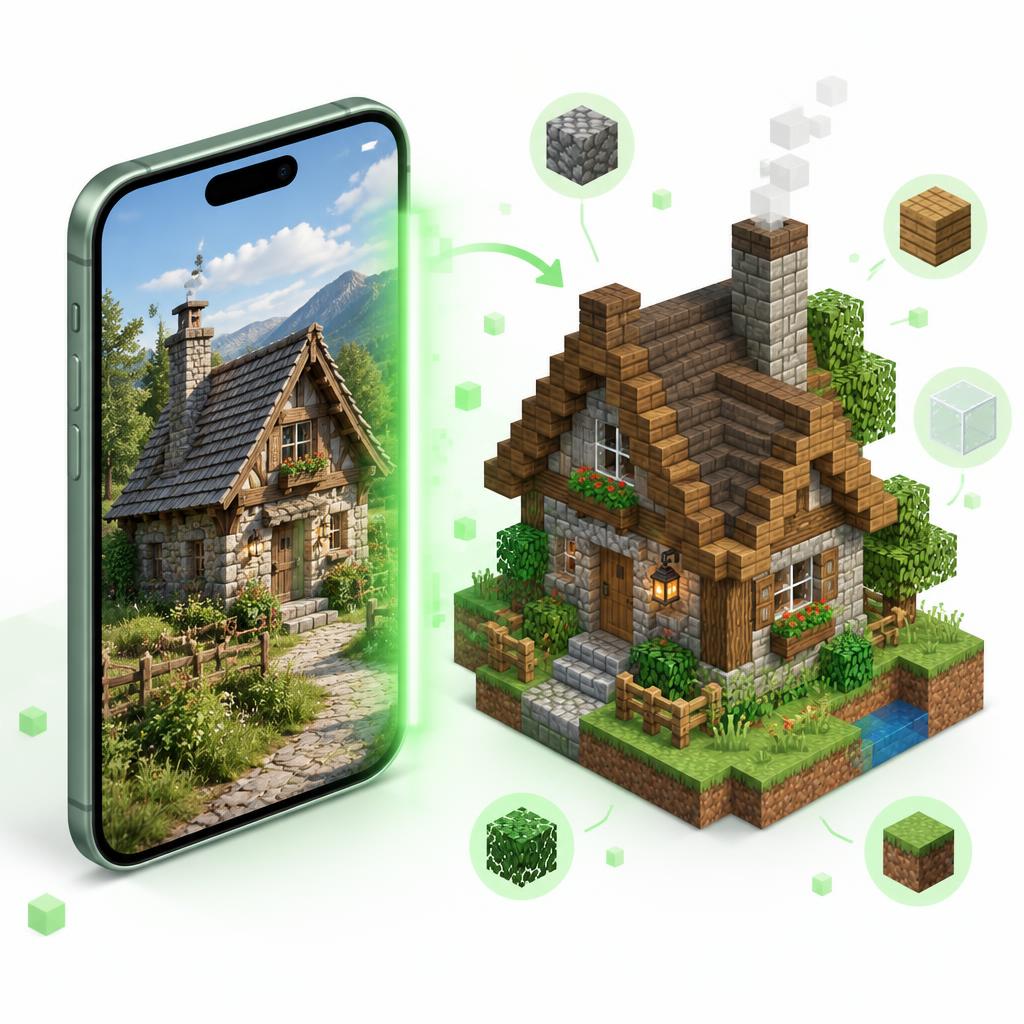
Upload a Minecraft screenshot or a photo of a real building. The AI estimates its size in blocks, picks a block palette and writes the build steps for you.
Please don't upload photos of people or personal information. Images are not stored.
Screenshot-to-Build FAQ
How does AI Screenshot-to-Build work?
Upload a screenshot of a Minecraft build or a photo of a real building. The AI estimates its size in blocks, suggests a block palette with rough counts, and writes step-by-step build instructions for Java or Bedrock.
Is it free?
Yes. Signed-in free accounts get 1 analysis per day. Premium members get 20 per day. Limits reset at midnight UTC.
Is the plan exact?
No. It is an estimate from a single picture, so hidden sides, interiors and exact block counts are guesses. Use it as a starting plan and adjust as you build.
Are my images stored?
No. The image is sent for analysis and then discarded. Only the text plan is kept, and only in your own browser history on this device.
Turn the palette into a gradient with the Block Palette Designer, or plan the floor with the House Planner.
Related tools
- AI Build Generator— Describe a build, get a blueprint
- Texture Pack Creator— Recolor textures in-browser
- AI Skin Generator— Generate Minecraft skin concepts with AI
- Command Assistant (AI)— Describe it — get the command
- Banner Generator— Design Minecraft banners with unlimited layers
- Shield Generator— Apply banner designs to shields