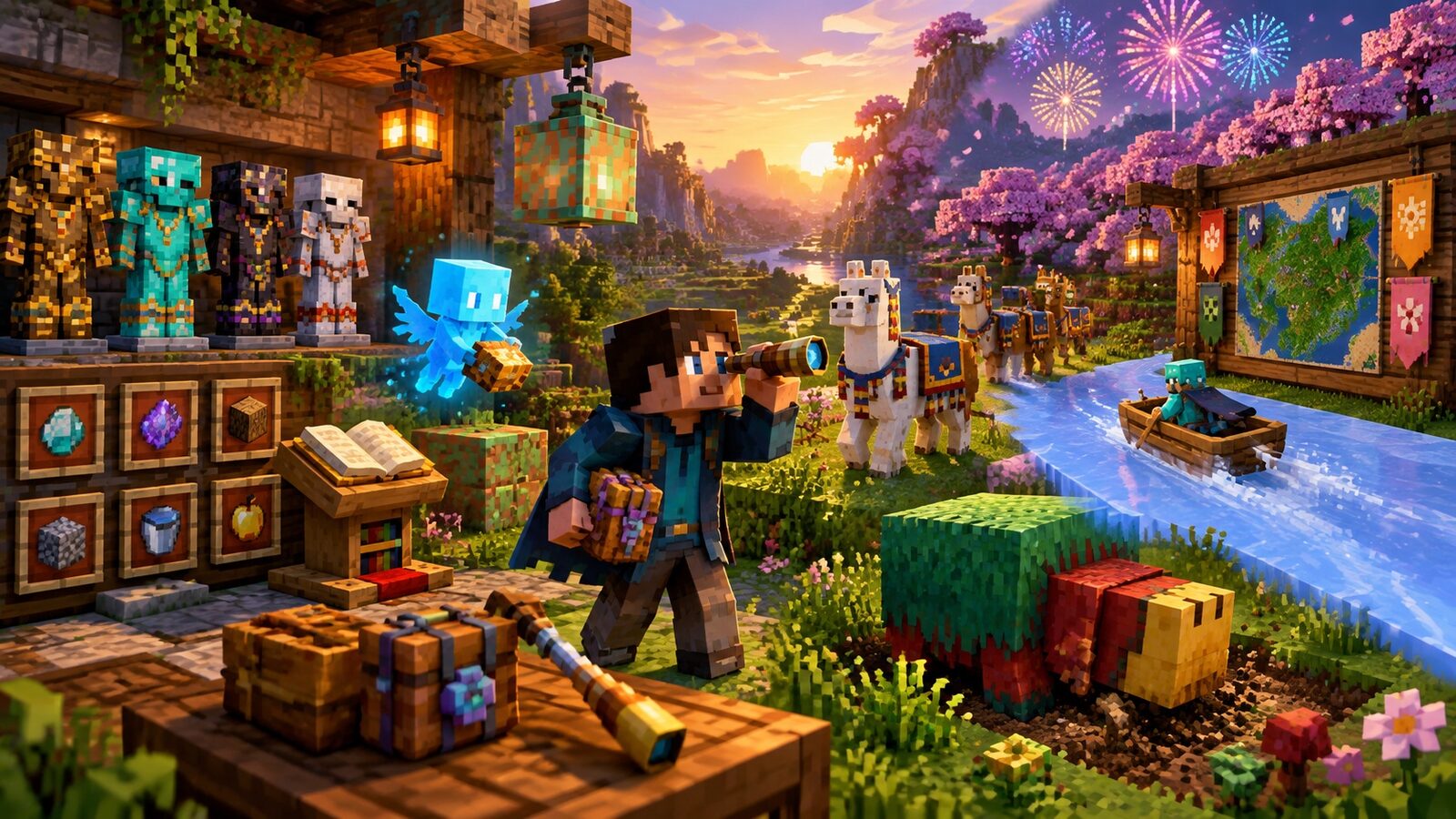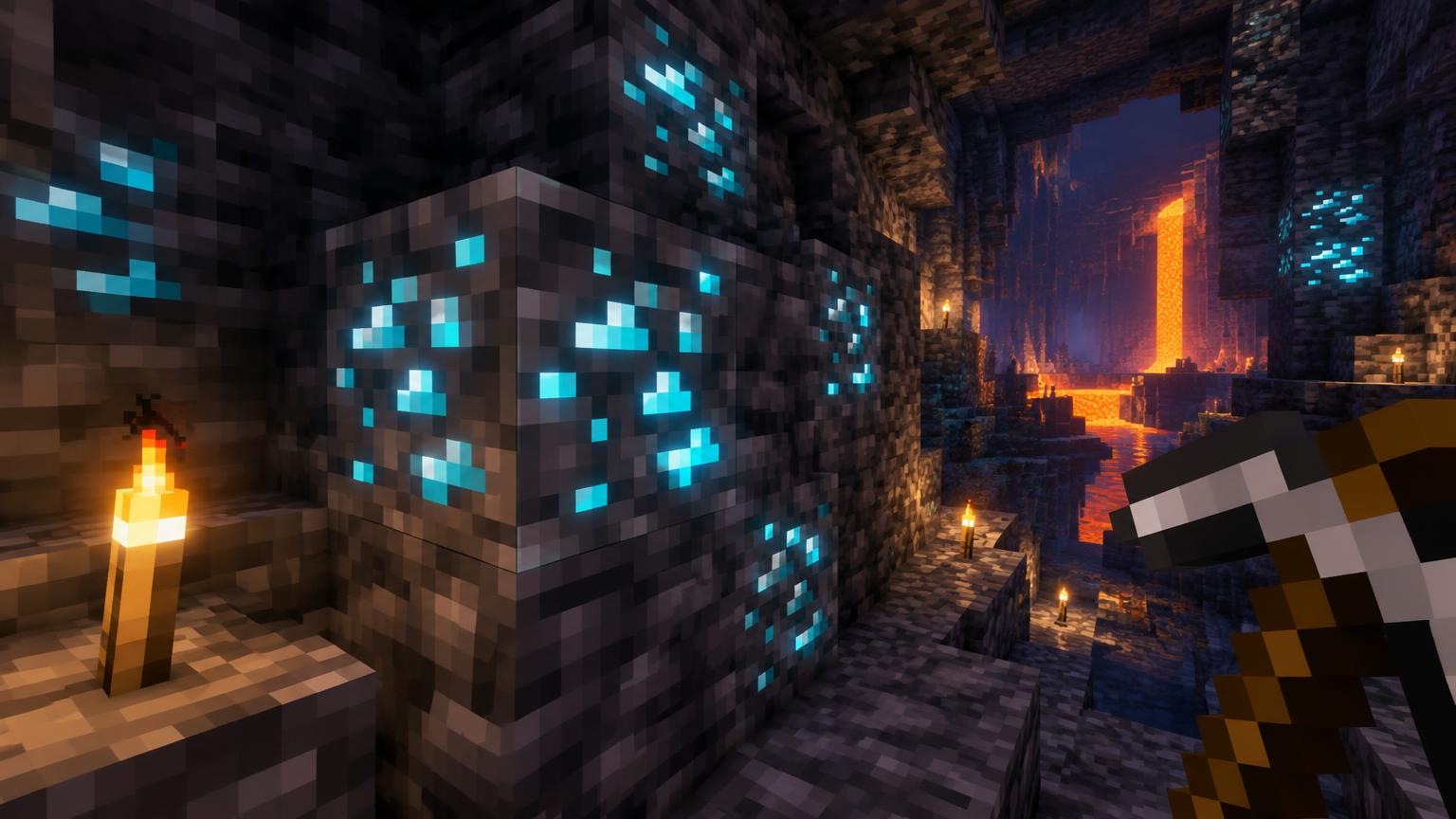
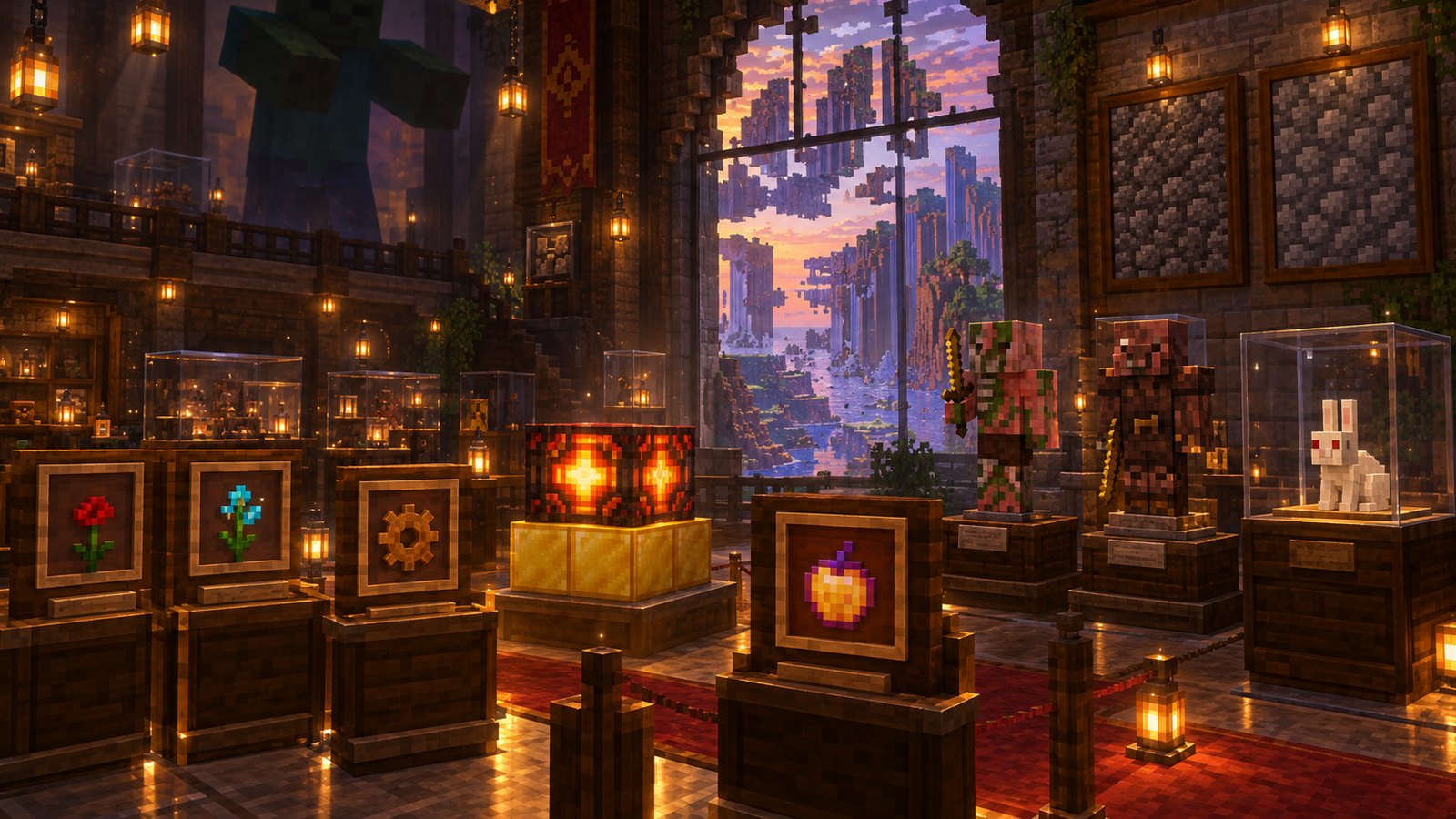
Minecraft looks familiar to anyone who played it years ago, but almost every system has been rebuilt at least once. Blocks were added and quietly removed, mobs were renamed, menus lost secret buttons and whole biomes disappeared from world generation. Some of these features are gone forever. Others are still inside the game, waiting for anyone who knows the right command.
This guide covers 25 of the most interesting forgotten features in three groups: things that were removed, things that were changed and things that are still hidden. Every version number was checked against the Minecraft Wiki, which tracks the full history of each feature, and edition differences are noted where they matter. For hidden mechanics you can still use today, read our list of 100 things you didn't know you could do in Minecraft.
Why Mojang removes, changes and hides features
Features usually leave the game for one of four reasons. Some were placeholders for systems that were not ready yet, like the Nether reactor before Pocket Edition had a real Nether. Some hurt performance, like void fog. Some were confusing or rarely used, like the 3D Anaglyph option. And some were replaced by better designs, like achievements turning into advancements. Hidden features are usually unfinished ideas that were left in the code rather than deleted.
- Removed: no longer in the game, or only present in old worlds.
- Changed: still exists, but works, looks or is named differently.
- Hidden: still in the game, but never appears in normal survival play.
Removed features (1 to 10)
1. Gears
Gears were one of the earliest mechanism ideas. Notch showed them off in January 2010 and added them in Java Indev 0.31. A placed gear was invisible on its own and only showed an animated gear sprite on the sides of neighboring blocks. They never had a real function. Gears were removed in Java Alpha v1.0.1, and because redstone wire took over the same numeric block ID (55), existing gears automatically turned into redstone dust. In a way, gears became redstone.
2. The rose and the cyan rose
The original red flower was a rose. In Java Edition 1.7.2 (snapshot 13w36a) it was replaced by the poppy as part of a large flower update that also added the blue orchid, allium and tulips, and old roses converted into poppies. Pocket Edition had its own version: a blue or cyan rose, chosen because the Xperia Play could not properly display the intended red. It was replaced by the poppy in Pocket Edition v0.9.0. The rose lives on through the rose bush and the wither rose.
3. Rubies
Emeralds were almost rubies. In May 2012, Jeb shared screenshots of villagers trading for rubies, and the 12w21a snapshot even shipped emerald ore with a texture that looked like ruby ore. Mojang switched to emeralds because Dinnerbone, who is red-green colorblind, had trouble telling ruby ore apart from redstone ore at a distance. Snapshot 12w21b fixed the texture the next day. Today emeralds drive every villager trade, which you can plan with the Villager Trade Optimizer.
4. The Far Lands
The Far Lands were a world generation glitch that began roughly 12.55 million blocks from the world center. Number overflows in the terrain generator created towering walls, hollow caverns and stretched, layered terrain. They were fixed in Java Edition Beta 1.8 when terrain generation was rebuilt around biomes, and they stopped appearing in normal Bedrock Edition play from version 1.17.30. They still exist in modded worlds and in videos of players who walked there by hand.
5. Rainforest, Seasonal Forest and Shrubland biomes
Before the Adventure Update, Minecraft had biomes that no longer exist, including the Rainforest, the Seasonal Forest and Shrubland. All three were removed in the Java Edition Beta 1.8 pre-release, when biome generation was redesigned. The jungle later filled the role of the dense tropical biome. If you want to explore every biome that exists today, use the Biome Finder or browse the Seed Finder.
6. Void fog
Older players remember caves getting darker and foggier near the bottom of the world, with small dark particles drifting up from bedrock. That was void fog. It was removed in Java Edition 1.8 (snapshot 14w34c), mainly to improve performance, because the game no longer needed to tick air blocks to create the particles. Deep caves now rely on light level alone, which is why the diamond level guide recommends bringing plenty of torches.
7. The Nether reactor core
Before Pocket Edition had a real Nether, players built a Nether reactor: a structure of gold blocks and cobblestone around a Nether reactor core, crafted from diamonds and iron ingots. Activating it spawned a glowing obsidian spire and zombie pigmen, and it was the only way to get Nether items such as glowstone and Nether quartz. Since Pocket Edition v0.12.1 added the real Nether, the core has been unobtainable. It cannot be found in the Creative inventory or given with commands, but cores that already exist in old Bedrock worlds still drop 3 diamonds and 6 iron ingots when mined. To visit the real Nether today, follow our Nether portal guide.
8. 3D Anaglyph mode
From Java Classic 0.24 until 2017, the video settings included a 3D Anaglyph option. It split the picture into red and cyan layers so players with classic red-cyan 3D glasses could see the world in depth. It was removed in Java Edition 1.13 (snapshot 17w43a), reportedly because very few players used it.
9. The Super Secret Settings button
Java Edition 1.7.2 (snapshot 13w38a) added a button in the options menu called Super Secret Settings. Clicking it played a random sound at a very low pitch and applied a random shader, such as an upside-down view, an 8-bit Notch filter, pencil sketch or inverted colors. The button was removed in snapshot 15w31a for Java Edition 1.9 during an internal rewrite. The shaders themselves stayed unused in the game until 2024. You can still see a few similar effects in Spectator mode by spectating a creeper, spider or enderman.
10. The enchanted golden apple recipe
Players used to craft the enchanted golden apple, often called the Notch apple, from an apple and 8 blocks of gold. In Java Edition 1.9, snapshot 15w37a weakened its effects to Regeneration II and Absorption IV, and snapshot 15w44a removed the crafting recipe entirely. Since then it has only been found in loot chests, which makes it non-renewable. Our rarest structures guide covers the places where valuable loot like this still appears.
Changed features (11 to 18)
11. Food used to heal you instantly
In early Minecraft there was no hunger bar. Food restored health directly and was eaten instantly, with no eating animation or sound. Java Edition Beta 1.8, the Adventure Update, introduced the hunger bar, so food now fills hunger and health regenerates when hunger is high enough. The same update added sprinting, which drains hunger faster. That one change is why food farms became a core part of survival.
12. Combat before the Combat Update
Before Java Edition 1.9, the Combat Update released on February 29, 2016, players could click as fast as they wanted and every hit dealt full damage. Java 1.9 added the attack cooldown, so weapons now deal full damage only after a short recharge. It also added shields and the off-hand slot. Bedrock Edition still uses the older click-speed style of combat. To get the most from modern combat, see our best sword enchantments guide and the Enchanting Calculator.
13. Achievements became advancements
Java Edition used a small achievement tree until Java Edition 1.12, when snapshot 17w13a replaced it with advancements. Advancements are organized into tabs, can be customized with data packs and give players a clearer path through the game. Bedrock Edition still uses achievements. Some old goals survive as callbacks, such as the advancement Over-Overkill, a reference to the removed Overkill achievement. Track your own progress with the Survival Progress Tracker.
14. Zombie pigmen became zombified piglins
For over a decade the Nether was home to zombie pigmen. In Java Edition 1.16, the Nether Update, snapshot 20w09a renamed them zombified piglins and gave them a new look to match the newly added piglins. Piglins and piglin brutes that enter the Overworld or the End now turn into zombified piglins. Their old sound files are still named after zombie pigmen inside the game.
15. Dyes and the old color items
Older players remember dyes called Rose Red, Dandelion Yellow and Cactus Green, and dyeing wool black with ink sacs, blue with lapis lazuli, brown with cocoa beans and white with bone meal. Java Edition 1.14 (snapshot 18w43a) renamed the dyes to simple colors like red dye and green dye and added dedicated black, blue, brown and white dyes. In Bedrock Edition, ink sacs, lapis lazuli, cocoa beans and bone meal can still be used in place of those dyes. See every color with our green dye guide and the Banner Generator.
16. The classic textures
The Village and Pillage update in 2019 (Java Edition 1.14) replaced most block and item textures with redrawn versions, including well-known blocks like cobblestone and many ores. The new textures kept the original style but added more detail and consistency. Players who miss the old look can recreate it with a resource pack, and our Texture Pack Creator and Resource Pack Creator make that easier.
17. The world got taller and deeper
For most of Minecraft's history, the world ran from bedrock at Y=0 to a build limit high above. Java Edition 1.18, Caves and Cliffs Part II, stretched the world from Y=-64 to Y=320, moved the bedrock floor down to Y=-64 to Y=-60 and changed how every ore generates. Diamonds moved deeper, iron now has a large band high in mountains and gold generates mostly below sea level. Read the diamond level guide for the current best mining heights.
18. Boats used to shatter
Early boats were fragile. In old versions, crashing into land at speed broke a boat into 3 oak planks and 2 sticks, often leaving players stranded at sea. Over many updates boats became sturdier, gained paddles and steering, began dropping themselves as an item when broken by a player and got wood-specific versions. Today a boat can even cancel fall damage for everyone inside, which makes it a popular way to travel down mountains or across the Nether.
Hidden features (19 to 25)
19. Giants
Giants are enormous zombies that have existed in the code since early development. In Java Edition they can only appear with the command /summon minecraft:giant. They never spawn naturally, have no spawn egg and currently have no AI, so they stand perfectly still facing one direction. Build the exact command with our Command Generator or ask the Command Assistant.
20. The illusioner
The illusioner is an illager that casts Blindness and creates copies of itself while shooting a bow. It was finished but never given a natural spawn. Illusioners do not appear in raids, woodland mansions or anywhere else without commands, and they have no spawn egg in the Creative inventory. You can still summon one with /summon minecraft:illusioner. Mojang even explained how to spawn it in its Story of Mobs video series.
21. The Killer Bunny
The Killer Bunny is a hostile white rabbit with red eyes, a reference to Monty Python and the Holy Grail. It is exclusive to Java Edition and can only be spawned with commands. Unlike normal rabbits it attacks players, dealing 8 damage per hit on Normal difficulty, and it has 8 armor points. It is the only rabbit you should never try to tame.
22. Secret name tag effects
Name tags hide several Easter eggs. Name a sheep jeb_ and its wool cycles through every color. Name almost any mob Dinnerbone or Grumm and it flips upside down. Name a rabbit Toast and it gets a special black-and-white coat, added as a memorial for a player's lost pet rabbit. These names change appearance only, so a jeb_ sheep still drops its original wool color. Generate name ideas with our Name Generator.
23. The Minceraft title screen
Every time Java Edition loads, there is a 1 in 10,000 chance, or 0.01%, that the logo reads Minceraft instead of Minecraft. Notch added it as a private joke and enjoyed being the only one who knew about it. Crash reports also sometimes joke that you should try the game's sister game, Minceraft.
24. The debug stick
Added in Java Edition 1.13 (snapshot 17w47a), the debug stick is a builder's secret weapon. It cannot be crafted or found in survival, and it only appears through commands such as /give @s minecraft:debug_stick. Right-clicking cycles a block's properties, such as stair shape or fence connections, without block updates, which lets builders create shapes that are otherwise impossible. Our give command guide shows how to get it.
25. Nitwit villagers
Nitwits are green-robed villagers that can never take a job. They were re-added in Java Edition 1.11 (snapshot 16w32b) as the return of the old generic villager. Nitwits cannot trade, cannot change profession and do not gather at bells, but they can still breed. If your trading hall has one, it will never work a station, so plan around it with our villager breeding guide.
The feature that never existed: Herobrine
No list of forgotten Minecraft features is complete without Herobrine, the white-eyed figure from a famous creepypasta. Herobrine has never been part of the game. Starting with Java Edition Beta 1.6.6, Mojang began adding the line Removed Herobrine to changelogs as a joke, and it has appeared many times since. The Legacy Console Edition even had a loading tip joking that 4J Studios had removed Herobrine, but they were not too sure.
Quick reference: all 25 forgotten features
- Gears: added Java Indev 0.31, removed Java Alpha v1.0.1.
- Rose: replaced by the poppy in Java 1.7.2 and Pocket Edition v0.9.0.
- Rubies: replaced by emeralds during Java 1.3 development in 2012.
- Far Lands: fixed in Java Beta 1.8 and Bedrock 1.17.30.
- Rainforest, Seasonal Forest and Shrubland: removed in Java Beta 1.8.
- Void fog: removed in Java 1.8 (14w34c).
- Nether reactor core: unobtainable since Pocket Edition v0.12.1.
- 3D Anaglyph: removed in Java 1.13 (17w43a).
- Super Secret Settings: added Java 1.7.2, removed Java 1.9 (15w31a).
- Enchanted golden apple recipe: removed in Java 1.9 (15w44a).
- Instant-healing food: replaced by hunger in Java Beta 1.8.
- Old combat: attack cooldown added in Java 1.9.
- Achievements: replaced by advancements in Java 1.12.
- Zombie pigmen: renamed zombified piglins in Java 1.16 (20w09a).
- Old dye names: renamed in Java 1.14 (18w43a).
- Classic textures: redrawn in Java 1.14.
- World height: Y=-64 to 320 since Java 1.18.
- Fragile boats: reworked over many updates.
- Giants: Java, command only.
- Illusioner: command only.
- Killer Bunny: Java, command only.
- Name tag Easter eggs: jeb_, Dinnerbone, Grumm and Toast.
- Minceraft title: 1 in 10,000 chance.
- Debug stick: Java 1.13, command only.
- Nitwits: Java 1.11, cannot trade.
Java vs Bedrock: what differs
- Giants, the Killer Bunny and the debug stick are Java Edition features.
- Bedrock Edition still uses achievements instead of advancements.
- Bedrock Edition never added the Java 1.9 attack cooldown.
- In Bedrock Edition, ink sacs, lapis lazuli, cocoa beans and bone meal still work as dyes.
- The Nether reactor core only ever existed in Pocket Edition, now Bedrock Edition, and still survives in very old worlds.
- The Far Lands lasted much longer in Bedrock Edition, until version 1.17.30.
How to experience forgotten features today
- Summon hidden mobs in a Creative test world with commands built in the Command Generator.
- Rename mobs with a name tag to see the jeb_, Dinnerbone and Toast effects in survival.
- Use a resource pack to bring back classic textures, starting with the Texture Pack Creator.
- Visit old versions through the launcher's installation settings. Always back up your world before opening it in a different version.
- Rebuild classic structures such as the Nether reactor as decoration using the Block Palette Designer.
Common myths about removed features
- Myth: Herobrine was removed. He was never added.
- Myth: Giants are a secret boss. They have no AI and never spawn naturally.
- Myth: The Far Lands are the edge of the world. They were a glitch, and the actual world border sits at 30 million blocks.
- Myth: The illusioner spawns in woodland mansions. It does not spawn anywhere without commands.
- Myth: You can still craft Notch apples. The recipe has been gone since Java Edition 1.9.
Sources
Version numbers and mechanics were checked against the Minecraft Wiki in November 2026. Features can change again in future updates, so check the latest patch notes if something behaves differently in your world.
- Minecraft Wiki, Gear: https://minecraft.wiki/w/Gear
- Minecraft Wiki, Poppy: https://minecraft.wiki/w/Poppy
- Minecraft Wiki, Blue Orchid: https://minecraft.wiki/w/Blue_Orchid
- Minecraft Wiki, Ruby: https://minecraft.wiki/w/Ruby
- Minecraft Wiki, Far Lands: https://minecraft.wiki/w/Far_Lands
- Minecraft Wiki, Seasonal Forest: https://minecraft.wiki/w/Seasonal_Forest
- Minecraft Wiki, Shrubland: https://minecraft.wiki/w/Shrubland
- Minecraft Wiki, Rainforest: https://minecraft.wiki/w/Rainforest
- Minecraft Wiki, Fog: https://minecraft.wiki/w/Fog
- Minecraft Wiki, Nether Reactor Core: https://minecraft.wiki/w/Nether_Reactor_Core
- Minecraft Wiki, Removed features: https://minecraft.wiki/w/Java_Edition_removed_features
- Minecraft Wiki, Super Secret Settings: https://minecraft.wiki/w/Super_Secret_Settings
- Minecraft Wiki, Enchanted Golden Apple: https://minecraft.wiki/w/Enchanted_Golden_Apple
- Minecraft Wiki, Hunger: https://minecraft.wiki/w/Hunger
- Minecraft Wiki, Combat Update: https://minecraft.wiki/w/Combat_Update
- Minecraft Wiki, Advancement: https://minecraft.wiki/w/Advancement
- Minecraft Wiki, Zombified Piglin: https://minecraft.wiki/w/Zombified_Piglin
- Minecraft Wiki, Dye: https://minecraft.wiki/w/Dye
- Minecraft Wiki, Java Edition 1.18: https://minecraft.wiki/w/Java_Edition_1.18
- Minecraft Wiki, Boat: https://minecraft.wiki/w/Boat
- Minecraft Wiki, Giant: https://minecraft.wiki/w/Giant
- Minecraft Wiki, Illusioner: https://minecraft.wiki/w/Illusioner
- Minecraft Wiki, Rabbit: https://minecraft.wiki/w/Rabbit
- Minecraft Wiki, Title Screen: https://minecraft.wiki/w/Title_Screen
- Minecraft Wiki, Debug Stick: https://minecraft.wiki/w/Debug_Stick
- Minecraft Wiki, Nitwit: https://minecraft.wiki/w/Nitwit
- Minecraft Wiki, Herobrine: https://minecraft.wiki/w/Herobrine
Build the future of your world with MineBuildr Premium
Minecraft keeps changing, and the players who adapt fastest are the ones with a plan. MineBuildr Premium gives you the planners that turn every update into progress instead of guesswork. Find the best mining depths for the modern world with the Ore Yield Planner, lay out an emerald-powered trading hall, connect your Nether portals with the Nether Highway Planner and keep enchanting costs low with the Anvil Cost Optimizer.
- Every Premium planning tool in one membership, with new tools added as Minecraft evolves.
- Premium blueprint downloads for castles, mansions and mega builds from the Blueprint Library.
- More daily AI Screenshot to Build generations to turn any inspiration picture, old or new, into a plan.
- Exact counts and rates that save hours of mining, farming and rebuilding.
- Cancel any time from your account dashboard.
Start with the free tools, then upgrade when you are ready to build something worth remembering. Compare plans on the pricing page.
Give your next ambitious build a better workflow
Turn what you just learned into a finished build. Premium keeps your projects, materials and plans organized, from your first survival base to your next mega build or server.
- All 25 Premium planners, calculators and optimizers
- Saved setups, share links and one-click reset on every Premium tool
- 20 AI Screenshot to Build analyses a day (free accounts get 1)
- .schem and Java .mcfunction exports from the House Planner and AI Build Generator
Compare current prices and billing options before checkout. Features depend on the tool and export format. Premium tools help you plan; results in your world depend on your version and settings. Core tools remain free. Review the Terms and Refund Policy.