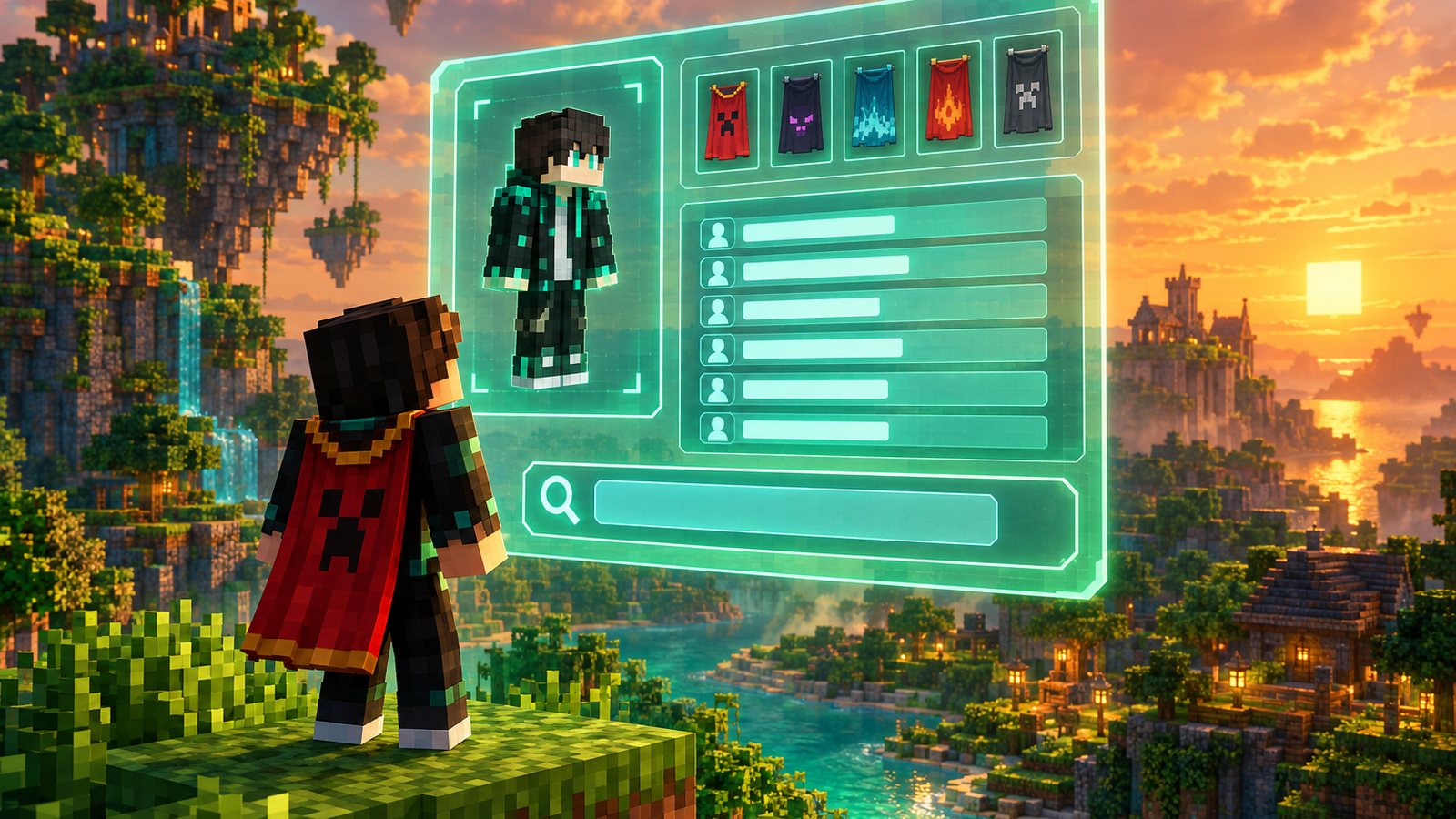
If you have ever wondered who used a cool username before you, where a friend got their skin or whether a rare cape is real, you have probably landed on NameMC. It is one of the best known Minecraft lookup sites, and it shows a lot of public information about any Java Edition account in a few seconds.
This guide explains every part of NameMC in plain language: profile search, UUIDs, skins, capes, name history, name availability, claiming your profile, privacy controls and safety. Rules about usernames come from NameMC's FAQ and Mojang's help center, and skin and cape details come from the Minecraft Wiki. If you want an original look before you search for one, try our free AI Skin Generator or the Name Generator.
What is NameMC?
NameMC (namemc.com) is a third-party website that reads public Minecraft account data and organizes it into searchable profiles. Its main menu covers Skins, Names, Servers, Capes and a Store. Visitors can use almost everything without signing up. A free NameMC account is only needed for profile features such as linking your Minecraft profile, adding social links or hiding previous names, and NameMC offers an optional paid Emerald rank.
NameMC is not an official Minecraft product. Its terms state that it is not approved by or associated with Mojang or Microsoft, and its FAQ sends account problems to Minecraft Support. That matters: NameMC cannot recover a hacked account, change your username for you or give you a cape.
- Profile search: look up any Java Edition username or UUID.
- Skins: see a profile's current and past skins in 3D, and browse trending and tagged skins.
- Capes: see which official capes a profile owns and how many players own each cape.
- Names: check whether a username is taken, available or dropping soon.
- Servers: browse a ranked list of Java servers with player counts.
NameMC at a glance
- Cost: free to browse. An optional paid Emerald rank adds profile extras.
- Edition: Minecraft: Java Edition profiles only.
- Account needed: no for searching and downloading, yes for claiming and editing your own profile.
- Official Minecraft product: no. It is an independent fan site.
- Official Discord: discord.gg/NameMC, according to NameMC's claim page.
- Password needed: never. NameMC verifies ownership through an in-game command instead.
How to search a Minecraft profile on NameMC
Profile search is the feature most people use. It takes under a minute and works on phone or desktop.
- Open namemc.com and click the search bar at the top.
- Type a Java Edition username or a full UUID and press Enter.
- If the name belongs to an account, NameMC opens that profile. If several accounts used the name over time, you may see a list to choose from.
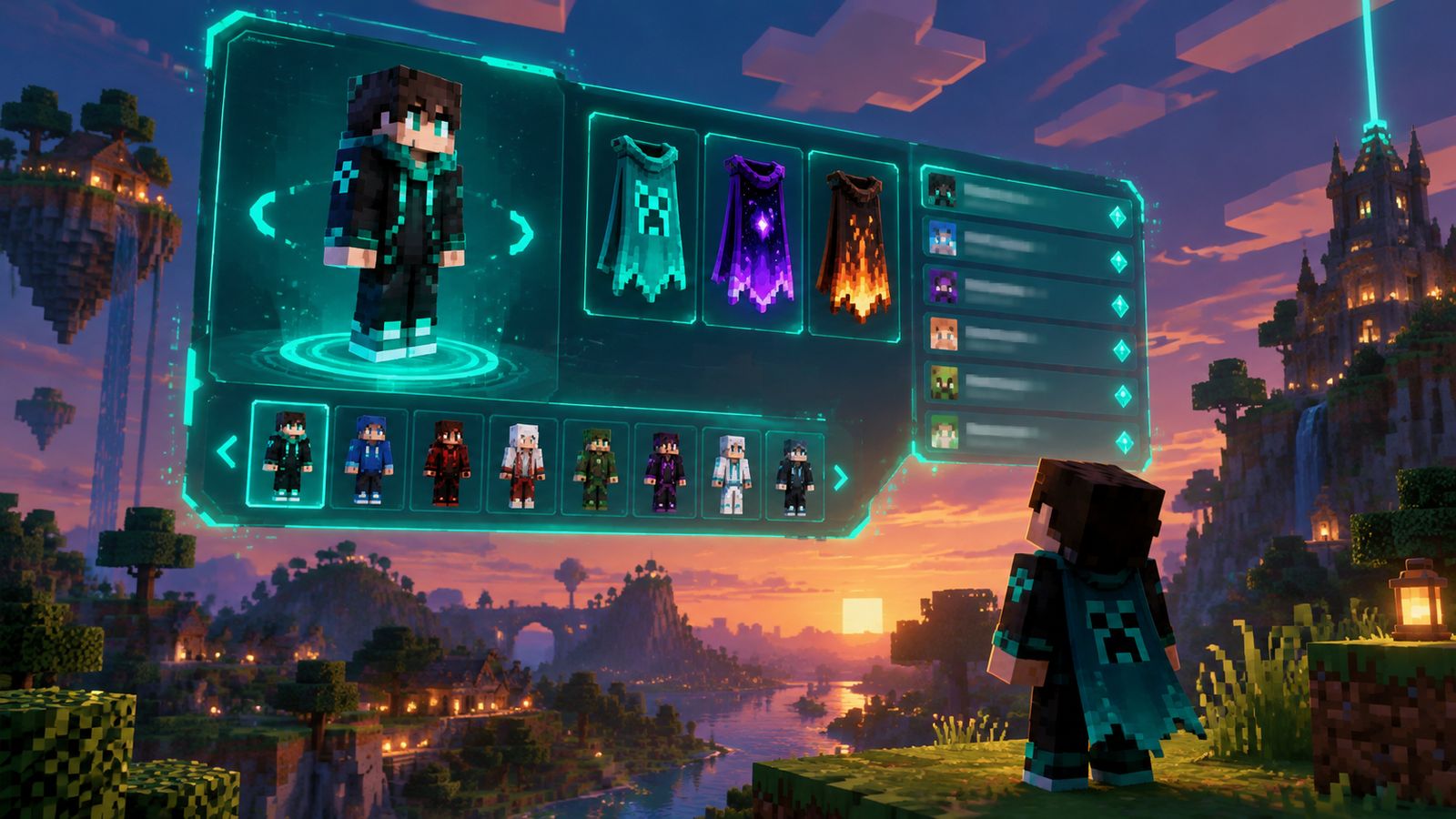
- Read the profile: current name, UUID, skin preview, skin history, capes, name history and any linked social accounts.
- Click a skin in the history to open it, see who else wears it and download the file.
Search by UUID when you need to be sure you have the right person. Usernames can change and later belong to someone else, but a UUID stays with one account forever.
What a NameMC profile shows
- Current username and how long it has been in use, where known.
- UUID in both short form (32 characters) and long form with dashes.
- A 3D skin viewer you can rotate, with the Classic or Slim arm model.
- Skin history: every skin NameMC has recorded on that account.
- Capes: official Mojang capes, plus OptiFine capes where shown.
- Name history: previous usernames on record, with dashes for hidden names.
- Optional extras the owner added after claiming, such as a bio or social links.
Search tips that save time
- Usernames are not case-sensitive, so searching notch or Notch returns the same result.
- You can paste a UUID with or without dashes. A UUID always leads to one account, even after renames.
- If a name was used by more than one account over the years, compare the UUIDs and dates before assuming you found the right player.
- Bookmark a friend's profile after you open it, so you can find them again even if they change their name.
- If nothing comes up, check the spelling against the naming rules: 3 to 16 characters using only letters, numbers and underscores.
What is a Minecraft UUID and why it matters
UUID stands for Universally Unique Identifier. Every Minecraft account has a different one, and it never changes, even when the player changes their name. Servers, plugins and world files use the UUID to remember who you are. That is why your ranks, bans, inventory and statistics follow you after a rename.
NameMC shows the UUID on every profile. Server admins often copy it from NameMC into whitelists, permission files or ban lists. If you run a server, our Server Permissions Builder and Server Config Validator help you keep those files tidy.
NameMC skins: browse, upload and download
NameMC stores the skins it sees on public profiles, which makes it a huge, searchable skin library. You can browse trending skins, search by tag or open any skin from a profile's history.
Skin file basics: size, layers and arm models
Knowing how a skin file works makes NameMC's skin pages much easier to read. These details come from the Minecraft Wiki skin page.
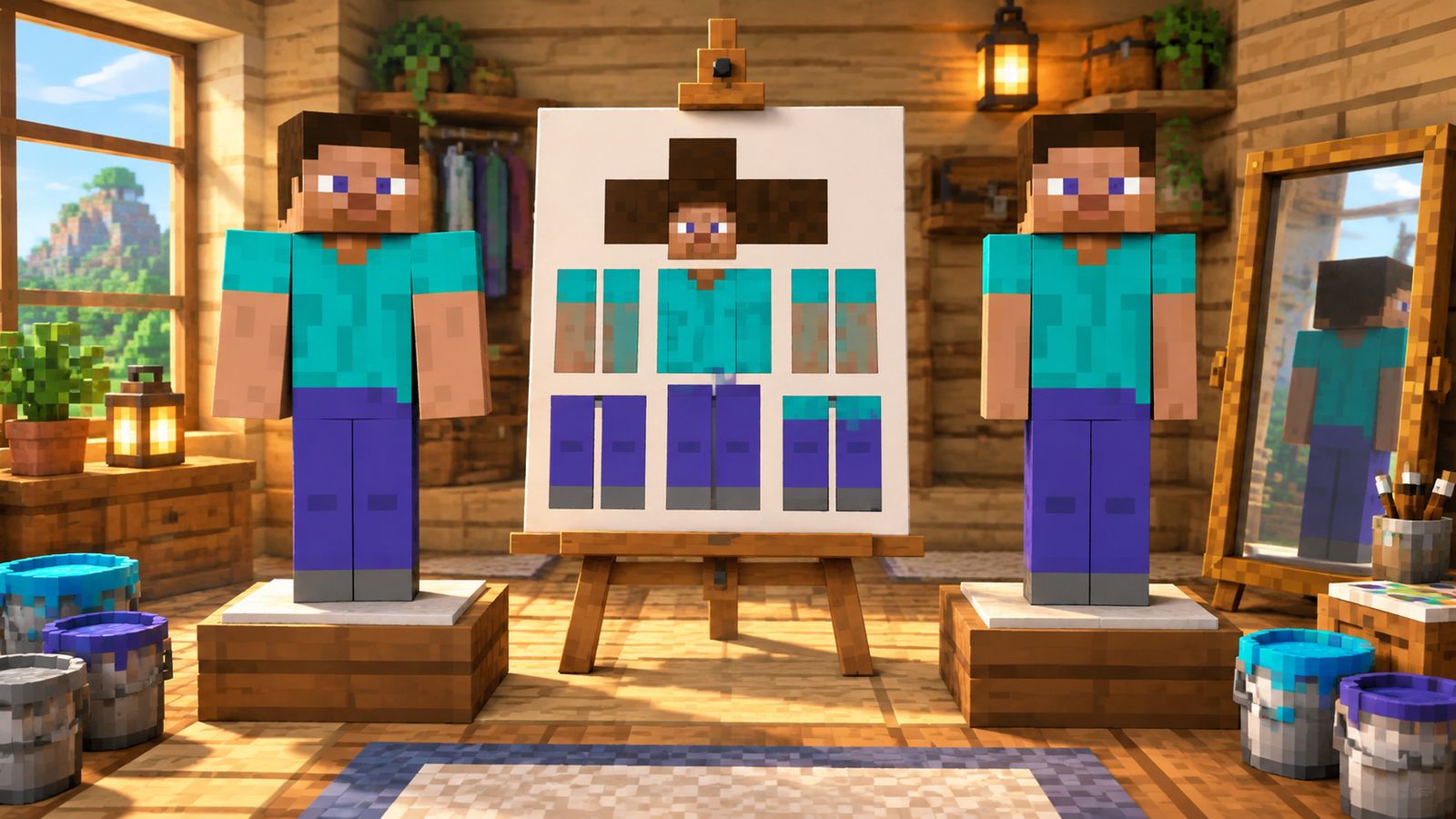
- Modern skins are 64 by 64 pixel PNG files. Older skins made before Java Edition 1.8 use a 64 by 32 layout, which the game still accepts.
- Every skin has a base layer and an outer layer. The outer layer is used for hats, jackets, sleeves and hair that stick out, and it is the only part that can be transparent.
- The Classic model, used by Steve, has arms 4 pixels wide. The Slim model, used by Alex, has arms 3 pixels wide.
- A skin drawn for one model and worn on the other leaves a dark stripe or cuts off part of the sleeve, so always pick the matching model when you upload.
How to upload your skin to NameMC
There is no upload button for your own skin. NameMC's FAQ says to simply wear the skin on your Java Edition profile, wait 60 seconds and then visit your NameMC profile page. The skin is added automatically. You never need to sign in or hand over a file.
- Open the Minecraft Launcher, go to Skins and pick or upload a skin. You can also change it on your profile at minecraft.net.
- Choose the Classic (4 pixel wide arms) or Slim (3 pixel wide arms) model to match your file.
- Wait about 60 seconds.
- Search your username on NameMC. The new skin appears at the top of your skin history.
Skin not showing on NameMC? Quick fixes
- Confirm you changed the skin on your Java Edition profile. A skin picked only in Bedrock's Character Creator is not part of your Java profile.
- Wait a full minute after changing it, then reload your NameMC profile page.
- Check that you searched your current username, not an old one.
- Make sure the file is a valid 64 by 64 or 64 by 32 PNG. The launcher rejects other sizes.
- Still old? Try again a few minutes later, since updates can be slower when the site is busy.
How to use a skin you found on NameMC
- Open the skin page and use the download option to save the PNG file.
- Check whether it was made for the Classic or Slim model. The wrong model leaves a gap or a stripe on the arms.
- Upload the PNG in the Minecraft Launcher (Java) or through the Character Creator or a custom skin slot (Bedrock).
- Load into a world and press F5 on Java to check the look from the front.
Skin files are small PNG images, normally 64 by 64 pixels, with transparent areas allowed only on the outer layer. Remember that public skins were made by other players. Wearing one for fun is normal, but claiming someone else's design as your own or selling it is not. For something unique, describe your character to the AI Skin Generator, which gives you a palette and pixel guide to build from.
NameMC capes explained
Capes are cosmetic items shown on a player's back. According to the Minecraft Wiki, official capes cannot be custom-made, cannot be transferred between accounts and are given through limited promotions, events or migration. A cape also changes how the player's elytra looks.
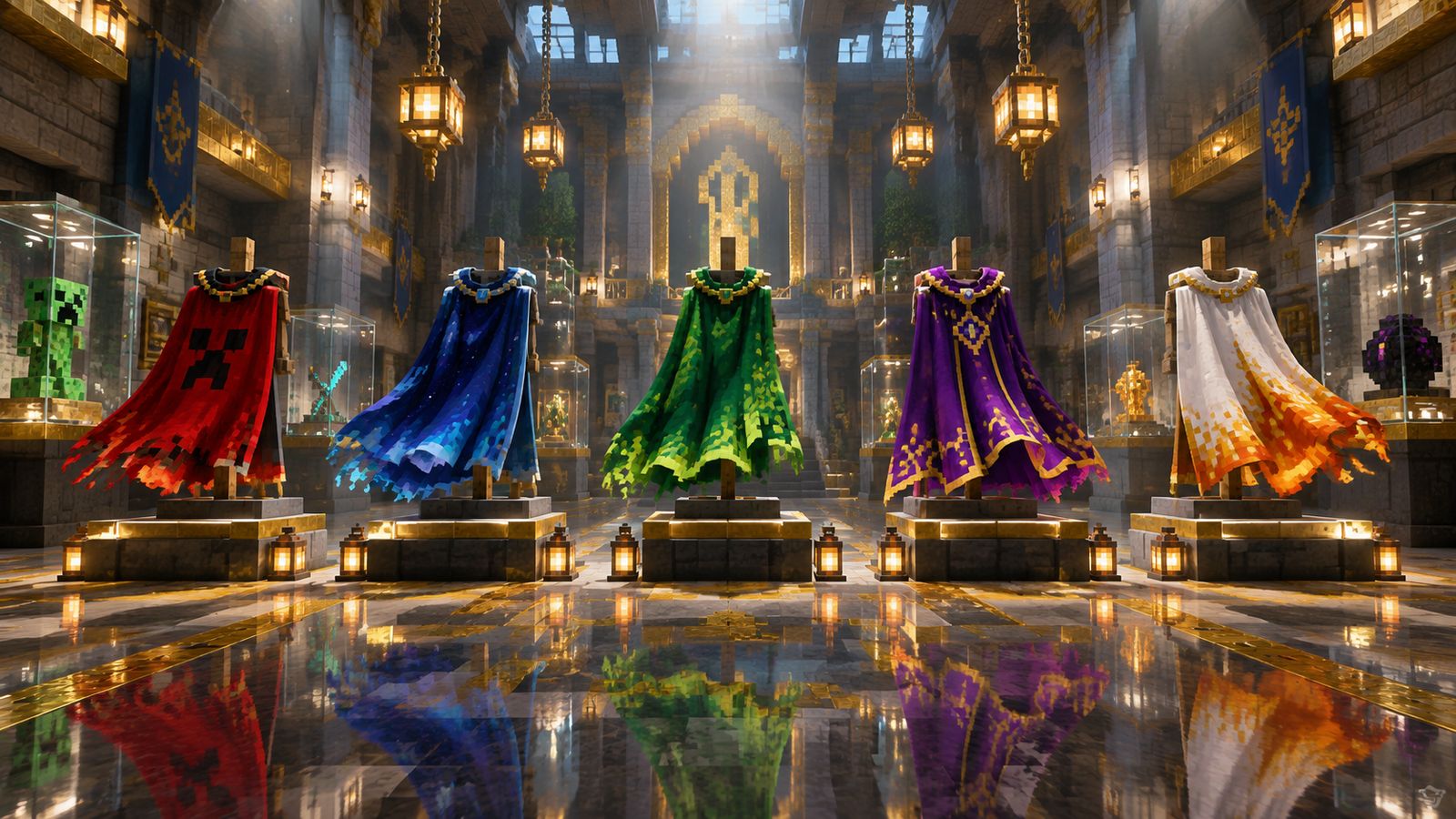
- MINECON capes went to convention attendees between 2011 and 2016 and remain among the rarest.
- The Migrator Cape went to Java players who moved their Mojang account to a Microsoft account.
- Newer promotional capes, such as event and anniversary capes, are given to large numbers of players for a limited time, usually on both editions.
- On May 8, 2025, the Founder's Cape and Pan Cape, which started on Bedrock, were also given to Java Edition players.
- Mod capes, such as OptiFine capes, are unofficial and only visible to players using that mod.
NameMC's Capes page lists every official cape with the number of profiles it has seen wearing it. That count is the easiest way to judge how rare a cape is. Because rare cape accounts are a target for scams and theft, never trust a seller who claims a cape you cannot see on that account's NameMC profile.
How to check if a cape is real
- Search the player's UUID on NameMC, not just the name, so you are looking at the right account.
- Open the Capes section of the profile and confirm the cape is listed there.
- Open that cape's page on NameMC to see how many profiles own it. A very low count means it is rare.
- Remember that OptiFine and other mod capes are not official and only appear for players using that mod.
- Treat any offer to sell, trade or transfer a cape as a scam. Official capes stay on the account that received them.
Want a custom look without a rare cape? Design a banner with the Banner Generator and wear it as a shield or flag, or plan a matching armor set with trims using the Premium Armor Trim Architect.
Minecraft name history on NameMC
Name history is the list of usernames an account used before its current one. For years NameMC read this list directly from Mojang. That changed on September 13, 2022, when Mojang removed its public Username History API to improve player safety and data privacy. Mojang explained the change in a help center FAQ and did not replace the API.
Today the name history you see on NameMC is built from records the site already had and from changes it has observed itself. In practice that means:
- Older, well-known accounts usually still show a full history.
- Names an account used briefly, or before NameMC first saw it, may be missing.
- Owners who claimed their profile can hide previous names, which then show as a dash.
- No third-party site can promise a complete history any more, so treat name history as a helpful clue, not proof.
How to find a friend who changed their name
- Search their old username on NameMC. If the history is on record, the profile shows their current name.
- If you have their UUID, from a server whitelist or an old screenshot of a profile, search that instead. It always leads to the current name.
- If the old name now belongs to someone else, look for profiles that list it in their history and compare skins or dates.
- If the history is hidden, the owner chose privacy. Ask them directly on a server or chat you share.
How to check if a Minecraft username is available
Type the name into NameMC's search. If it belongs to an account you will see that profile. If not, NameMC shows the name's status, such as available or available later with an estimated drop time. Mojang's naming rules decide what is allowed:
- Length: 3 to 16 characters.
- Allowed characters: letters A to Z, numbers 0 to 9 and the underscore.
- No spaces, dots, dashes or special symbols.
- Names are not case-sensitive, so Steve and steve count as the same name.
- Mojang's filter can block offensive or reserved words even when no one owns them.
The 30-day and 37-day rules
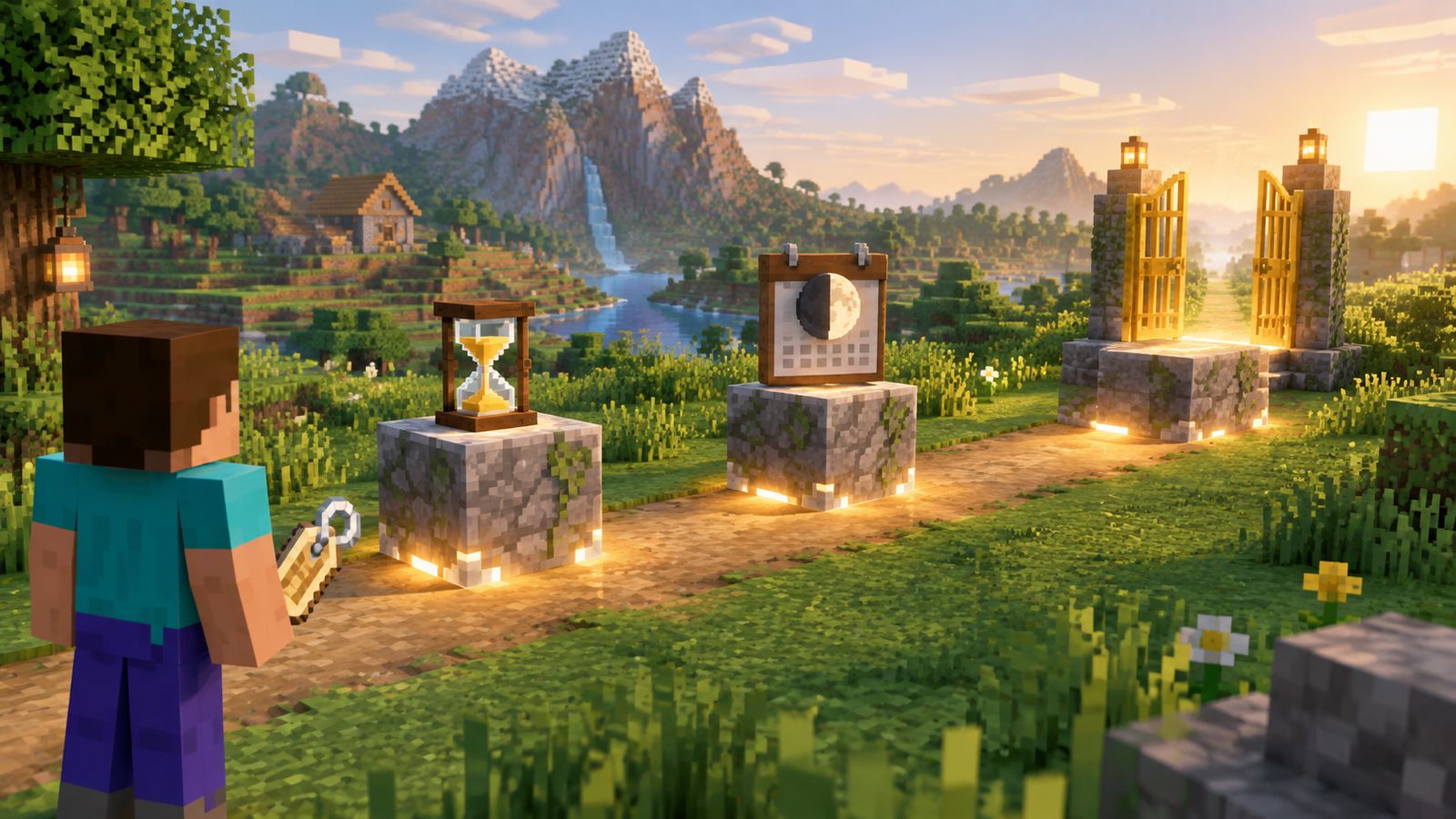
According to NameMC's FAQ, you can change your Java username once every 30 days. After a change, you can switch back to your old username after 30 days, but everyone else must wait 37 days before they can take it. Those extra seven days protect players who change their mind.
- Day 0: you change from OldName to NewName. OldName is now on hold.
- Day 30: you can change again, including back to OldName.
- Day 37: if you did not take it back, OldName drops and anyone can claim it.
NameMC's terms note that availability and drop times are not guaranteed, so a name shown as available can still be refused. If you want a short, rare name, have a few backup ideas ready. Our Name Generator suggests names in many styles that fit the 16 character limit.
Tips for picking a username that lasts
- Keep it short and easy to spell out loud, so friends can find you on NameMC and servers.
- Leave out your real name, age, school or city. Old names can stay visible in name history.
- Avoid long strings of numbers and underscores, which look like throwaway accounts.
- Check the name on NameMC before you plan a channel or server brand around it.
- Use the Name Generator for ideas, then style your name in chat or signs with color codes.
How to change your Minecraft username
- Sign in to your profile on minecraft.net with your Microsoft account.
- Find your Java Edition profile name and choose the option to change it.
- Enter the new name. The page tells you right away if it is taken or not allowed.
- Confirm the change. It is free and applies across servers once you restart the game.
How to claim your NameMC profile
Claiming proves to NameMC that you own the account. It unlocks profile controls like hiding old names, adding a bio and linking social accounts. NameMC's claim page lists three steps:
- Create or sign in to a free NameMC account on namemc.com.
- In Minecraft: Java Edition, join the server blockmania.com.
- Type the command /namemc in chat.
- Click the link the server sends you to confirm the claim on your NameMC account.
That is the only verification method. You never type your Microsoft password into NameMC, and you never need to install anything. NameMC's terms only let you link profiles you own or are authorized to manage, and you must be at least 13, or the minimum age in your country, to make an account.
NameMC and Bedrock Edition
NameMC is built around Java Edition. Its profile search, name history and name availability tools all use Java usernames and UUIDs. Bedrock Edition players sign in with an Xbox gamertag, which follows Xbox naming rules and is changed through Microsoft, so searching a gamertag on NameMC will not find that Bedrock player. If a Java account happens to use the same name, you will see that unrelated Java profile instead.
- Skins: you can still download a skin file from NameMC and import it in Bedrock's Character Creator on devices that allow custom skin files, such as Windows and mobile. Most consoles do not allow imported skin files.
- Capes: newer promotional capes are often given on both editions, but NameMC only shows the Java side of an account.
- Names: Java name rules, including the 30-day and 37-day rules, do not apply to Xbox gamertags.
Privacy: what NameMC shows and how to hide it
Everything on a NameMC profile comes from public game data, so assume anyone can see your username, UUID, skins, capes and recorded name history. If an old name includes your real name or something you regret, you have options.
- Hide previous names: after claiming your profile, use NameMC's hide names option. Hidden names show as a dash. Your current name cannot be hidden.
- Change your current name: if your current name is the problem, change it on minecraft.net, then hide the old one once it appears in your history.
- Change your skin: older skins stay in your skin history, so do not use a skin that shows personal details like a face photo.
- Read NameMC's privacy policy and contact the site for anything the settings do not cover.
Parents can use NameMC to check a child's public profile. It shows what strangers can see, which is a good starting point for a conversation about usernames that do not reveal real names, ages or locations.
Is NameMC safe? Scams to avoid
The website itself is a long-running lookup site that you can browse without logging in. The danger comes from people who borrow its name. Watch for these red flags:
- Any page that asks for your Microsoft or Minecraft password to verify NameMC. Real claiming happens only through blockmania.com and /namemc.
- Messages offering free rare capes, OG names or name transfers. Capes cannot be transferred, and buying or selling accounts breaks Minecraft's terms.
- Downloads, mods or browser extensions that claim to show hidden name history or unlock capes.
- Look-alike addresses with extra letters or different endings. Always type namemc.com yourself.
- Sellers who will not let you check their account's capes and history on NameMC before payment.
- Discord servers or direct messages claiming to be NameMC staff. NameMC's claim page says its only official Discord is discord.gg/NameMC and that it will never reach out to you directly about your Minecraft account.
Useful NameMC tips for builders and server owners
- Copy a player's UUID from NameMC when adding them to a whitelist, so the entry still works after they rename.
- Search a skin by tag, such as knight or wizard, to find costumes for a role-play server, then design matching banners with the Banner Generator.
- Check a trending skin's color palette and reuse it for a build theme with the Block Palette Designer.
- Browse NameMC's server list to see how popular servers word their message of the day, then write yours with the Server MOTD Generator and color codes.
- Before running an event, check that winners' names will fit the 16 character limit on signs, scoreboards and nametags.
NameMC glossary
- UUID: the permanent ID of a Minecraft account. It never changes, even after a rename.
- Profile: the NameMC page for one Java account, showing its name, UUID, skins, capes and name history.
- Name history: the earlier usernames NameMC has on record for an account.
- Drop: the moment a released username becomes free for anyone to claim, 37 days after it was given up.
- Claim: proving you own a profile by joining blockmania.com and typing /namemc.
- Classic and Slim: the two arm widths for skins, 4 pixels and 3 pixels.
- Outer layer: the second skin layer for hats, jackets and sleeves, the only part that can be transparent.
- Emerald: NameMC's optional paid rank with extra profile features.
Your NameMC checklist
- Search your own username and see exactly what strangers can see.
- Claim your profile through blockmania.com and /namemc so you control it.
- Hide any previous names that reveal personal details.
- Check that your current skin matches the right arm model.
- Save your UUID somewhere safe for server whitelists and support requests.
- Turn on two-step verification on your Microsoft account and never share your password with any site claiming to be NameMC.
NameMC alternatives
Several other sites read the same public Mojang data. Skin libraries such as The Skindex focus on making and sharing skins, while UUID tools focus on converting names to UUIDs for server admins. Because the history API is gone, every site now relies on its own records, so results can differ between sites. For official account matters, such as name changes, purchases or bans, use minecraft.net and Minecraft Support only.
Common NameMC myths
- Myth: NameMC is owned by Mojang. It is an independent fan site.
- Myth: NameMC can give you a cape. Official capes come only from Mojang promotions.
- Myth: Name history on NameMC is always complete. Since September 13, 2022 it depends on the site's own records.
- Myth: Available on NameMC means guaranteed. The 37-day hold and Mojang's filter can still block a name.
- Myth: Changing your name resets your account. Your UUID, purchases, capes and server data stay the same.
Sources
Rules and features were checked against NameMC, Mojang's help center and the Minecraft Wiki in November 2026. Websites and Mojang policies can change, so check the official pages if something looks different.
- NameMC, Frequently Asked Questions: https://namemc.com/
- NameMC, Claim Your Profile (claim steps and official Discord notice): https://namemc.com/claim-your-profile
- NameMC, Terms of Service: https://namemc.com/terms
- Minecraft Help, Username History API Removal FAQ: https://help.minecraft.net/hc/en-us/articles/8969841895693-Username-History-API-Removal-FAQ-
- Minecraft Wiki, Cape: https://minecraft.wiki/w/Cape
- Minecraft Wiki, Skin: https://minecraft.wiki/w/Skin
- Minecraft Wiki, Universally unique identifier: https://minecraft.wiki/w/Universally_unique_identifier
Make your Minecraft identity stand out with MineBuildr Premium
A great skin and name get you noticed. A great build keeps people coming back. MineBuildr Premium gives you the planners that turn your style into a world worth showing off. Design a full armor set that matches your skin and cape with the Armor Trim Architect, turn your skin's colors into giant wall art with the Map Art Planner, and run a smooth server for your community with the Server Capacity Planner and SMP Economy Balancer.
- All 25 Premium planning tools in one membership, with saved setups and share links on every tool.
- Premium blueprint downloads for castles, bases and mega builds from the Blueprint Library.
- More daily AI Screenshot to Build generations to turn any inspiration picture into a block plan.
- A members dashboard with a Build Vault, world notes and material tracking.
- Cancel any time from your account dashboard.
Start free with the AI Skin Generator and Name Generator, then upgrade when you want the full toolkit. Compare plans on the pricing page.
Give your next ambitious build a better workflow
Turn what you just learned into a finished build. Premium keeps your projects, materials and plans organized, from your first survival base to your next mega build or server.
- All 25 Premium planners, calculators and optimizers
- Saved setups, share links and one-click reset on every Premium tool
- 20 AI Screenshot to Build analyses a day (free accounts get 1)
- .schem and Java .mcfunction exports from the House Planner and AI Build Generator
Compare current prices and billing options before checkout. Features depend on the tool and export format. Premium tools help you plan; results in your world depend on your version and settings. Core tools remain free. Review the Terms and Refund Policy.