
FarmFree download
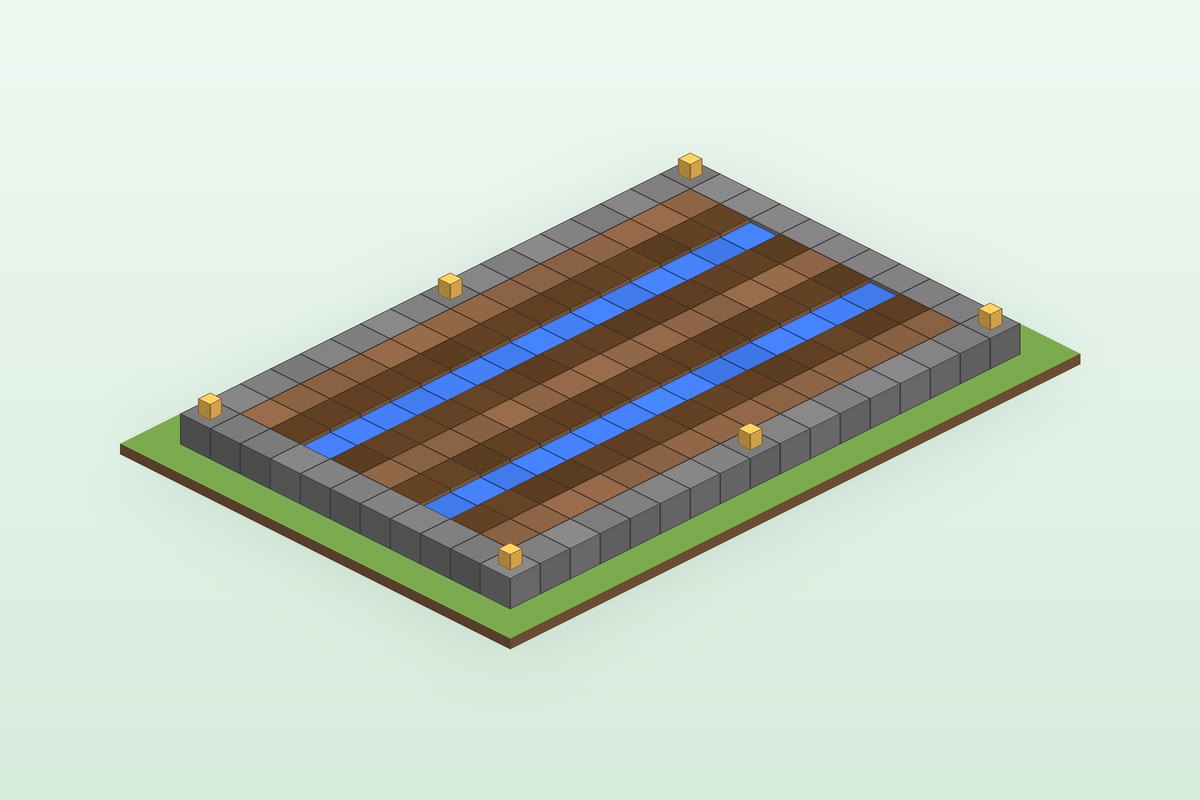
Pumpkin and Melon Farm
A 9 by 15 stem farm with 60 farmland stem spots, two water channels and open dirt rows for fruit.
- Size
- 11×17×2
- Difficulty
- Beginner
- Style
- Utility
- Blocks
- 193 blocks
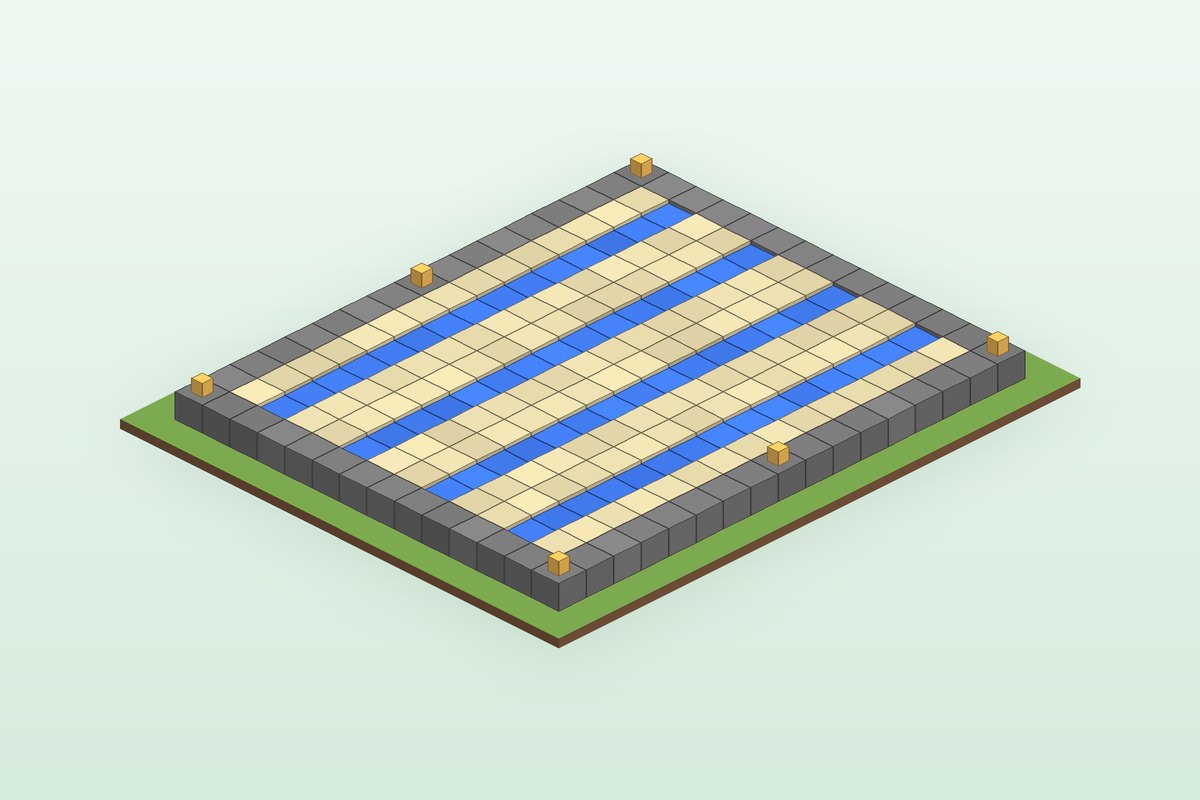
A 12 by 15 sugar cane field where every sand block touches water, giving 120 planting spots.
Sugar cane must be planted on sand or dirt directly next to water. This field alternates sand, water, sand across four water channels, so all 120 sand blocks qualify. Use it for paper, books and trading.
The .schem file is a Sponge schematic for WorldEdit and similar tools on Java 1.21 or newer. Preview it first in the Schematic Viewer. Bedrock players can follow the layer plan below.
Lay a 14 by 17 ring of stone bricks to hold the water in.
Inside, dig four channels running the full length, with two rows of sand between channels and one row at each edge.
Fill each channel with water. Pour a bucket at both ends of a channel and the middle fills in as source blocks.
Plant sugar cane on every sand block and put lanterns on the border corners and midpoints.
Exact counts for every block in the build. Stacks are 64.
| Block | Count | Stacks |
|---|---|---|
| Sand | 120 | 1 × 64 + 56 |
| Water source (bucket) | 60 | 60 |
| Stone Bricks | 58 | 58 |
| Lantern | 6 | 6 |
Planks, stairs, slabs, bricks and glass converted back to what you collect, using standard recipes. Rounded up.
Build from the bottom up. Each layer shows exactly which block goes where, with the layer below shown faintly for alignment.
Loading layer plan…
A 9 by 15 stem farm with 60 farmland stem spots, two water channels and open dirt rows for fruit.
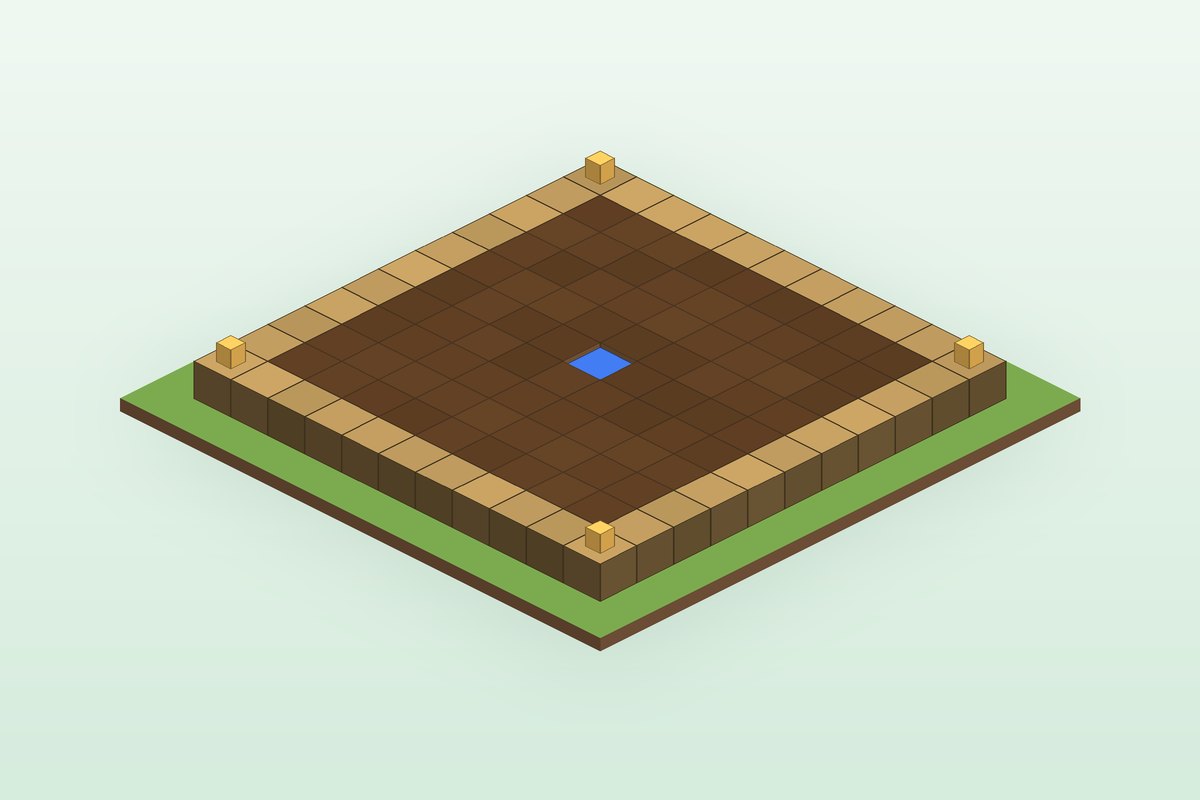
The classic 9 by 9 farm: 80 farmland around one water block, framed with logs and lit at the corners.
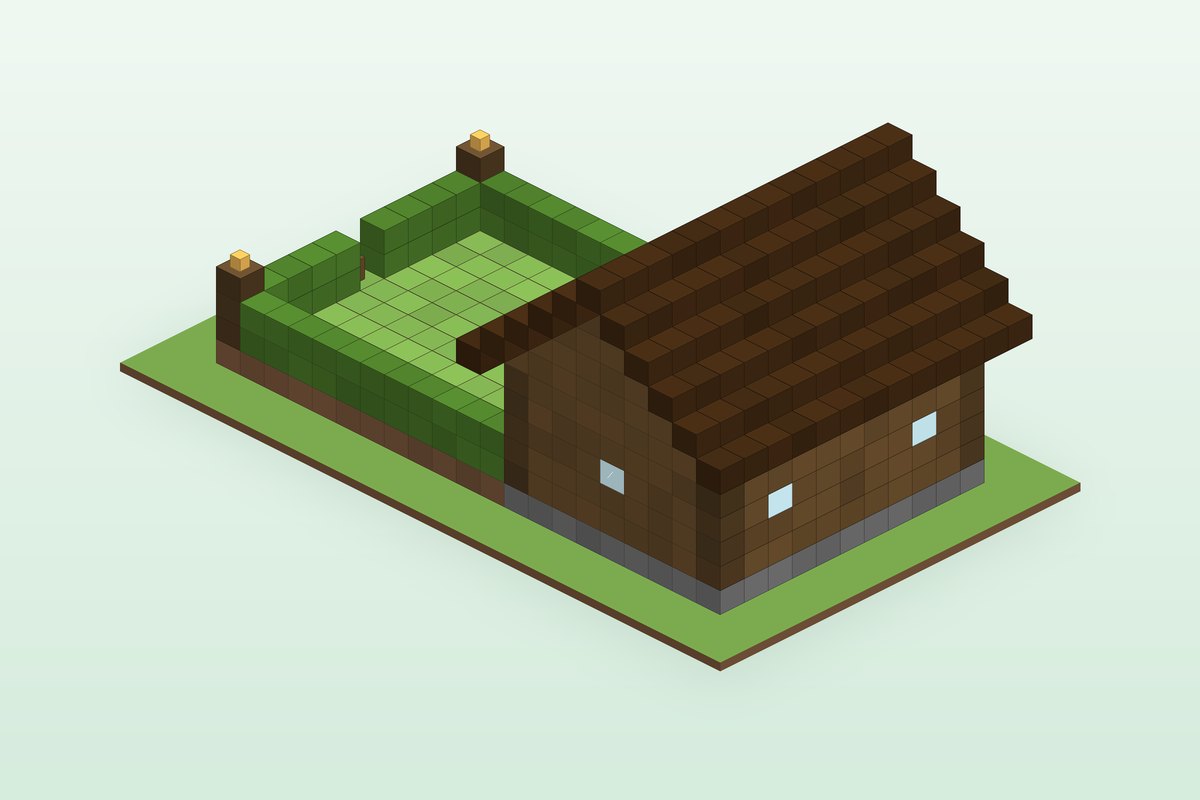
A 9 by 11 spruce barn opening into a hedge-walled grass pen with a gate and water.
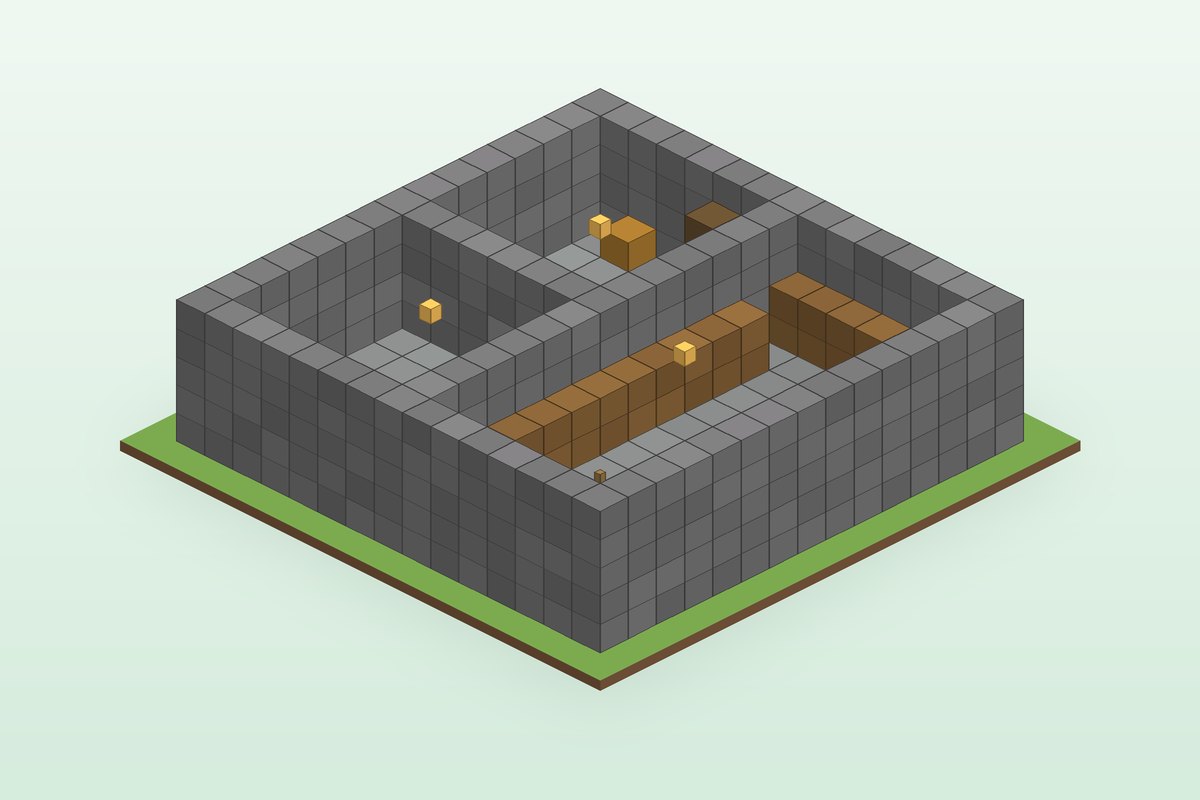
A 15 by 15 stone brick bunker with three rooms, storage walls and a ladder entrance.
Premium unlocks layer plans and .schem downloads for every Premium blueprint, plus saved projects, priority AI generations and members-only planners. $9 a month, cancel anytime.
Send your build to our review team. Accepted builds are turned into full blueprints with credit to you.
One short email when we publish a new guide or launch a new free tool. No spam, unsubscribe in one click.
By subscribing you agree to receive occasional product and tool-update emails from MineBuildr and accept our Privacy Policy and Terms. No spam, ever — every email includes a one-click unsubscribe link, and you can unsubscribe at any time. The newsletter is intended for ages 13 and up; if you are under 18, please ask a parent or guardian first.