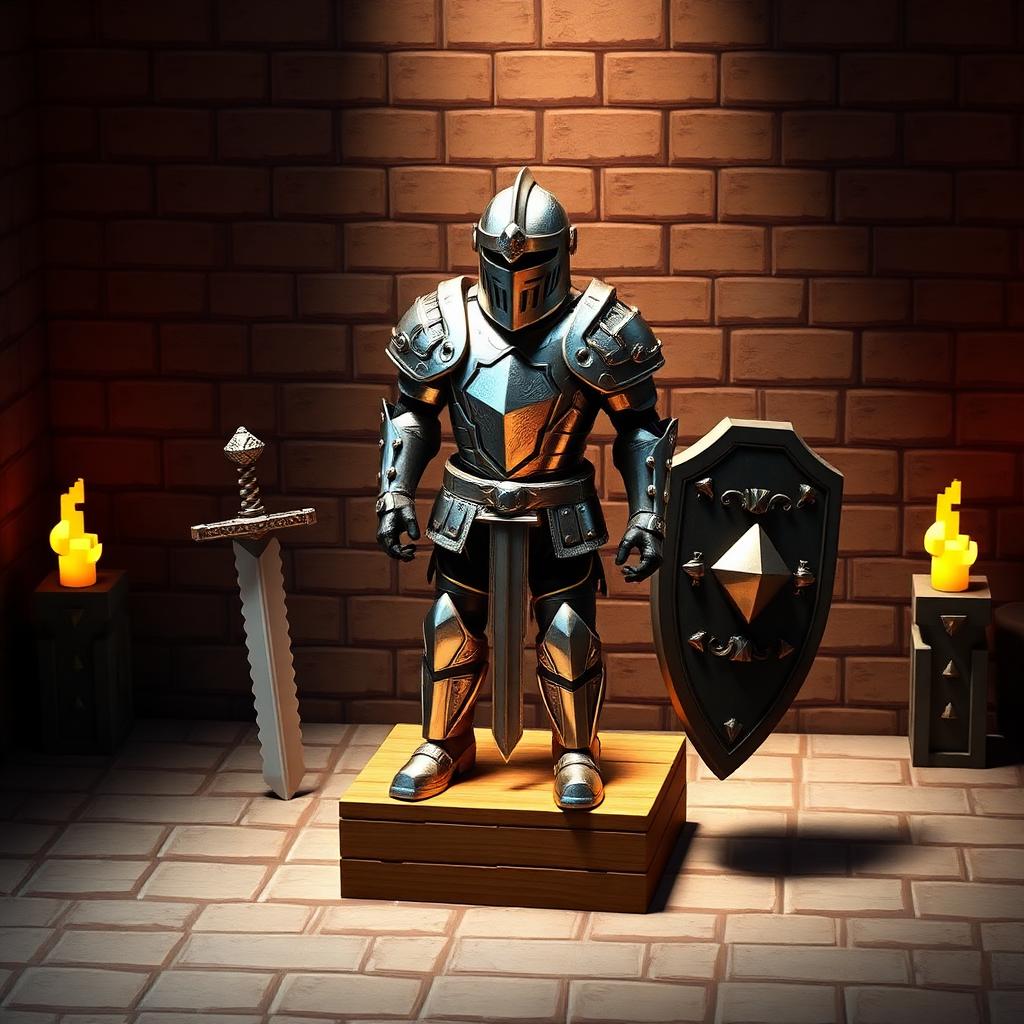
Armor stands turn your base into a museum. Whether you're showing off a full netherite kit, staging a scarecrow for a farm, or building custom hitboxes for an adventure map, the armor stand is the single most versatile decoration in Minecraft. This 2026 guide covers the exact recipe, the smooth-stone-slab requirement players get stuck on most often, posing on Bedrock, and the full /data command syntax for Java pose control. Pair with our smooth stone guide if you're gathering materials, or the shield guide for a display-worthy loadout.
The armor stand recipe
The full recipe uses 6 sticks arranged around a smooth stone slab. Sticks are cheap — two planks make four sticks — but the slab trips new players up because it must be smooth stone, not stone.
Crafting grid layout
- Row 1 (top): stick, stick, stick
- Row 2 (middle): stick, empty, stick
- Row 3 (bottom): empty, smooth stone slab, empty
How to get a smooth stone slab
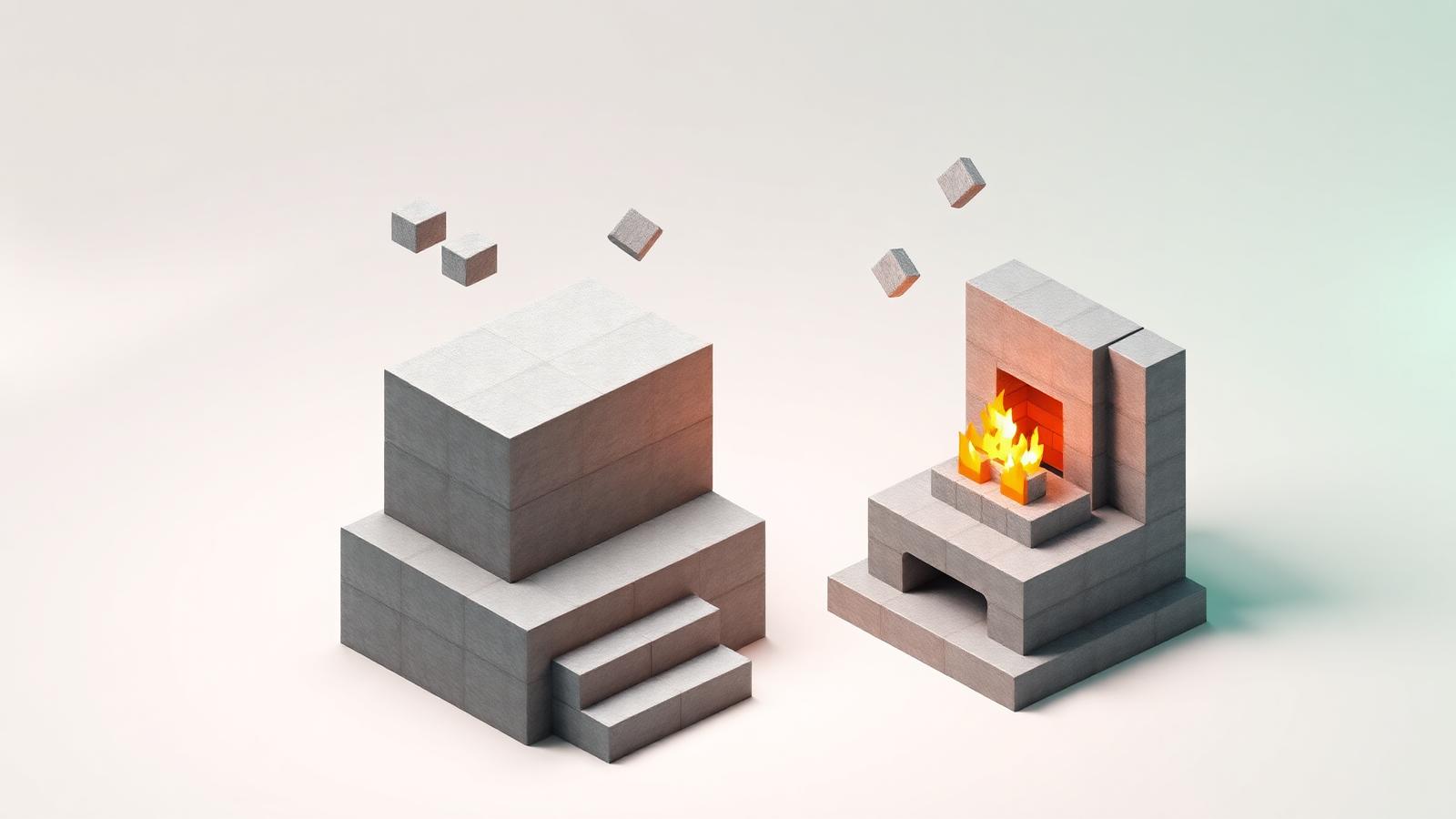
This is the step that stalls most players. A regular stone slab does not work — it must be smooth stone. Smooth stone requires two furnace passes.
- Mine cobblestone with any pickaxe.
- Smelt cobblestone in a furnace → stone.
- Smelt stone in a furnace → smooth stone.
- Craft 3 smooth stone blocks in a row in a crafting table → 6 smooth stone slabs.
Placing and equipping the armor stand
Right-click any solid block to place the armor stand facing you. Its rotation snaps to 8 directions. To equip gear, hold the armor piece and right-click the stand — helmets, chestplates, leggings, boots, elytra, carved pumpkins, and mob heads all snap into place.
- Right-click with an armor piece: equip.
- Sneak + right-click empty-handed: remove the item you're pointing at.
- Bedrock only: right-click with a weapon or shield to place it in the main hand.
- Java only: use /item replace entity @e[type=armor_stand,limit=1] weapon.mainhand with diamond_sword to place hand items.
Posing armor stands on Bedrock
Bedrock ships with 13 preset poses. Sneak-right-click an armor stand to cycle through them — arms out, cheering, athletic, riposte, entertaining, hero, honor, riposte, salute, sitting, solemn, walking, and default. This is the fastest way to build cinematic displays without commands.
Posing armor stands on Java (commands)
Java has no pose UI. Use /data merge entity on the nearest armor stand and set individual body-part angles in degrees. Each limb takes three floats: pitch, yaw, and roll.
Invisible & custom armor stands
Adventure-map builders rely on invisible, armless, base-less stands as anchors for custom items and text. Summon one with:
- Invisible:1b — hides the wooden stand.
- NoBasePlate:1b — removes the stone slab.
- ShowArms:1b — enables arms to hold items.
- NoGravity:1b — freezes it mid-air (great for floating decorations).
- Small:1b — creates a half-size 'baby' armor stand.
- Marker:1b — makes it invulnerable, uninteractable, and hitbox-less; used as a coordinate anchor.
Best uses for armor stands
- Display finished armor sets in your base or trophy room.
- Store spare kits near a Nether portal or raid farm for quick regear.
- Build scarecrows for farms and haunted-forest builds (add a pumpkin head).
- Anchor floating text or item frames in adventure maps.
- Create statues and NPCs for role-play servers with custom poses and item hands.
- Test enchantment glints and armor trim combinations without wearing them.
Common mistakes
- Using a regular stone slab instead of smooth stone slab — the recipe will not craft.
- Trying to add items to the hands on Java by right-clicking (only works on Bedrock; Java needs /item).
- Forgetting to sneak when removing items — a normal right-click swaps instead of removes.
- Placing stands in unloaded chunks; they can despawn or lose NBT if the chunk-format changes across a major update.
- Leaving them exposed near mobs — 2 HP means one zombie punch destroys the whole display.
Repair, durability, and protection
Armor stands themselves cannot be repaired — they either exist or they don't. Protect them by placing barriers behind them, surrounding them with glass or iron bars, or lighting the area so no hostile mobs spawn. On Java, set the DisabledSlots NBT tag to lock specific slots so players on multiplayer servers cannot steal your displayed gear.
Quick reference
- Materials: 6 sticks + 1 smooth stone slab (not stone slab).
- Output: 1 armor stand per craft.
- HP: 2 — destroyed by any attack.
- Bedrock poses: 13 built-in via sneak-right-click.
- Java poses: /data merge entity with Pose NBT.
- Invisible display: /summon with Invisible:1b, NoBasePlate:1b, ShowArms:1b.